An unconnected input has no defined voltage
An analog-to-digital converter (ADC) reports a number based on the voltage at its input relative to a reference. If the input pin is left unconnected, nothing is holding it at a particular voltage. The number may drift, jump, or seem to settle until something nearby changes. This is called a floating input, and its readings generally do not represent a useful measurement.
An ADC input is often designed to draw very little current from the signal being measured. That is helpful when a sensor is connected, but it also means an open pin can be affected by tiny amounts of electrical charge. Its voltage may change without any deliberate signal being applied. A reading near zero or near the top of the ADC range is possible too; neither result proves the open input is measuring a stable voltage.
What makes the reading move?
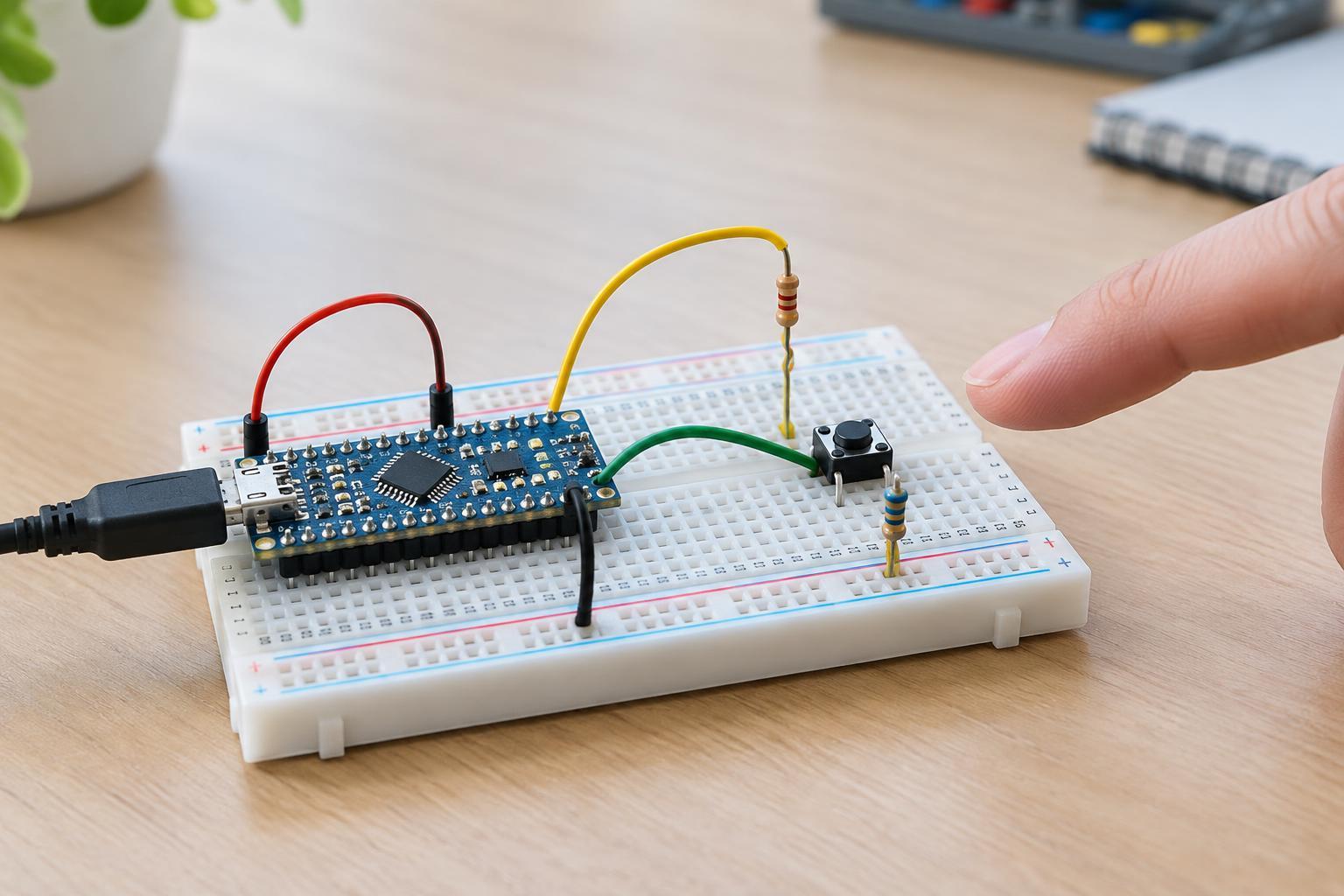
A wire or exposed pin can pick up electrical activity from nearby wiring, devices, or a person’s hand. Moving a hand closer may change the reading because the hand and input interact through a small capacitance. Touching the pin can change it further, but that is not a reliable test: contact can introduce a path for charge as well as electrical interference. Keep the experiment within the board’s intended low-voltage limits.
The ADC’s own measurement process can contribute. Many ADCs briefly connect an internal sampling capacitor to the selected input. If the input has no firm connection to a voltage, charge left from an earlier measurement may influence the next result. This is especially noticeable when software switches between channels and one of them is floating. Small leakage currents and normal electrical noise can also affect an input that has no defined path for charge to leave.
Finally, the displayed number is a digital approximation, not a perfectly steady description of voltage. Even a properly connected input can vary by a count or two under some conditions. Large or unpredictable changes on an open pin are a different issue: there is no stable signal for the ADC to convert in the first place.
A safe way to check the cause
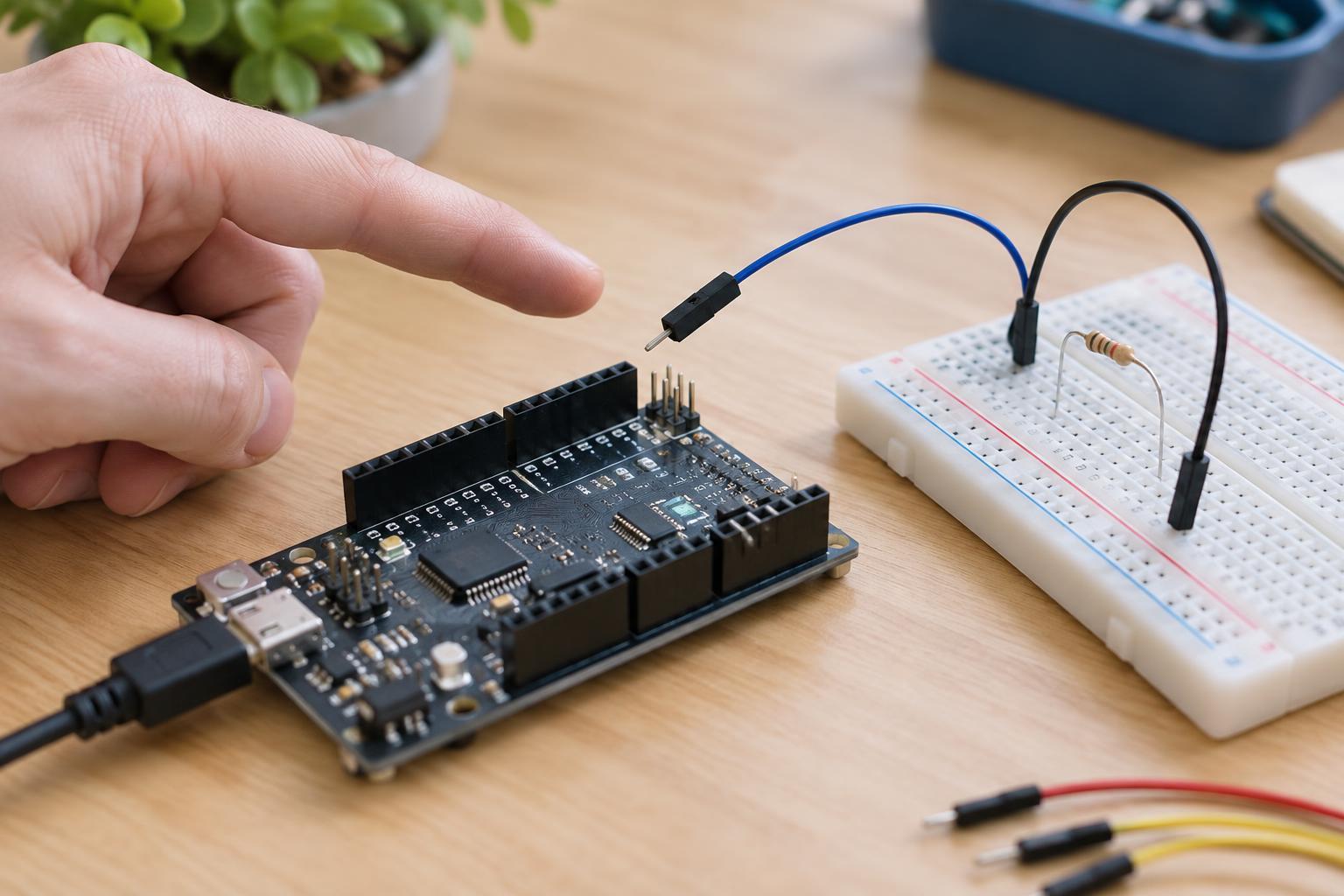
First, confirm which pin and ADC channel the program is reading. Check that the board, sensor, and reference arrangement match the circuit you intended to build. A selected channel with no sensor attached is easy to mistake for a failed sensor. If you use a breadboard, also check for a loose jumper or a connection placed in the wrong row.
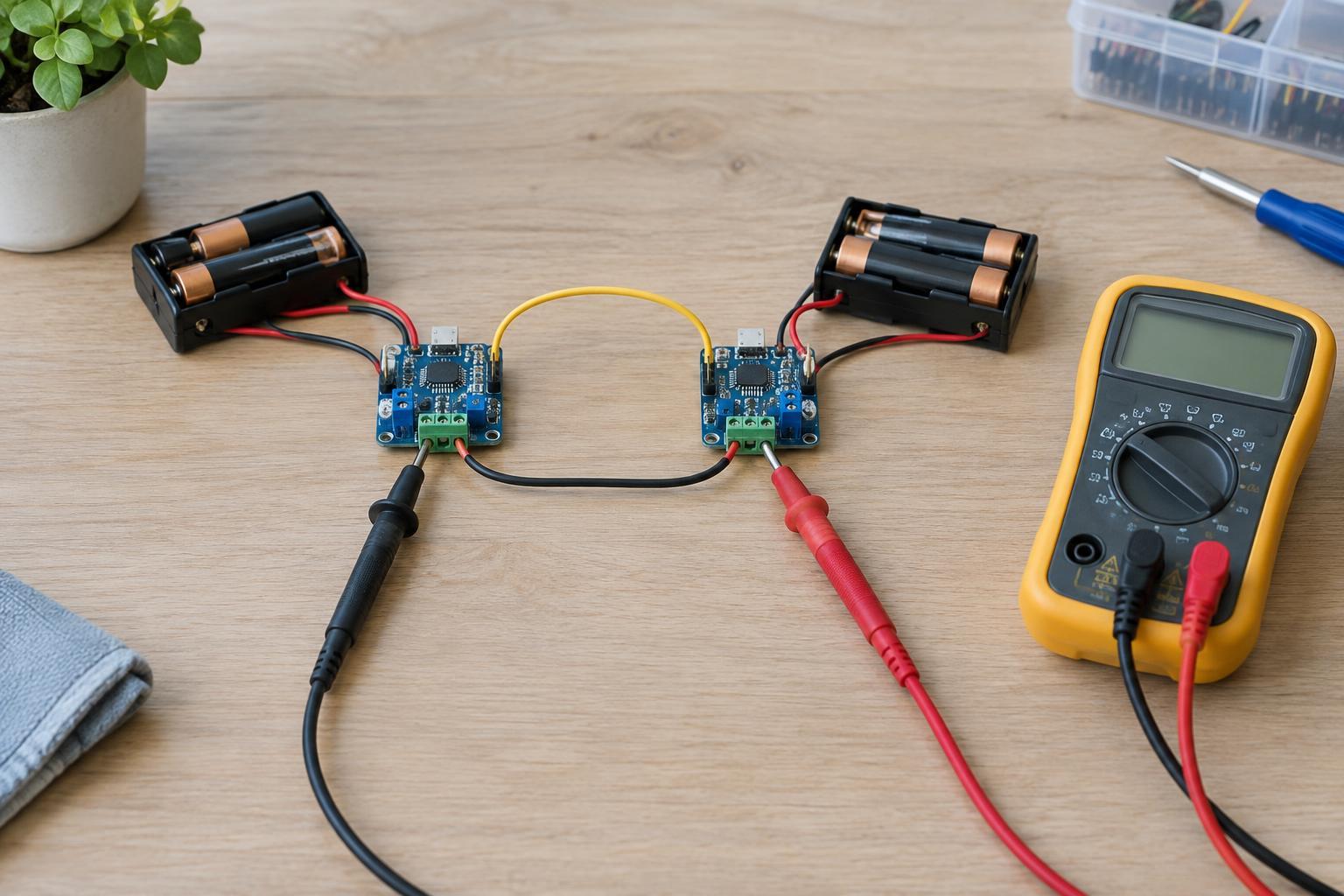
For a low-voltage test, connect the ADC input to the board’s ground, provided the board’s documentation permits that input voltage. The reading should move toward the bottom of its range. Then, if appropriate for that input, connect it to a known voltage within its permitted measurement range and check whether the reading changes accordingly. Power down before rearranging wires if there is a risk of accidentally bridging pins. Never connect an ADC input to mains wiring, and do not apply a voltage outside the input’s specified limits.
If a connected input still changes more than expected, look beyond the floating-pin explanation. A loose ground, an unstable reference or supply, long signal wires, or a sensor output that cannot drive the ADC input well may contribute. Test one change at a time so you can tell which connection or setting made a difference.
How to give the input a defined state
The simplest fix is to connect the input to the signal it is meant to measure. If the signal can sometimes be disconnected, a pull-down resistor to ground or a pull-up resistor to a permitted voltage can establish a default reading. The resistor should be chosen for the sensor and ADC together: a value that is too low may load the sensor, while one that is too high may leave the input sensitive to leakage or interference.
For a sensor that changes resistance, a voltage divider can turn that change into a voltage the ADC can read. For a sensor with a voltage output, follow its connection requirements and ensure that the ADC sees the required common ground and an allowed voltage range. Some ADCs also have recommended limits on signal source impedance because their sampling capacitor needs time to settle. Checking the device documentation is more dependable than assuming every analog pin behaves alike.
When to ignore, and when to investigate
If an unused analog pin reports changing numbers, it is usually enough to stop reading that channel or give it a defined connection. Software averaging may make the numbers look calmer, but it cannot turn an unconnected input into a meaningful measurement. Likewise, interpreting a floating pin as a random-number source requires separate care; unpredictable readings alone do not establish that the output is suitable for security purposes.
Investigate further when the input is connected to a known, stable signal yet still behaves unexpectedly. Confirm the wiring and permitted voltages, then consider the reference, sampling settings, and sensor connection. The key distinction is simple: an ADC can only give a meaningful reading when the circuit gives its input a meaningful voltage.