Start by defining the safe work area
A light that flickers when its plug moves or a small device that restarts when its cable shifts may have an intermittent connection. The fault could be in the plug, the device’s socket, the cable, or the power source. Movement near the plug is a useful clue, but it does not identify the failed part on its own.
This guide applies to accessible, low-voltage leads and connectors, not wall outlets or the inside of mains-powered adapters. Unplug the power adapter from the wall and disconnect the low-voltage plug before inspecting it. Do not open an adapter, work on exposed mains wiring, or investigate a swollen, leaking, or unusually hot battery. If the connector is scorched, melted, or hot to the touch, stop using it until the cause has been assessed.
Observe the pattern before moving anything
Note what happens when the fault appears. Does the device lose all power, briefly reset, or only lose one function? Does the interruption occur when the plug turns in the socket, when the cable moves near its strain relief, or when the device itself is moved? Record these observations while using the device normally; there is no need to repeatedly provoke a failure.
Disconnect the power, then inspect the full visible length of the lead under good light. Look for flattened sections, cuts, sharp kinks, stretched insulation, or a strain relief pulling away from the plug body. Check that the plug is straight and that its metal surfaces are not visibly bent or badly corroded. A damaged outer jacket is a reason to stop using the lead, even if the device still works.
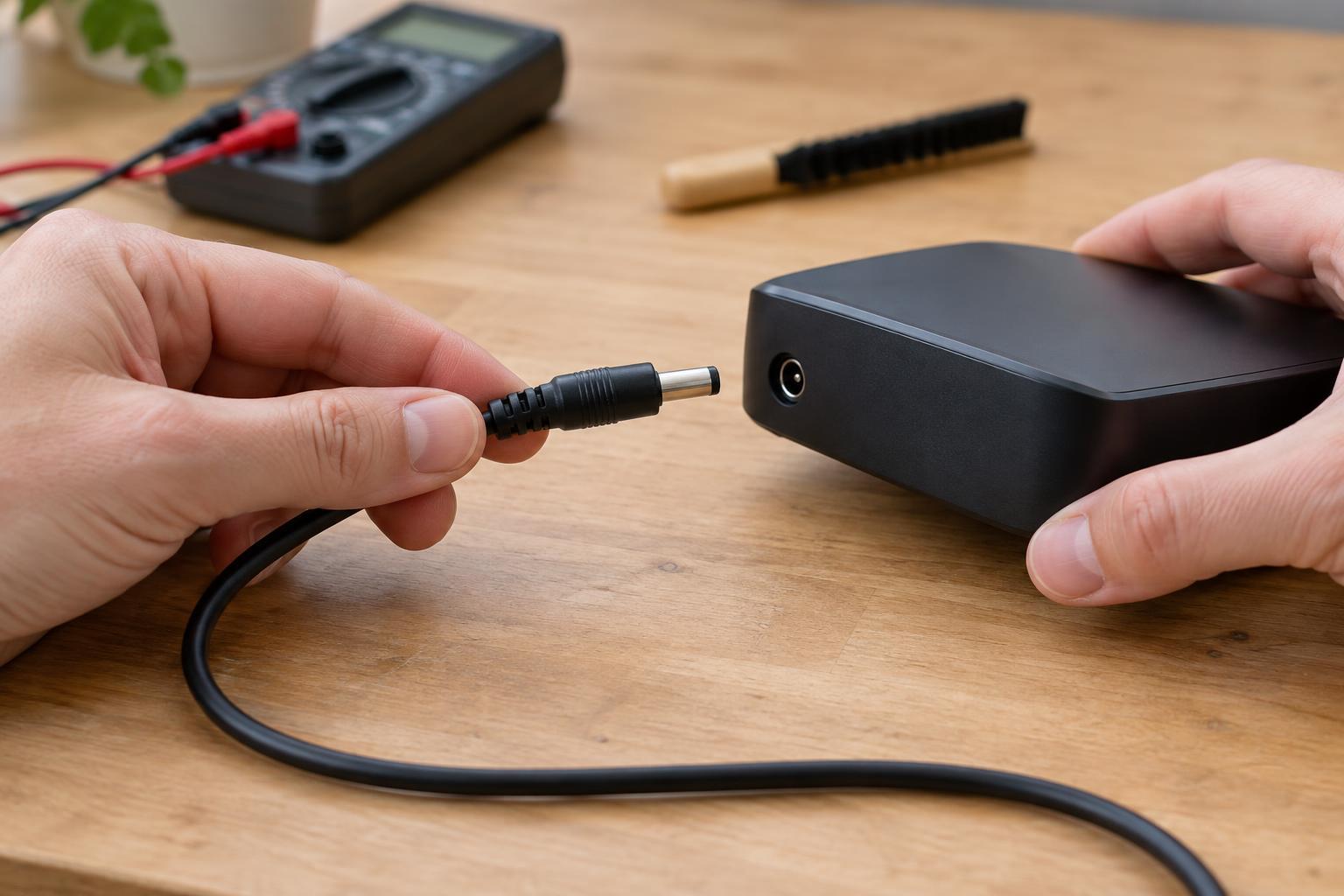
Inspect the device’s socket without inserting tools. A plug that no longer seats fully, rocks excessively, or falls out easily may indicate wear or damage at either mating part. Dust can also prevent a connector from seating properly. Avoid forcing the plug: a tight or misaligned connection can damage the socket.
Use gentle tests to narrow down the fault
With the connector clean, dry, and fully seated, a brief, gentle movement check can help locate an intermittent fault. Support the device so its socket is not carrying the cable’s weight. Move the plug body slightly within its normal range of use, then separately move the insulated cable close to the strain relief. Stop if the connection heats up, sparks, or becomes visibly loose. Do not bend the cable into a sharp angle to make the fault appear.
If the device responds only when the plug body moves, the plug-to-socket contact or the socket’s mounting may be suspect. If it responds when the cable moves but the plug stays still, a conductor near the strain relief may be damaged. These are clues rather than proof: moving one part can transfer force to another.
If you have a known-good replacement lead or supply, a comparison may be helpful, but compatibility must be established first. Match the connector, output voltage, polarity, and required current capacity to the device’s specifications. A plug that fits physically is not necessarily electrically compatible. If those details are unclear, do not try the substitute.
Check accessible connections without piercing insulation
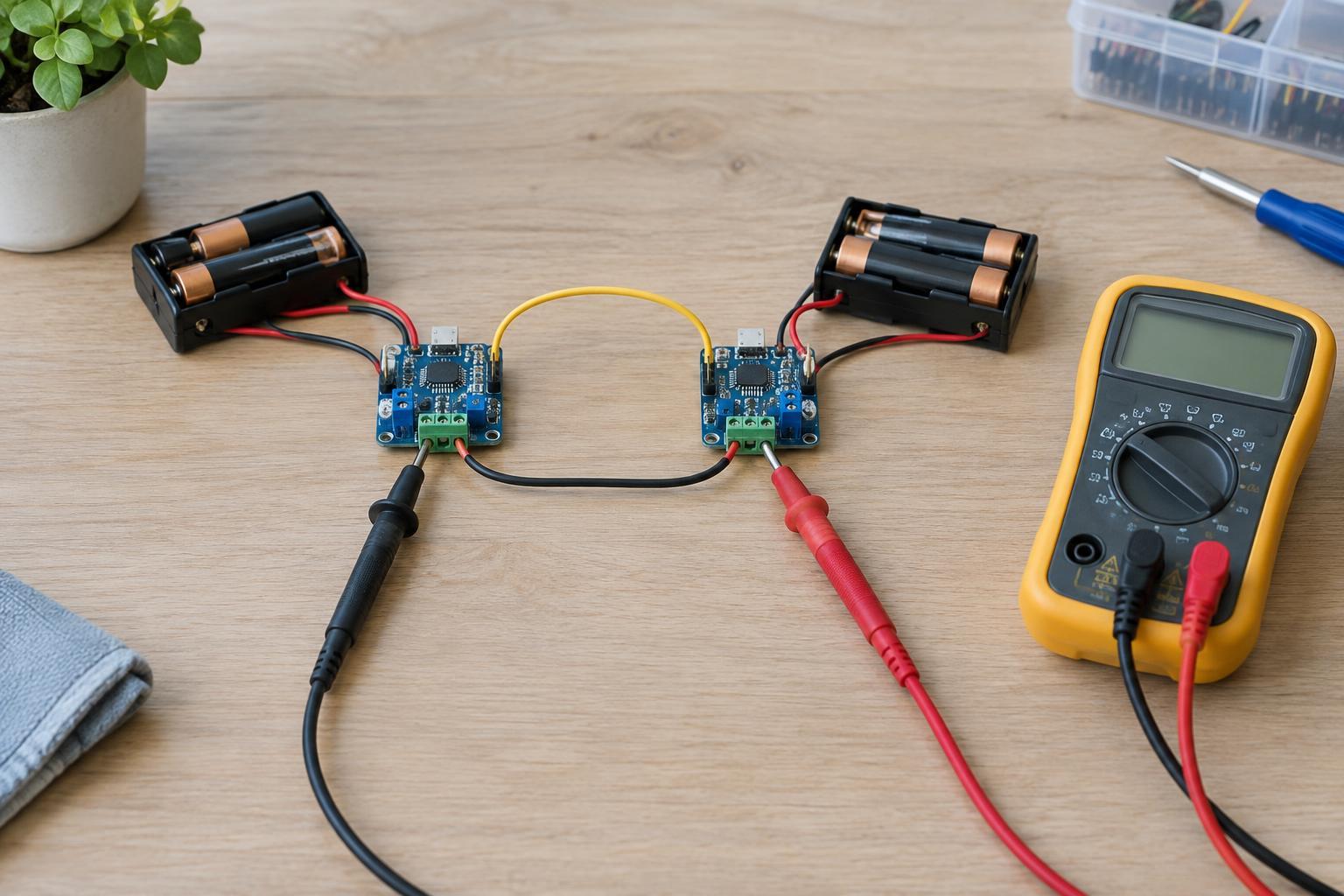
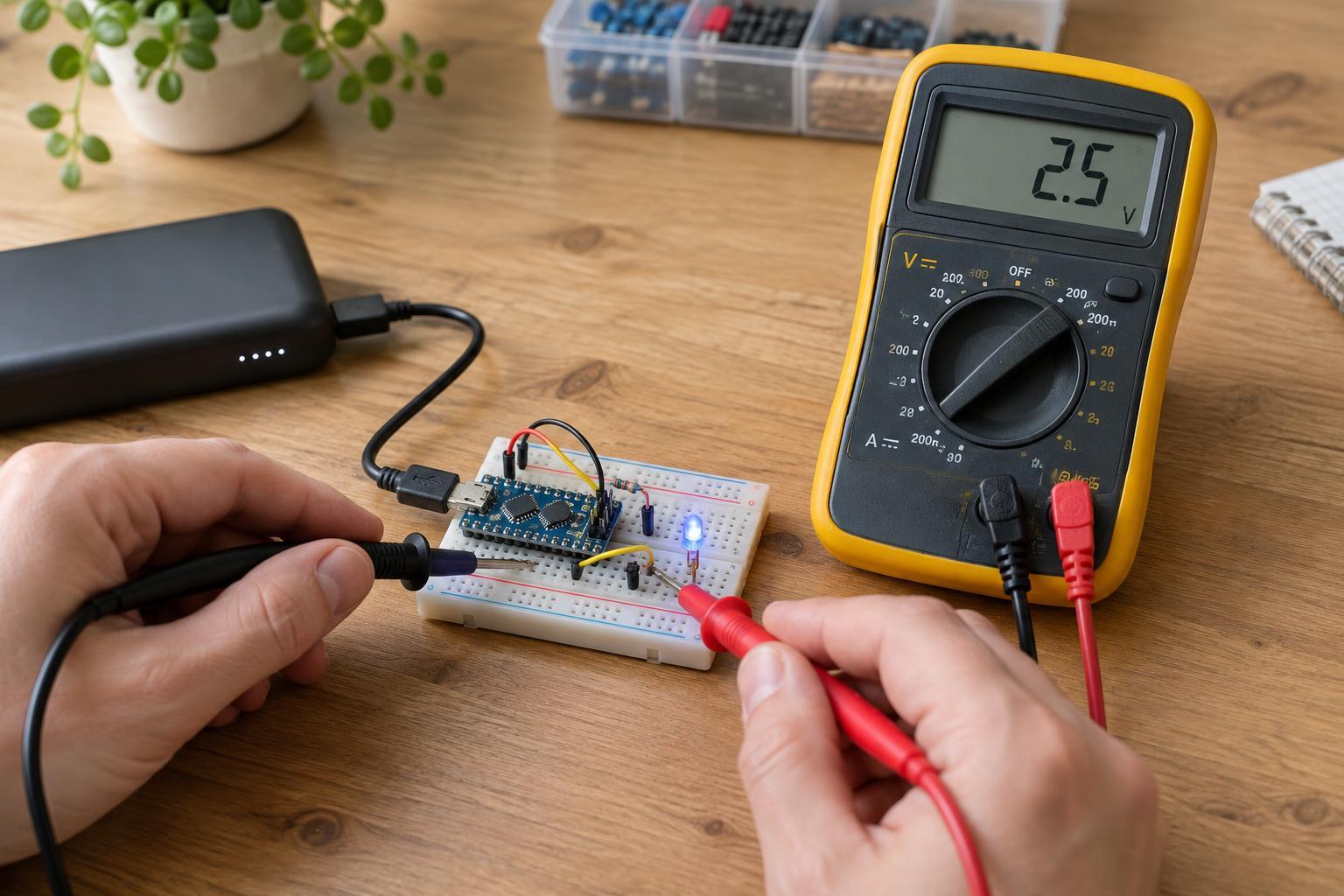
A multimeter continuity test can sometimes confirm a broken conductor in a removable cable. Use it only when the cable is disconnected from every power source and device, and both ends have accessible contacts you can identify. Place the probes on corresponding contacts without letting them bridge adjacent ones. A reading that changes as you gently move the cable suggests an intermittent path; a steady reading does not rule out a contact problem that occurs only when the plug is mated.
Do not push needles through insulation, scrape away the jacket, or pull on the wire to expose conductors. Those methods can turn a small fault into a short circuit or leave the cable unsafe to reuse. Do not apply a continuity test to a powered circuit or to a cable still connected to electronics; the reading may be misleading and the test may damage equipment.
Clean carefully, then choose a durable fix
For a little loose dust on an unplugged connector, use a soft, dry, nonmetallic brush or a lint-free cloth where you can reach the surface safely. Do not insert metal tools into the socket or flood it with liquid. If contamination remains, use only a cleaning method appropriate for that connector and let it dry completely before reconnecting power.
Replace a lead with cracked insulation, an unreliable molded plug, or a fault that appears when the cable flexes near the plug. Tape wrapped around a failing strain relief may hold its shape temporarily, but it does not restore an internal conductor or a sound electrical contact. If a known-good, compatible lead has the same symptom, the device socket or its internal connection may need attention from someone equipped to repair it.
After any cleaning or replacement, route the cable with a relaxed curve and support it so the plug is not under constant sideways pull. Leave enough slack for ordinary use, and avoid winding the lead tightly around the device. These habits reduce strain and make it easier to notice a new problem before the connection fails completely.