Why an unconnected input causes trouble
A digital input is intended to recognize one of two states: low or high. It can do that reliably when a circuit connects the input to a suitable voltage or to ground. But an open switch may leave the input connected to neither. This condition is called a floating input. Its voltage is undefined, so nearby wiring, electrical noise, or a person touching the circuit may influence what the device reads.
A pull resistor gives the input a default state while allowing another part of the circuit to change it. A pull-up resistor connects the input to its appropriate positive logic supply, making high the default. A pull-down resistor connects it to ground, making low the default. The resistor is important: unlike a direct connection to a supply rail, it limits current when a closed switch or another output drives the input to the opposite state.
Wiring a button with a defined default state
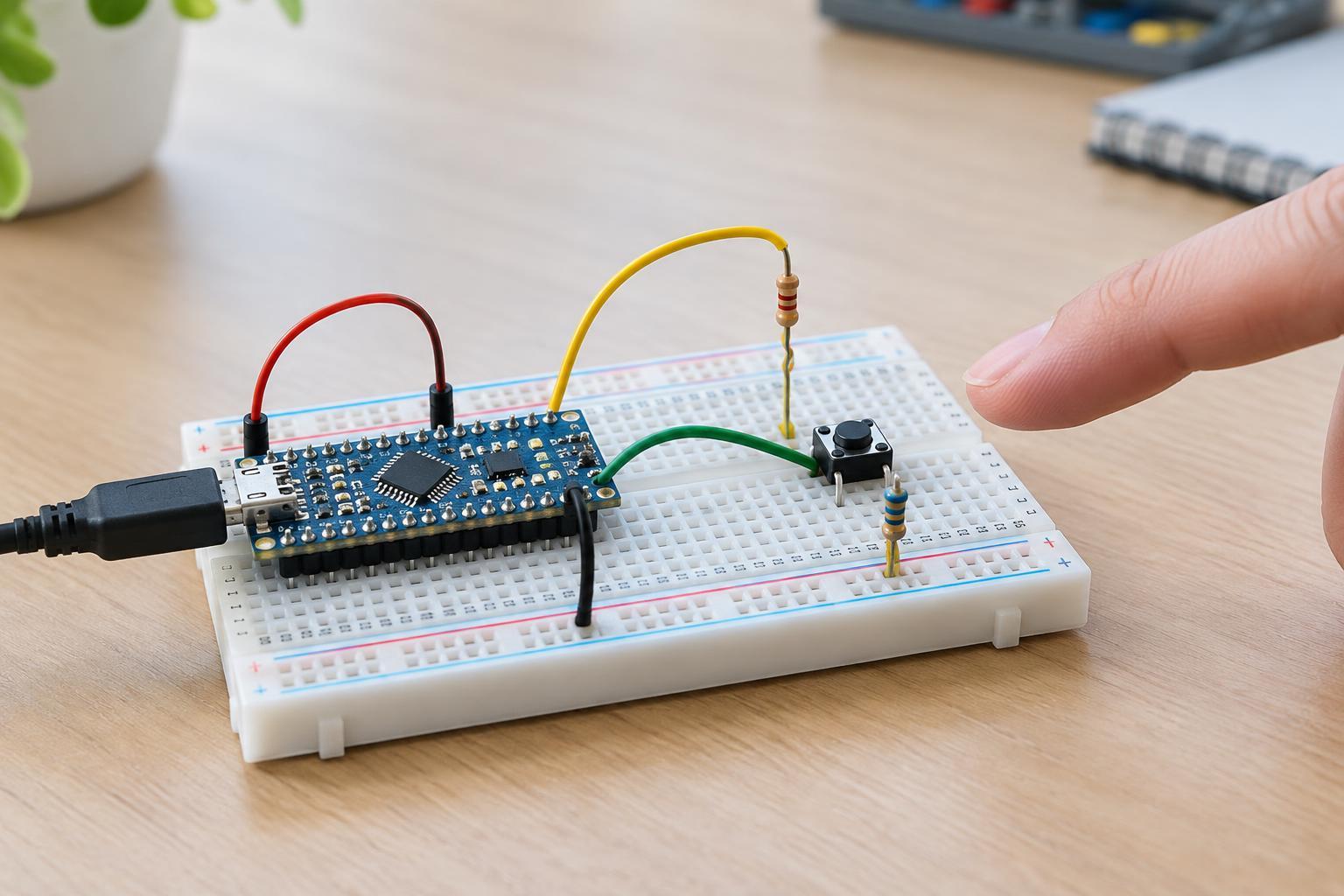
For a common low-voltage button arrangement, connect one side of the button to ground and the other side to a digital input. Connect a pull-up resistor between that input and the device’s logic supply. With the button open, the resistor holds the input high. Pressing the button connects the input to ground, so the device reads low. The software must therefore treat low as pressed. This is often called an active-low input.
A pull-down arrangement reverses the pattern. Connect the button between the logic supply and the input, then connect a pull-down resistor from the input to ground. The input reads low when the button is open and high when it is pressed. Either arrangement can work; what matters is that the wiring, voltage limits, and software agree. When connecting separate low-voltage boards, check their input-voltage limits before sharing a signal. Do not assume a device powered at one voltage can safely accept another board’s logic-high voltage.
Choosing a resistor and checking built-in options
The resistor must be low enough to hold the input at a recognizable level despite small leakage currents and interference, but high enough to avoid unnecessary current when the button is pressed. For many ordinary, short-wired button inputs, a resistor around 10 kilohms is a practical starting point. It is not a universal value: long wires, electrically noisy surroundings, unusually high input leakage, or device-specific requirements may call for a different choice. Check the input specifications when available.
Many microcontrollers offer configurable internal pull-up resistors, and some also offer internal pull-down resistors. Enabling one in software can eliminate an external component for a simple input. Confirm which options the particular pin supports and whether the pull state is active during startup or reset, not just after the program begins running. If the input must have a known state throughout startup, an external resistor may be the clearer choice.
A pull-up also appears on some signal lines driven by open-drain or open-collector outputs. Those outputs can pull a line low but do not actively drive it high; the pull-up provides the high state when they release it. Such connections require attention to compatible voltages and device ratings. A resistor alone does not make an overvoltage connection safe.
Troubleshooting an input that changes unexpectedly
If a button input changes state without a press, first confirm that it has an effective pull-up or pull-down. Check that the resistor goes to the intended logic supply or ground, that the button connects to the opposite rail, and that the input pin named in the program matches the wired pin. If an internal pull is used, verify that it is enabled in the configuration and supported on that pin.
Next, distinguish an undefined input from switch contact bounce. A mechanical button can briefly make and break contact during one press, producing several rapid transitions even with a correctly installed pull resistor. Software debouncing, or an appropriately designed hardware filter, can address bounce; adding a pull resistor alone cannot. If the input is on a long cable, route the signal and its ground connection sensibly and consider whether that wiring is suitable for the environment.
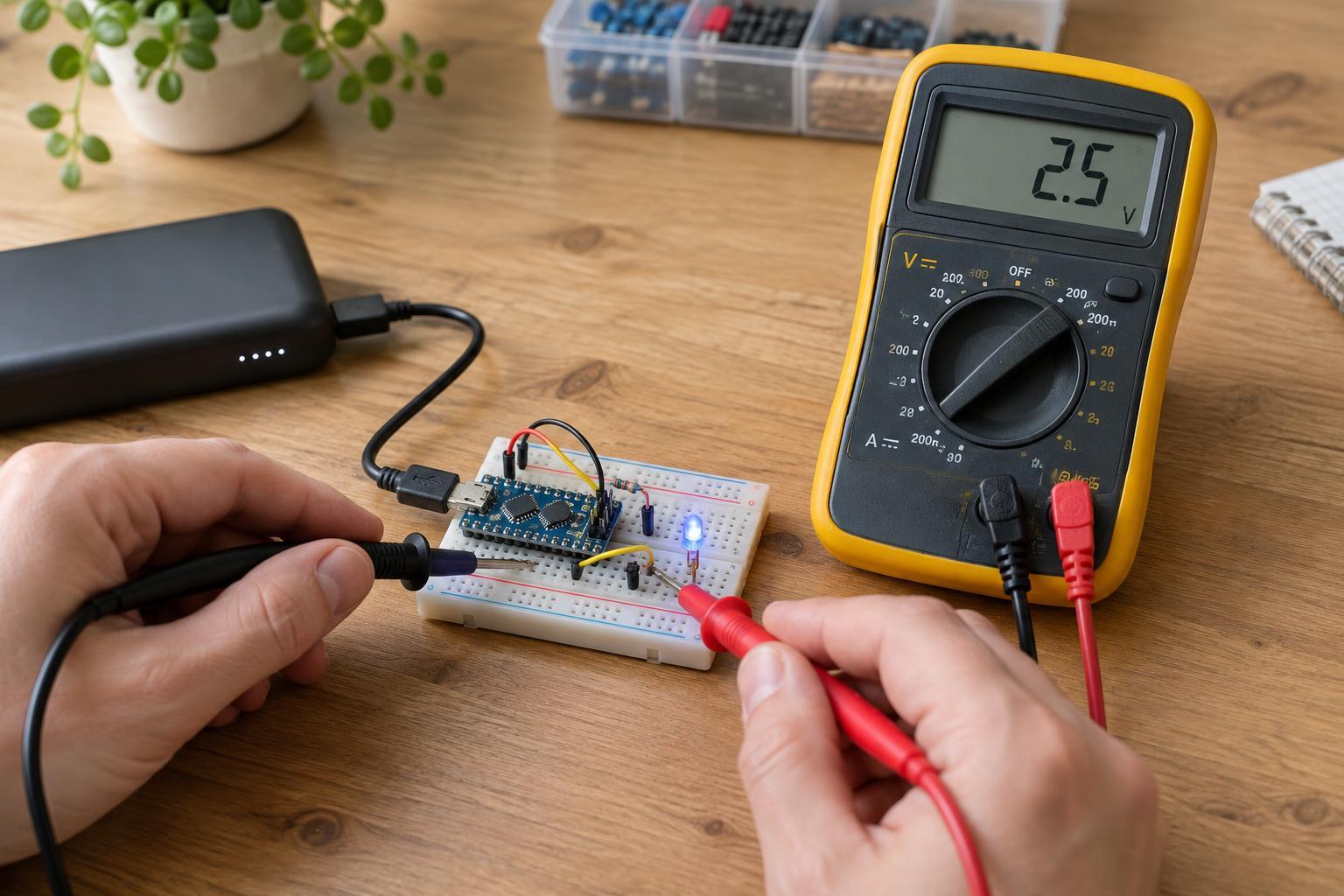
Keep experiments on a current-limited, low-voltage supply and disconnect power before moving wires or components. This button-input exercise does not require opening a mains-powered device or working on exposed household wiring. Once the input has a defined default state, its behavior becomes easier to test—and easier to explain when something still goes wrong.