Why unplugged does not always mean safe
Taking apart a broken gadget can seem like a sensible first step toward repair. But the enclosure may be an important safety barrier, not just a cover. Some devices contain parts that can deliver a dangerous shock, while others contain batteries that can burn or release hazardous material if damaged. The safest first question is not “How do I open it?” but “What hazards might remain inside?”
Unplugging a mains-powered product removes its connection to the outlet, but it does not guarantee that every internal component is safe to touch. Capacitors can store electrical energy after power is removed. Internal wiring and exposed contacts may also be difficult to identify without the right training and equipment. A device that appears to have stopped working can still contain an energized or charged part.
Do not rely on a waiting period, a power button or an indicator light as proof that the inside is safe. Avoid opening mains-powered equipment for exploratory troubleshooting unless you have appropriate electrical training and a way to verify that work can be done safely. Never work inside it while it is plugged in.
Mains-powered devices that deserve extra caution
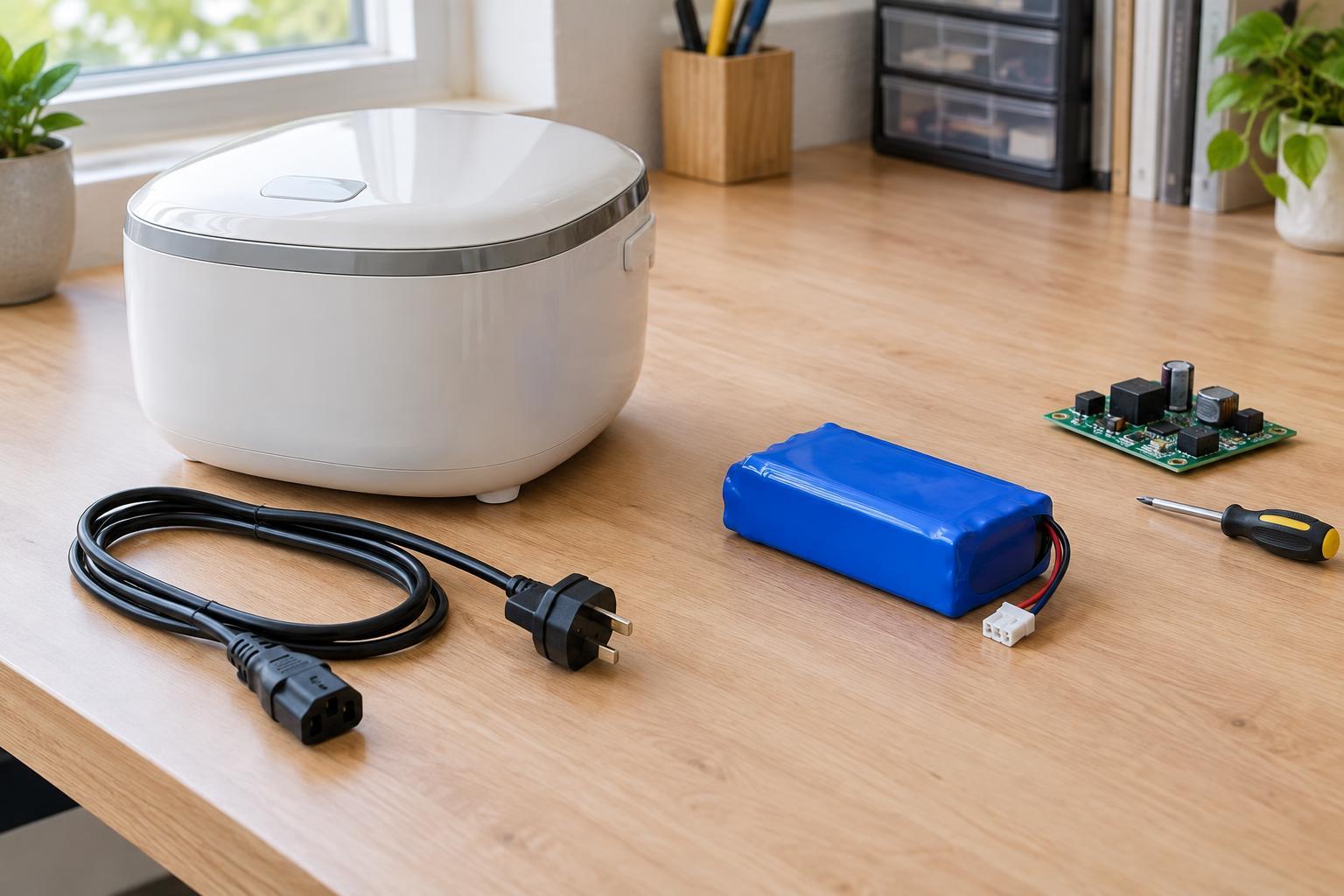
Power supplies and anything that connects directly to a wall outlet should raise a clear boundary for home repair. Examples include plug-in chargers, desktop computer power supplies, televisions, monitors and household appliances. A charger may be small, but its size does not make its mains-connected circuitry safe to handle. Damage to a cord, plug or case is a reason to stop using the product, not a reason to probe inside it.
Some products call for even greater caution because they may contain high-voltage components or other hazards. Microwave ovens and older cathode-ray-tube displays are poor candidates for casual disassembly, including when they are unplugged. Heat, sharp edges and moving parts can add risks in other appliances. Labels and screws do not tell you which internal areas are safe.
There are useful checks you can make without opening a mains-powered device. With it disconnected, inspect the outside for a damaged cable, loose plug, cracked housing, scorch marks or an unusual smell. If you find any of these signs, leave it unplugged. If the fault is not clear from safe external checks, consider a qualified repair service or responsible recycling rather than opening the case.
Why sealed lithium packs should stay sealed
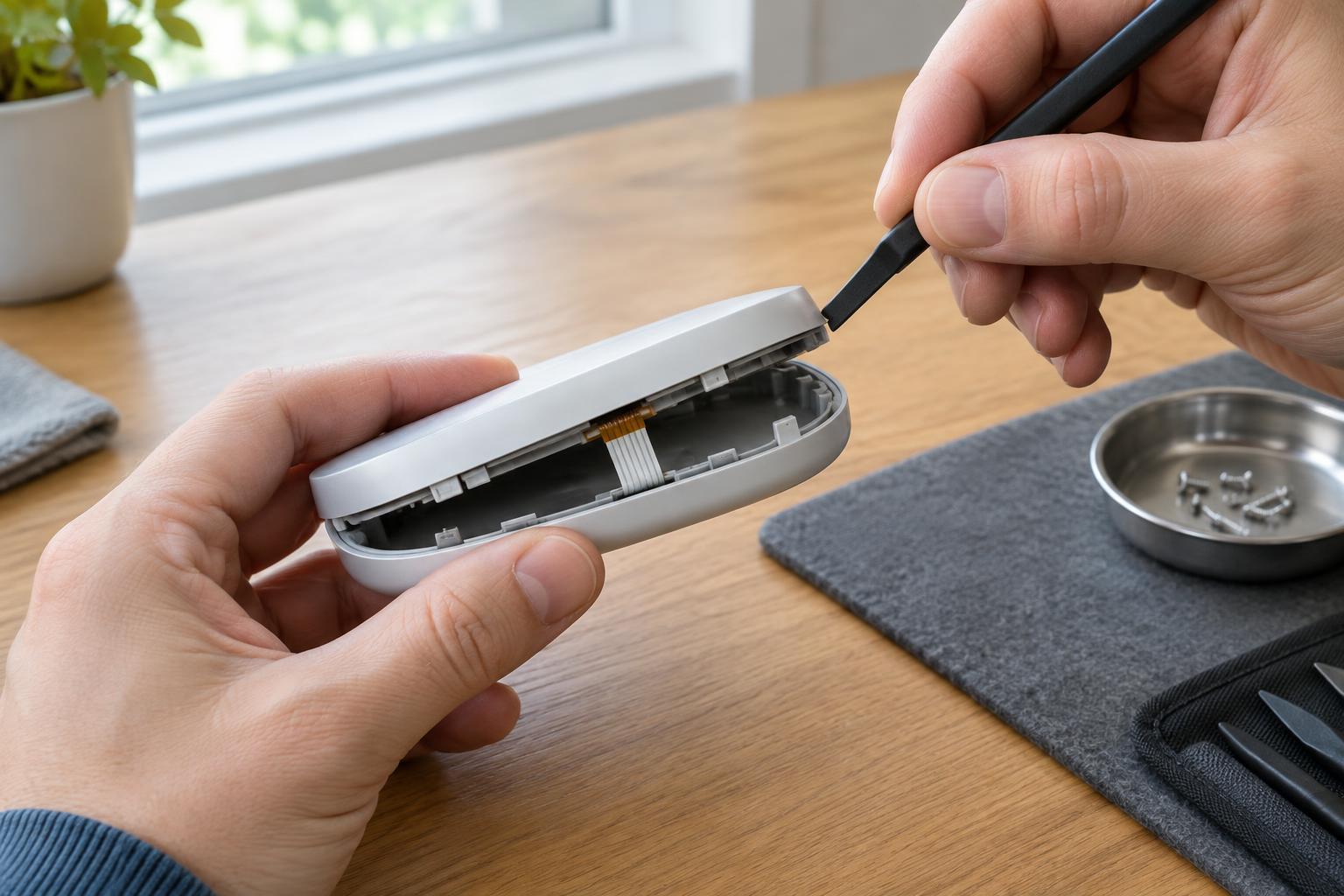
Lithium-ion batteries are common in phones, laptops, power banks, cordless tools and many portable devices. Their packs may be glued shut or enclosed in a rigid housing. Opening a pack can accidentally crush, puncture or short a cell. A damaged cell may become hot, vent or catch fire. Wiring and protective circuitry inside a pack are part of its safety design, not an invitation to swap cells at random.
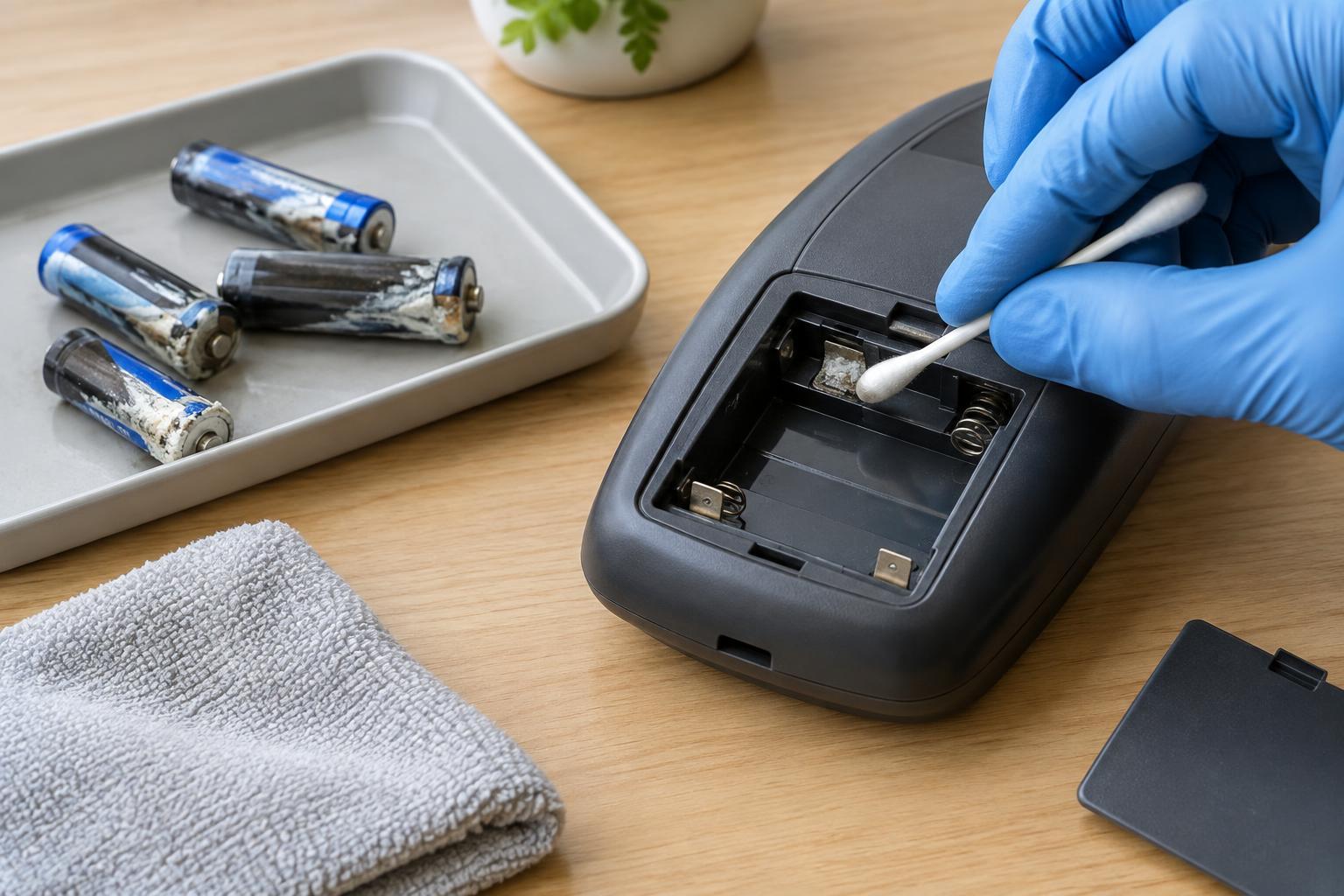
A swollen battery, leaking cell, unusual heat, hissing or strong chemical smell is a warning to stop using and charging the device. Do not press a swollen pack flat, pierce it, put it in water or place it in household trash. If a battery is hot, smoking or on fire, move away and contact local emergency services. Follow local guidance for handling and disposal once the immediate danger has passed.
A user-replaceable battery is different from a sealed pack: it is designed to be removed according to the product’s instructions. Even then, use a compatible replacement and avoid bending or damaging the battery. If removal requires prying against a soft pouch cell or cutting into a sealed enclosure, stop and seek a repair provider equipped for that device.
Set a practical boundary for home projects
Low-voltage projects powered by suitable batteries or an external, certified USB supply are generally better starting points for learning. Keep work on the low-voltage side; do not open the wall adapter. Low voltage also does not eliminate every hazard: batteries can short, wires can overheat, and sharp tools can cause injury. Disconnect power before changing connections, check polarity and use components within their ratings.
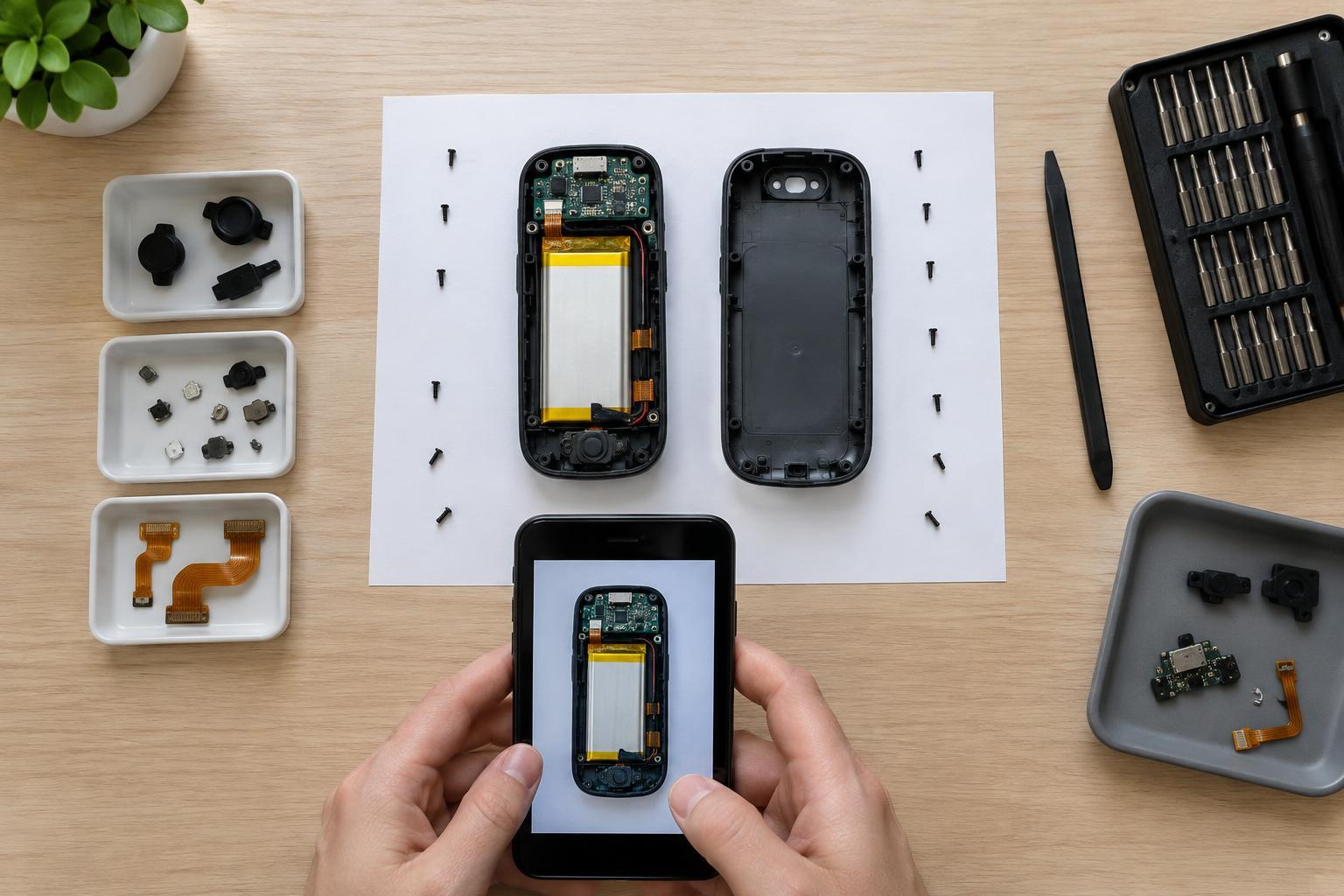
For an existing product, start with reversible, external checks: try a known-good cable or removable accessory, inspect accessible connectors and consult the manufacturer’s instructions. A repair guide may help you understand what is inside, but it does not remove the risks of a mains section or a damaged battery. If a proposed fix requires exposing those parts, hand it to an appropriately qualified repairer.
Reuse does not have to mean disassembly. A working device may be useful to someone else; a nonworking one can go to an electronics collection program. Before passing on a data-storing device, use its supported settings to remove your personal information where possible. Choosing not to open a hazardous enclosure is a successful repair decision: it protects people while leaving room for safer ways to keep electronics in use.