Decide whether the case is safe to open
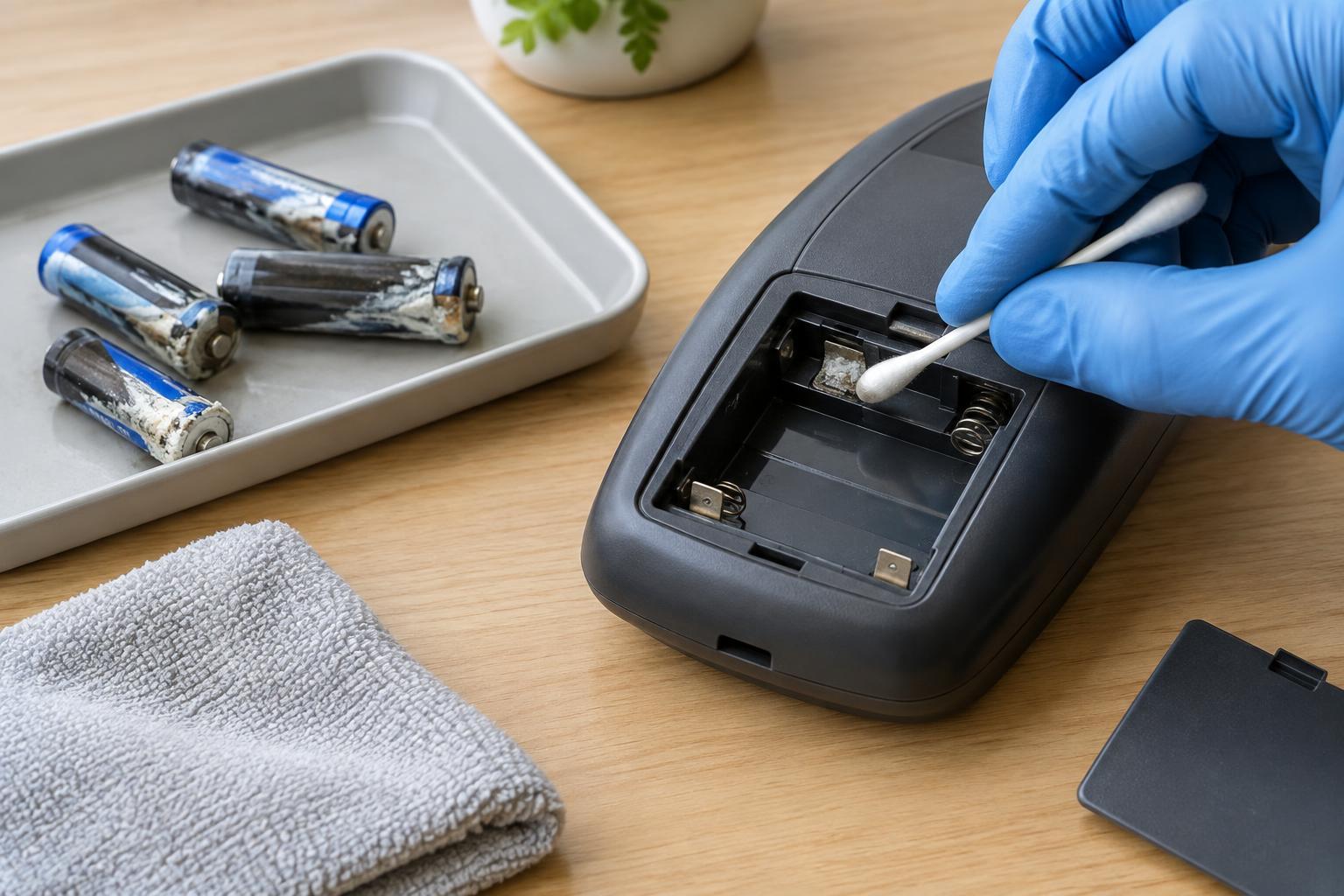
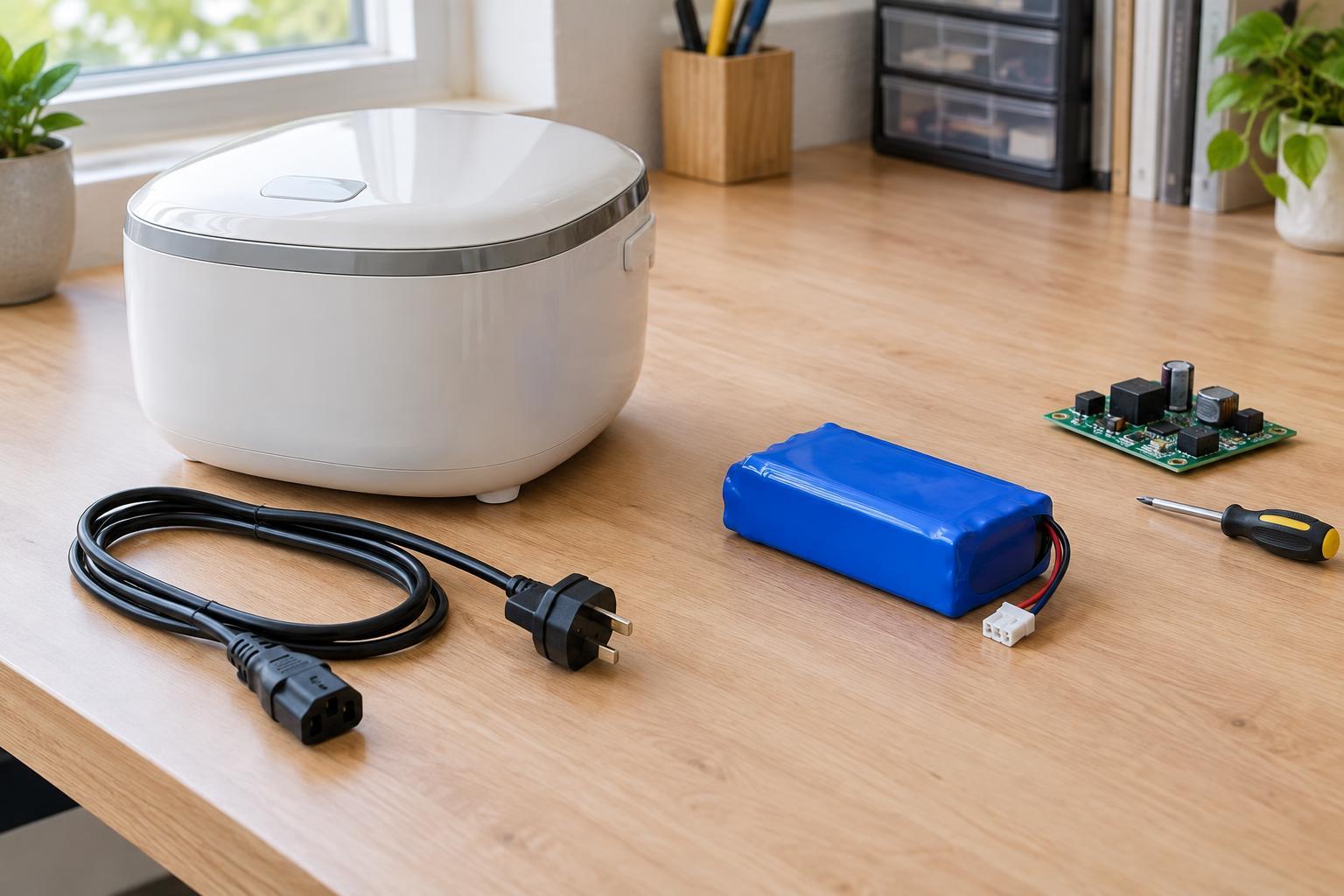
This approach is for small, low-voltage devices that are disconnected from their power source, such as a battery-powered sensor or a USB accessory with its cable unplugged. It is not a guide to opening equipment connected to mains power. Do not open a device with a swollen, leaking or damaged battery, or one that may contain a large capacitor that could retain a hazardous charge. If you cannot identify what is inside or how it is powered, stop rather than guessing.
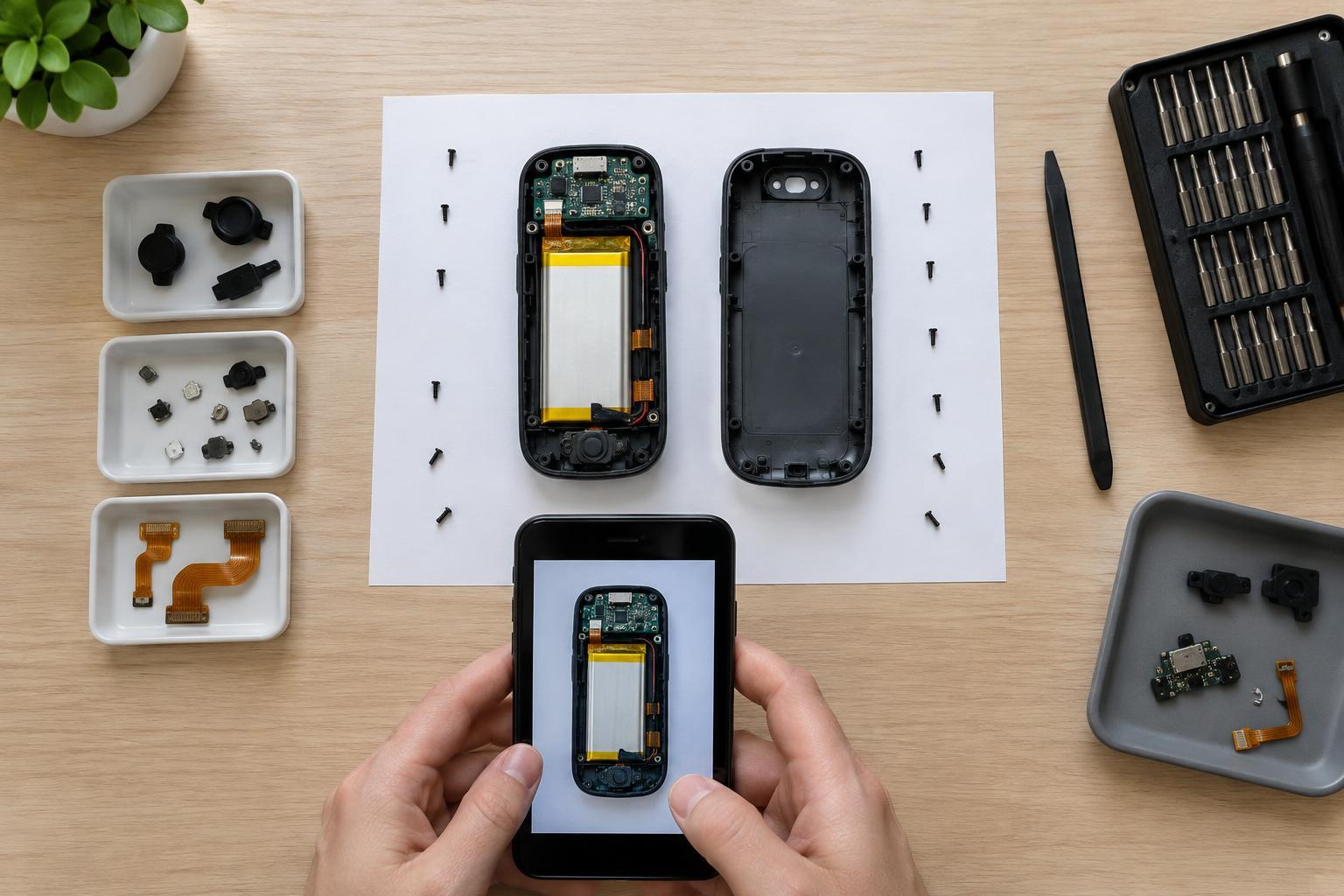
Clear a work surface and provide good lighting before you begin. Remove any accessible batteries without prying or puncturing them. Put small parts in a tray, and take a photo of each side of the case. Photos help you remember where screws, seams and connectors were before anything moves.
Find the seam and check for hidden fasteners
A visible line around a case does not always mean it is held together only by clips. Look for screws under removable feet, labels or battery covers, but do not peel or cut anything until you understand what it covers. Check whether a sliding cover, trim piece or end cap must come off first. If a section resists evenly along its entire edge, an unseen screw or a glued joint may be holding it.
Study the seam for wider gaps or slight changes in shape. Clips are often spaced around the perimeter, sometimes near corners. Pressing the case gently with your fingers may reveal where it flexes, but avoid squeezing a screen, button or battery compartment. Start at an accessible point on a straight edge rather than forcing a tool into a tight corner.
Release clips with small, controlled movements
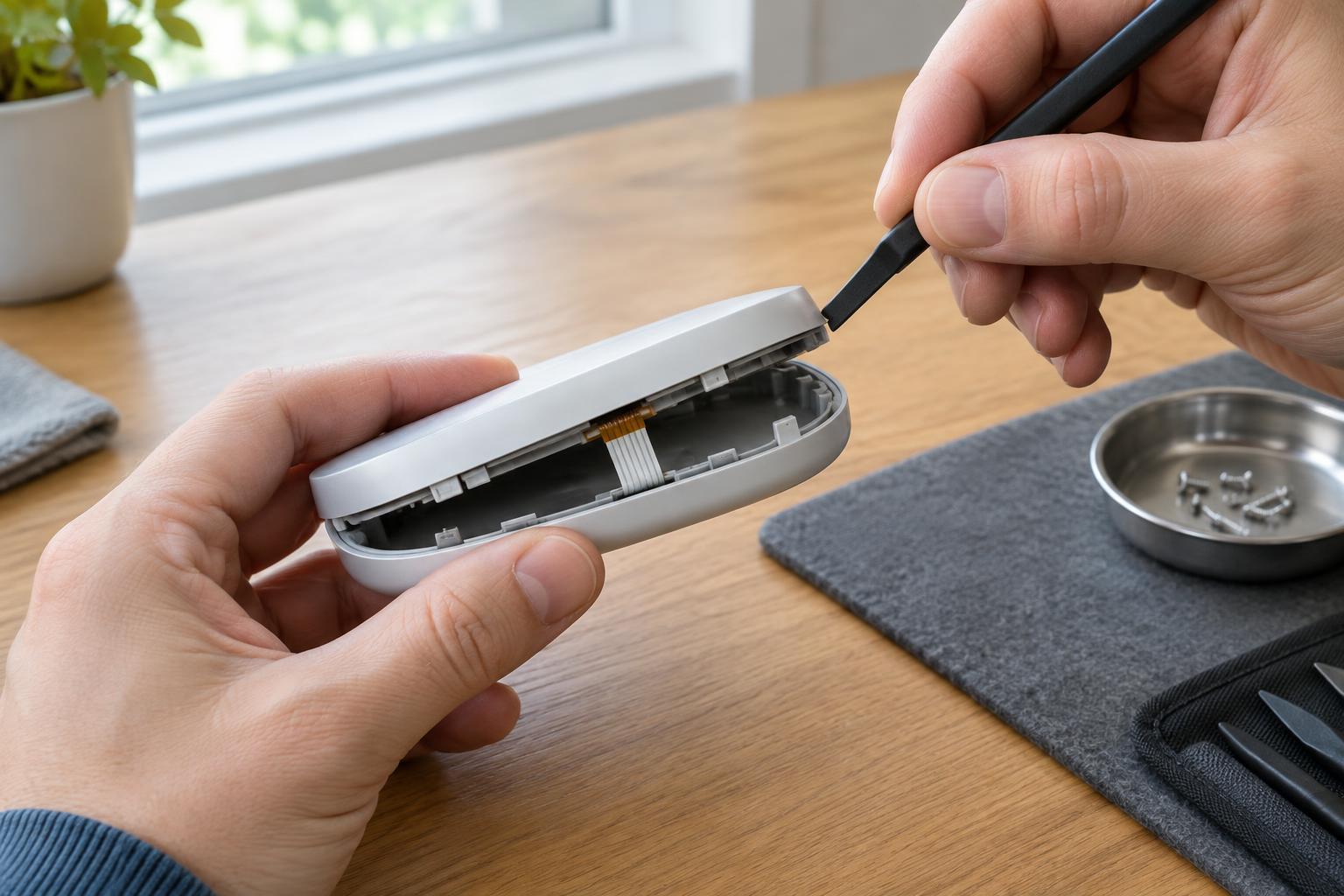
A plastic opening pick, thin nylon pry tool or old plastic card is usually a better first choice than a metal screwdriver. Plastic is less likely to gouge the case or slip into a circuit board. Ease the tool into the seam only far enough to separate the case halves slightly. Keep its tip near the outside wall; pushing it deep inside may catch a wire or component.
Work along the seam a short distance at a time. When a clip releases, hold that gap with a second plastic pick if needed, then move to the next point. Do not twist one corner far open while the rest of the case remains latched. That concentrates force on the remaining clips and can crack their narrow hinges. If the plastic bends sharply, makes a cracking sound or requires increasing force, stop and inspect for another fastener or a different opening direction.
Some tabs release when one case half moves sideways rather than straight up. You may be able to see the tab through a small gap, but avoid probing blindly. A reluctant clip is a reason to reassess the joint, not to apply more leverage.
Protect wires as the halves separate
A released seam is not permission to pull the case apart. Buttons, speakers, battery contacts and circuit boards may be mounted to opposite halves and joined by short wires or a ribbon cable. Lift the halves only a little, look inside with a light and support both pieces. If you see a cable spanning the gap, set the halves down in a position that leaves the cable slack.
Before disconnecting anything, photograph its routing and connector orientation. Pull on a connector body only if you can clearly identify how it releases; never tug on the wires. Some ribbon cables use tiny locking bars, while others are fixed in place. If the connection is unfamiliar or inaccessible, it may be safer to leave the halves attached and work within the opening you have. Keep loose tools away from exposed contacts and batteries.
Reassemble and learn from resistance
Before closing the case, check that wires sit in their original channels and are clear of posts, screw holes and clip edges. Confirm that buttons and gaskets are seated as they were. Bring the halves together gently, starting where their alignment features meet, and press near each clip rather than in the center of a fragile panel. A case that will not sit flush may have a trapped wire, misplaced part or clip that has not aligned.
Test only after the enclosure is closed and any removed batteries are installed correctly. If a clip has broken, avoid improvising a repair that could trap a wire or make the device difficult to open safely later. Sometimes the best repair decision is to pause, document what you found and obtain a replacement case or suitable help. Preserving the enclosure and internal connections is part of making an electronic device worth reusing.