Why a smaller program helps
A project that reads a sensor, updates a display, and drives an output has many possible points of failure. If the output never changes, the cause could be a wiring error, an incorrect pin assignment, a power problem, or a condition in the program that is never reached. Changing all of these at once makes the result difficult to interpret.
A minimal test program removes features until it performs just one observable task. For example, it might turn an LED on and off at a fixed interval without reading any sensors. If that works, you have evidence that the board can run the uploaded program and control that particular output. You have not yet proved that the rest of the project is sound, but you have narrowed the question.
Think of each test as a comparison: what should happen, what actually happens, and which possible causes the result makes more or less likely. Keep a copy of the original program so you can return to it after testing.
Start with a safe, known baseline
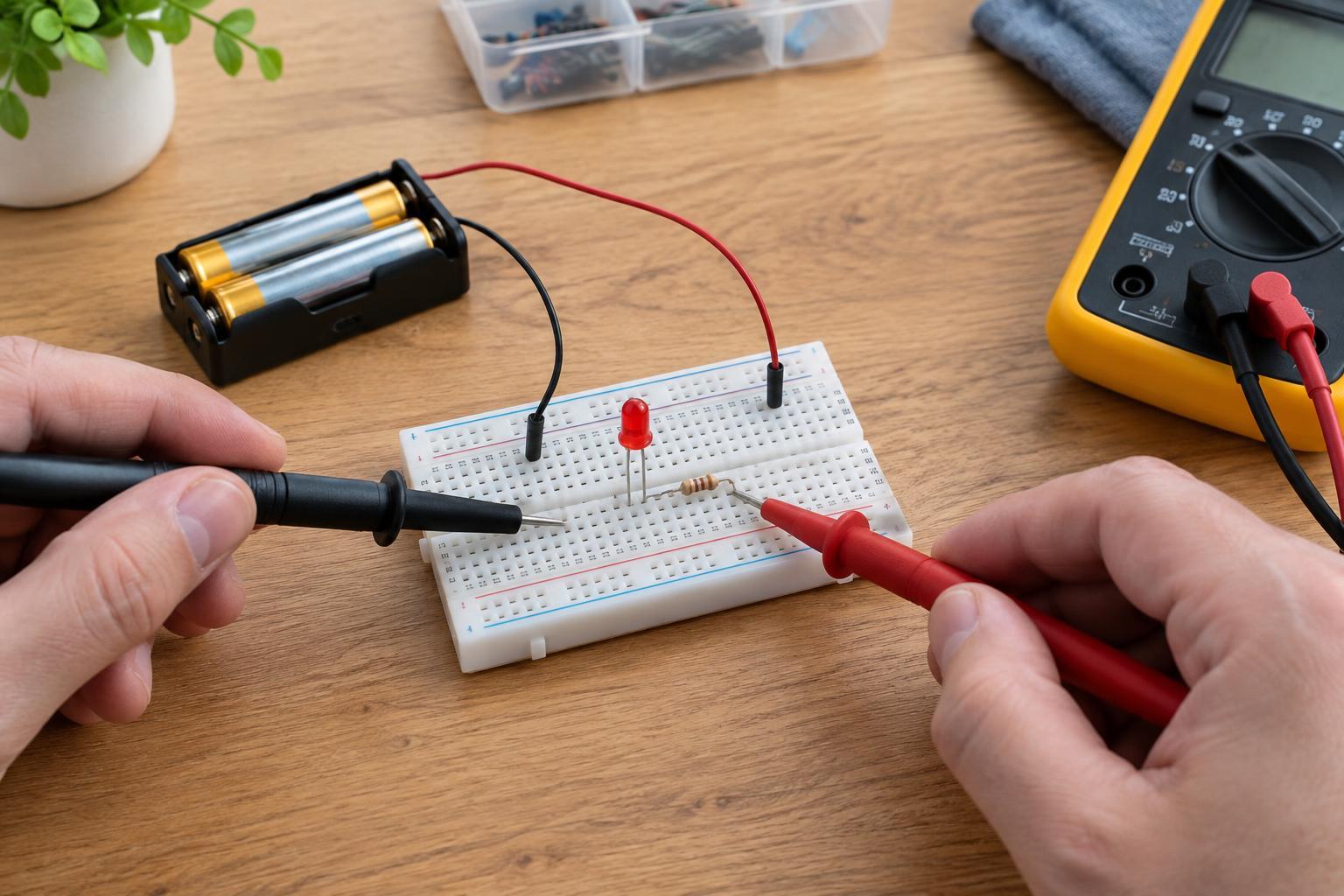
Before uploading a test, disconnect power and inspect the setup. Confirm that the board, supply, and connected parts are intended to operate at compatible low voltages. Check supply polarity, ground connections, and the pin labels against the board documentation. A program cannot compensate for an incorrectly connected supply.
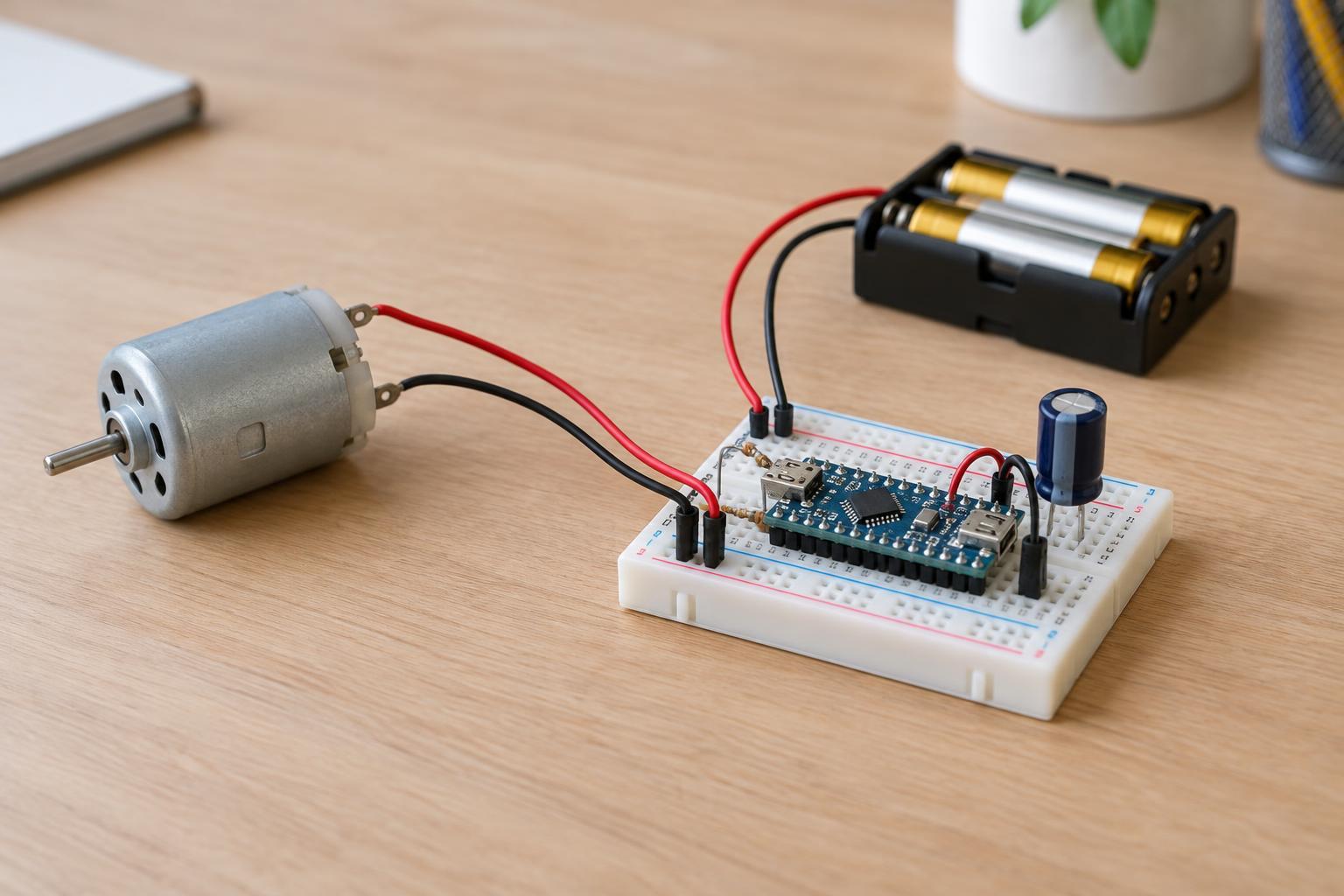
For the first test, use a built-in status LED if the board has one and its behavior is documented. Otherwise, use an external LED only with an appropriate current-limiting resistor and a pin that can safely drive it. Disconnect motors, heaters, relays, and other loads that are not needed for the test. Never connect a low-voltage development board directly to mains wiring, and do not probe a mains-powered device for this exercise.
Also check the development setup: select the intended board and connection port, then verify that the test program uploads without errors. An upload failure is different from a program that uploads but produces the wrong behavior. Record that distinction before changing wiring or code.
Test one output, then one input
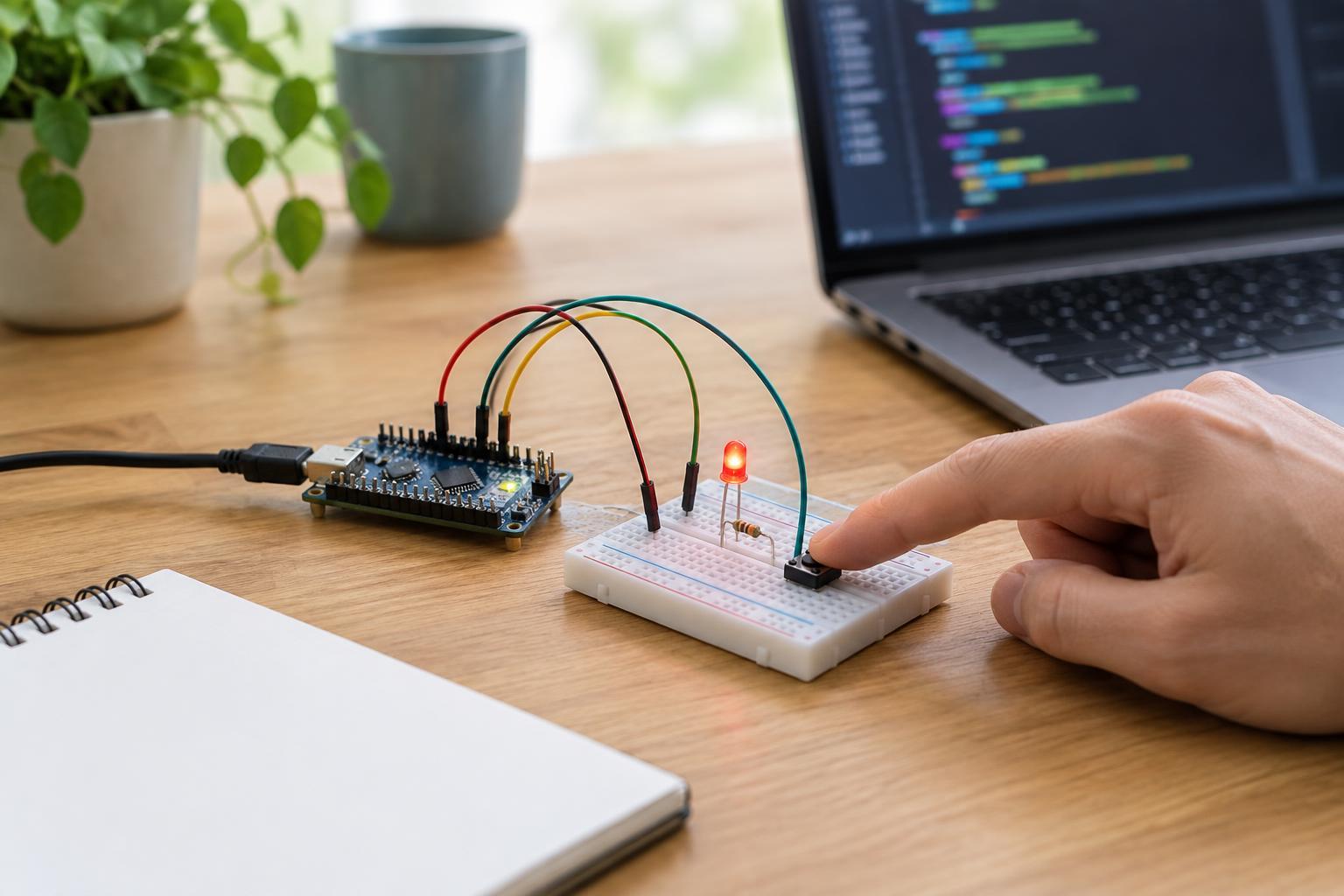
Begin with an output test that does not depend on external inputs. A simple loop can switch a known LED on, pause, switch it off, and pause again. Use the correct pin identifier for your board rather than copying a pin number from an unrelated example. If the LED blinks as expected, the board is executing at least this simple program and that output path is working under the test conditions.
If it does not blink, reduce the setup further. Try the documented built-in LED, if available. Check whether the program uploaded, whether the board has power, and whether an external LED is oriented and connected correctly. A failed blink test does not by itself identify a defective board; a wrong pin selection or an unsupported connection could produce the same symptom.
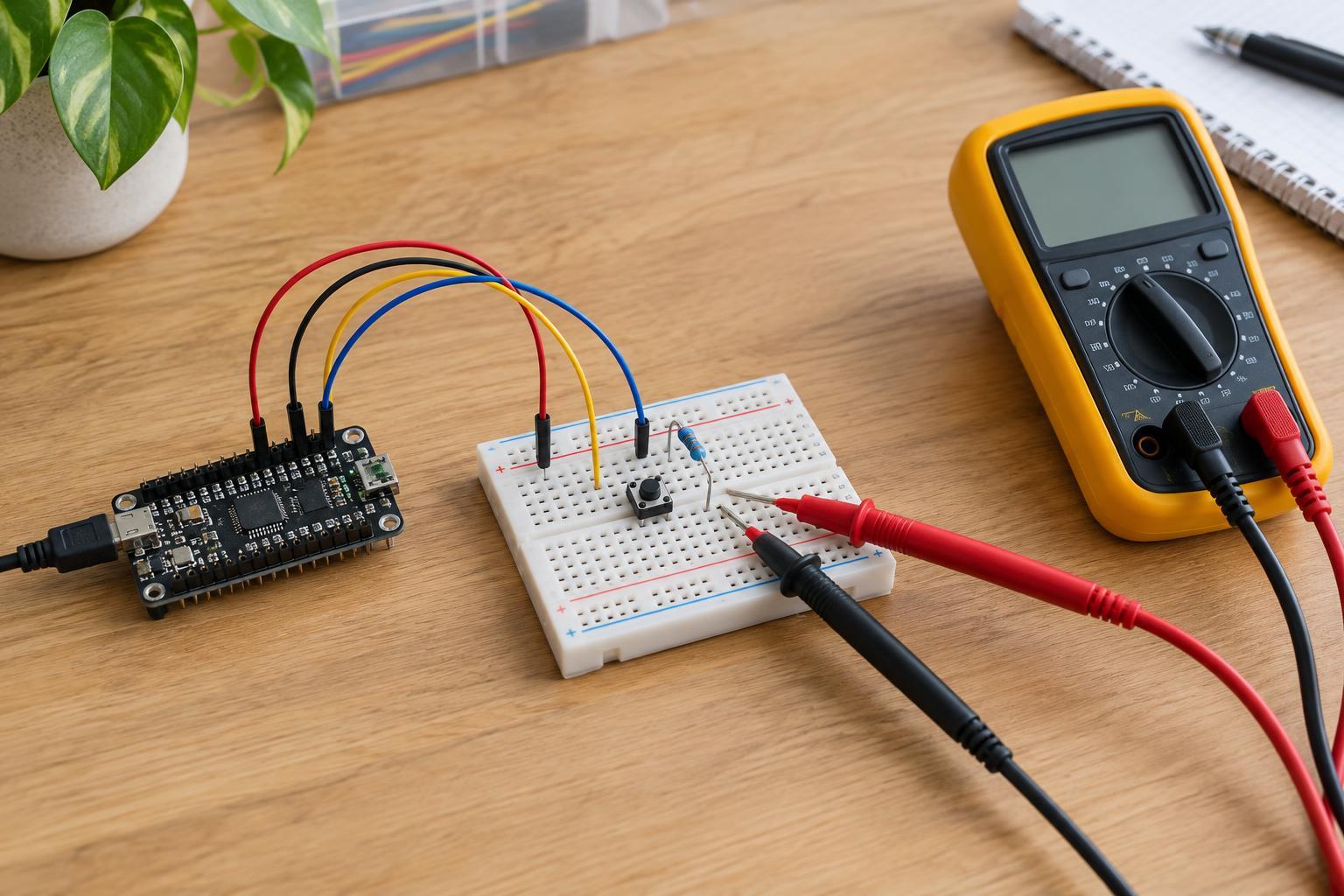
Next, test an input independently of the project's main behavior. For a pushbutton, a minimal program might report its state over a serial connection or turn the tested LED on while the button is pressed. Configure the input according to the board's requirements, including a suitable pull-up or pull-down arrangement. First check the reading with the button released, then pressed. If both readings are identical, inspect the wiring and input configuration before concluding that the button has failed.
Use results to narrow the fault, not declare a verdict
Suppose the output test works and the input test reports the expected changes, but the full project still fails. The interaction between those parts becomes a useful place to investigate. Check conditions, pin assignments, initialization, timing, and whether another part of the program changes the same output. Restore features in small steps so you can see when the failure returns.
If a component fails its isolated test, the cause may be in the component, its connections, its power supply, or the test program itself. Where practical, compare it with a known-working part or test the same signal using a different suitable pin. Change only one thing at a time and note the result; otherwise, a successful retest may not reveal what fixed the problem.
A passing minimal test has limits. An LED blink does not prove that a pin can drive a different load, and a sensor that responds once may still behave poorly under different conditions. Minimal programs are most useful for narrowing possibilities. Once the separate parts pass, test the combined system again under its normal, safe operating conditions.
Keep a short troubleshooting record
For each test, write down the program's purpose, the connected parts, the expected result, and the observed result. Note any changes to wiring, board settings, or power source. This small record helps prevent repeated checks and makes it easier to explain the problem to someone helping you.
When you finish, restore the original program from your saved copy and reconnect only the parts needed for the next test. If a connector, wire, or component appears damaged or unusually hot, disconnect power and stop rather than continuing to upload programs. A minimal test program is a diagnostic tool, not a substitute for safe electrical checks.