Start with a known, safe circuit
A digital input reports a logic state, not a complete description of the voltage at its pin. The voltage ranges recognized as HIGH and LOW depend on the particular device and its supply voltage. A pin between those ranges may behave unpredictably. Before changing code or replacing parts, identify the board’s input voltage limits and the pin you intend to read.
Keep this investigation to low-voltage DC circuits whose connections and voltage ratings you know. Turn power off before moving wires or components. Do not connect a pin to a mains-powered circuit, an unknown voltage, or a signal that may exceed its rating. If two devices are connected, check that their signal levels are compatible and that they share a ground reference where their interfaces require one. A label such as “5 V sensor” does not, by itself, establish that its output is safe for a 3.3 V input.
Check the pin and the program first
Confirm that the wire reaches the physical pin named in the program. Board labels, connector positions, and software pin numbers do not always follow the same sequence. Check that the pin is configured as an input and that its other possible functions, such as analog input or a peripheral interface, are not taking precedence. Some pins also have special behavior during startup, so consult the board documentation if one pin behaves differently from the others.
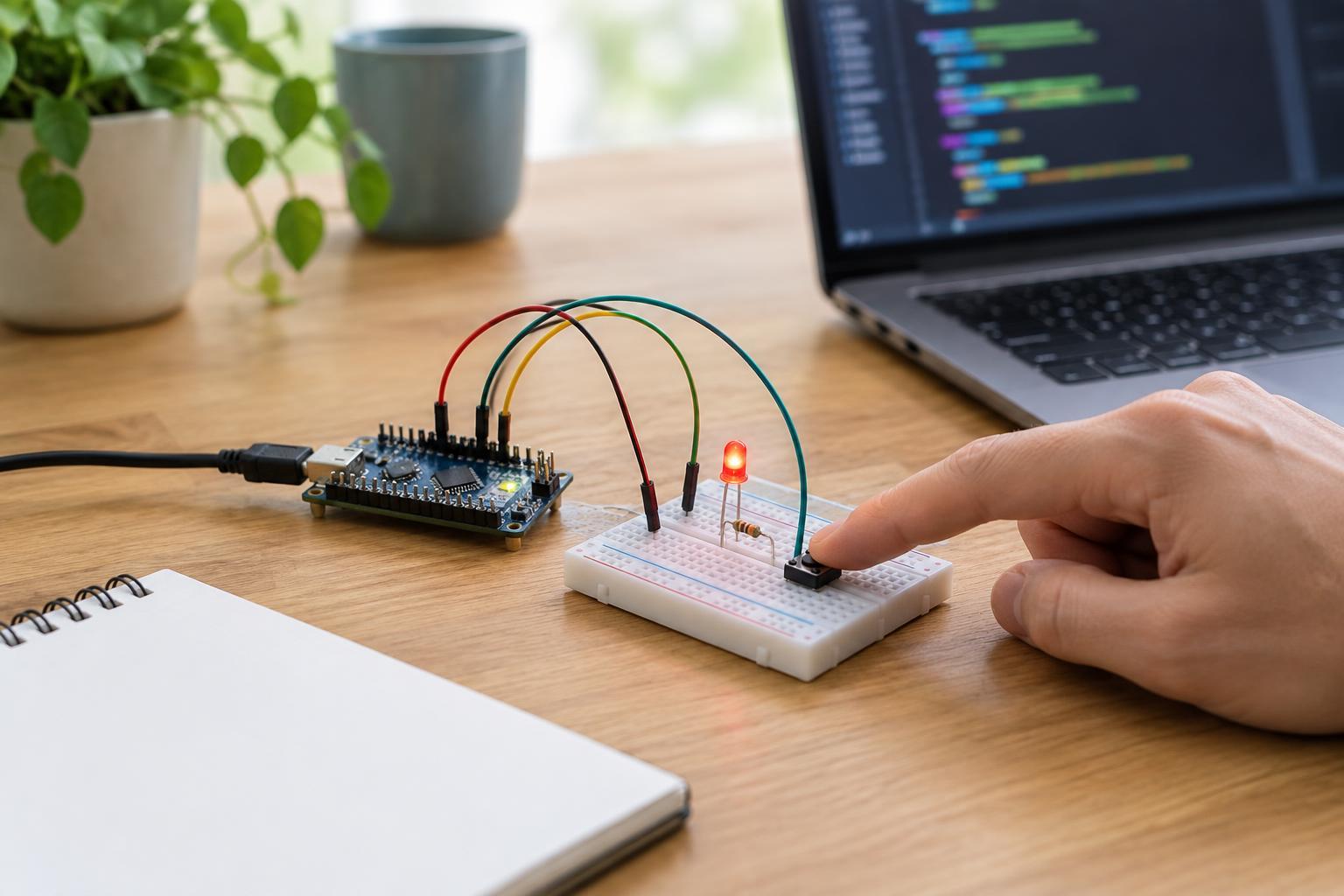
Use the simplest test program available: configure the intended pin, read it repeatedly, and display the raw HIGH or LOW result. Temporarily remove sensor-conversion logic, timing conditions, and actions triggered by the reading. This separates a pin that never changes from a program that reads a changing pin but interprets it incorrectly. If a switch is involved, remember that a switch connected to ground with a pull-up resistor normally reads HIGH when released and LOW when pressed.
Give the input a definite idle state
An unconnected input is usually not a reliable LOW. It can pick up nearby electrical noise and appear to change—or seem stuck—without a valid signal. A pull-up resistor gives it a default HIGH state; a pull-down resistor gives it a default LOW state. Many boards offer software-controlled internal pull resistors, but their availability and behavior vary by pin and device.
For a basic low-voltage switch test, an input configured with a suitable pull-up can be connected to ground through a switch. With power off, verify that the switch contacts are wired as intended, especially if it is a four-leg breadboard pushbutton: pairs of legs may already be connected internally. Restore power and compare the released and pressed readings. Never use a switch arrangement that directly connects the power rail to ground. If you use an external pull resistor instead, select its connection and value according to the device documentation.
Trace the voltage from the signal source to the pin
If the simple switch test works but the original sensor does not, inspect the sensor connection. Check its supply, ground, output pin, connector orientation, and any required enable setting. Some sensor outputs actively drive both HIGH and LOW; others only pull the line LOW and need a pull-up to produce a HIGH. An active-LOW output can also look “backward” until you account for its intended behavior.
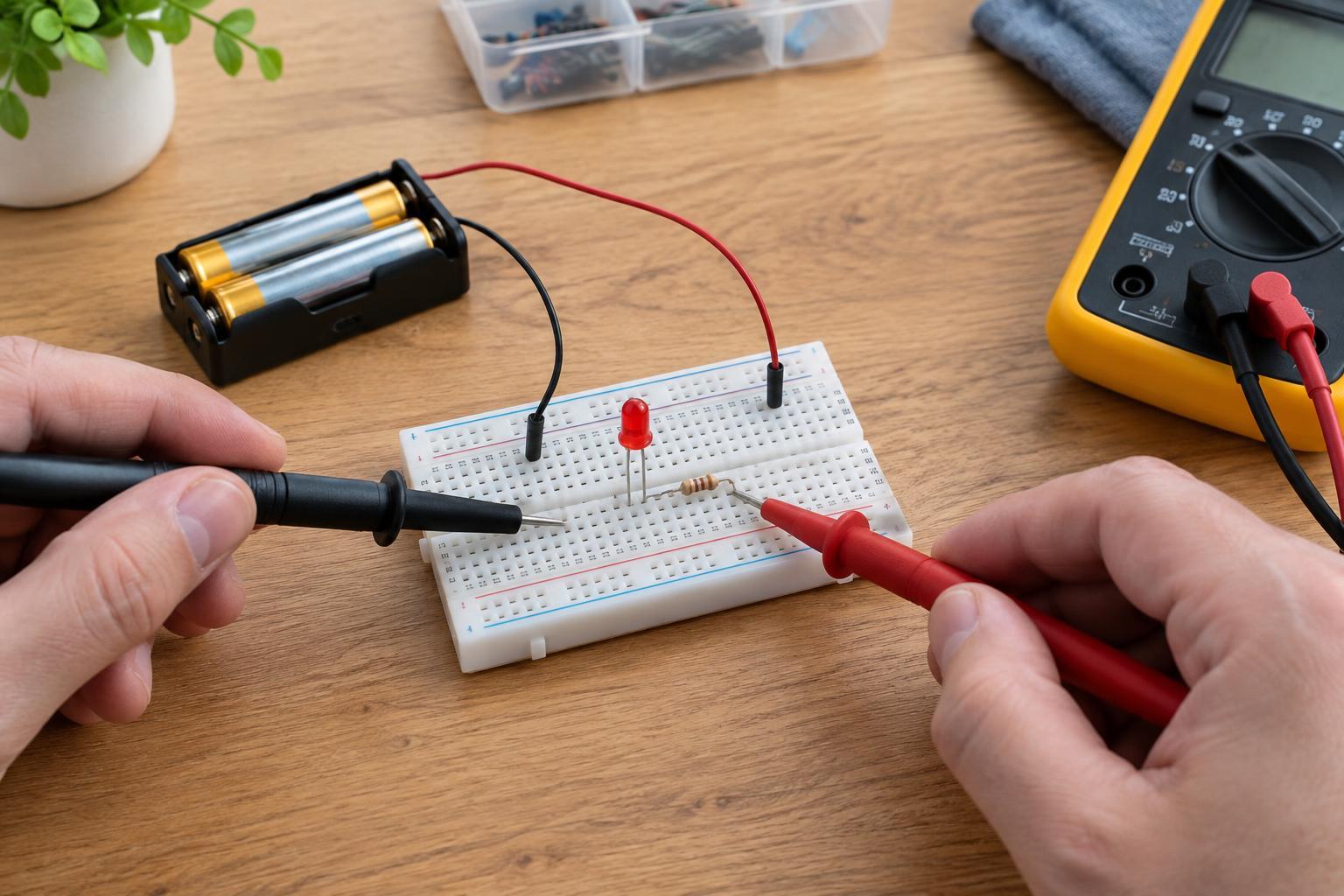
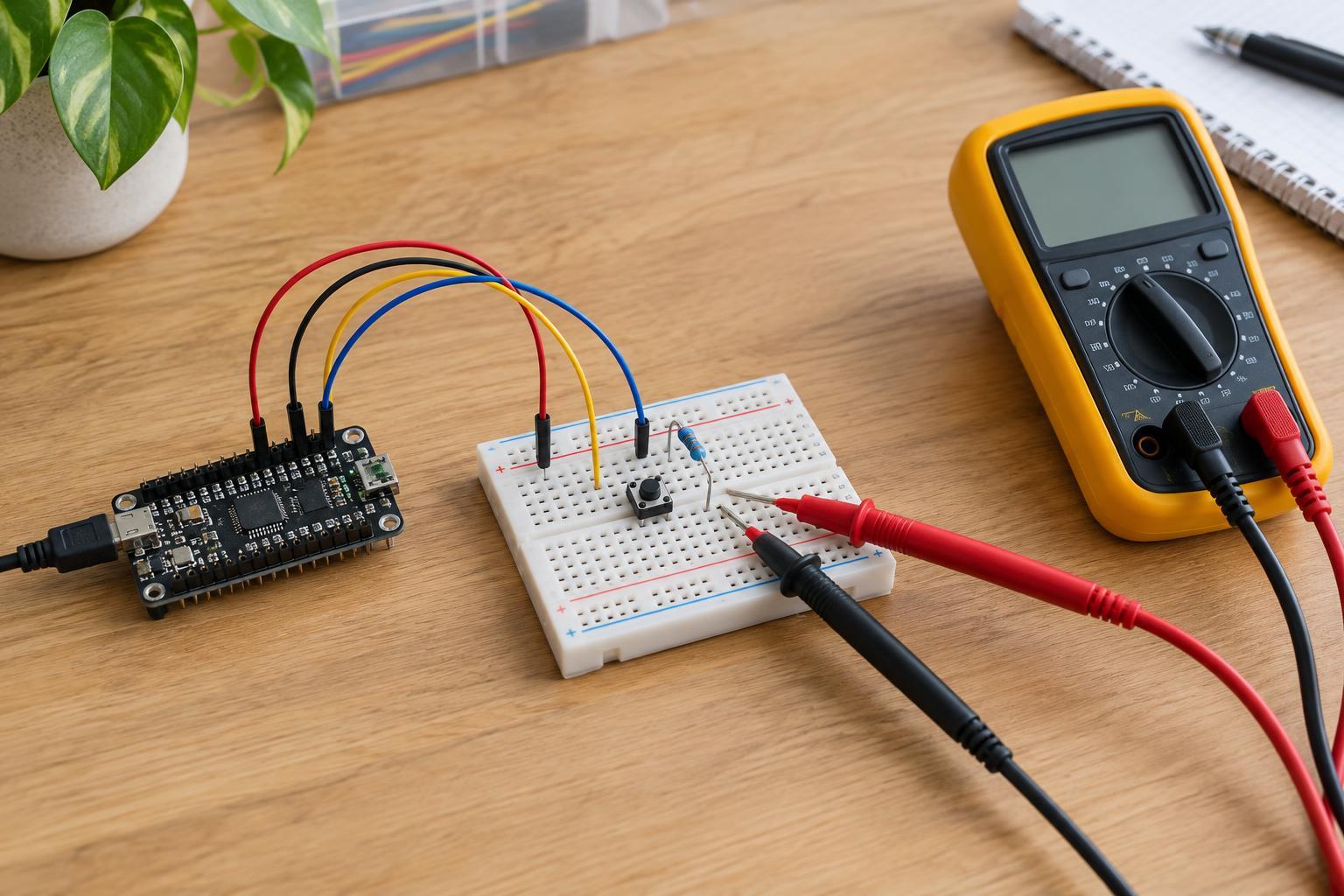
If you are comfortable using a multimeter on a known low-voltage circuit, measure DC voltage between the input pin and the circuit ground while the signal is in each expected state. A voltage that changes at the sensor output but not at the input points toward a wire, connector, or breadboard contact. A voltage that changes at the pin while the displayed reading does not points back toward pin selection, configuration, or interpretation. A meter reading on a floating pin may be misleading; give the input a defined state before drawing conclusions. Keep probes from bridging adjacent pins.
Change one thing at a time
If the input still appears fixed, return to the known-safe switch test and change only one variable per attempt: the wire, the breadboard row, the program’s pin selection, or a compatible alternative input pin. Record what the raw reading does after each change. This makes an intermittent connection easier to recognize and avoids mistaking several simultaneous changes for one successful fix.
A pin that will not respond to a correctly wired, voltage-compatible test may be damaged, but a fixed reading alone does not prove it. Recheck the device documentation and setup before reaching that conclusion. Stop if components heat up, a supply behaves unexpectedly, or you cannot establish the circuit’s voltage limits. Troubleshooting is most effective when the input’s expected state, actual pin voltage, and program reading can be compared separately.