Start with a safe, simple circuit
This guide is for small circuits powered by batteries or a properly isolated low-voltage DC supply, such as a 5 V maker-board circuit. Disconnect the power before moving wires or components. Do not use these steps inside a mains-powered device, and do not open a power adapter. Stop if a battery is hot, swollen or damaged.
An LED needs a complete path for current: from the positive supply, through a current-limiting resistor and the LED, and back to the negative supply. A switch, breadboard or control board may add more points where that path can break. Write down the intended path before testing. If the circuit has many parts, first identify which ones are essential to lighting the LED.
Never connect an ordinary indicator LED directly across a battery or supply unless the assembly already includes suitable current limiting. An LED can be damaged by too much current, even when the supply voltage seems low. Keep the resistor in place while troubleshooting.
Check the supply and the return path
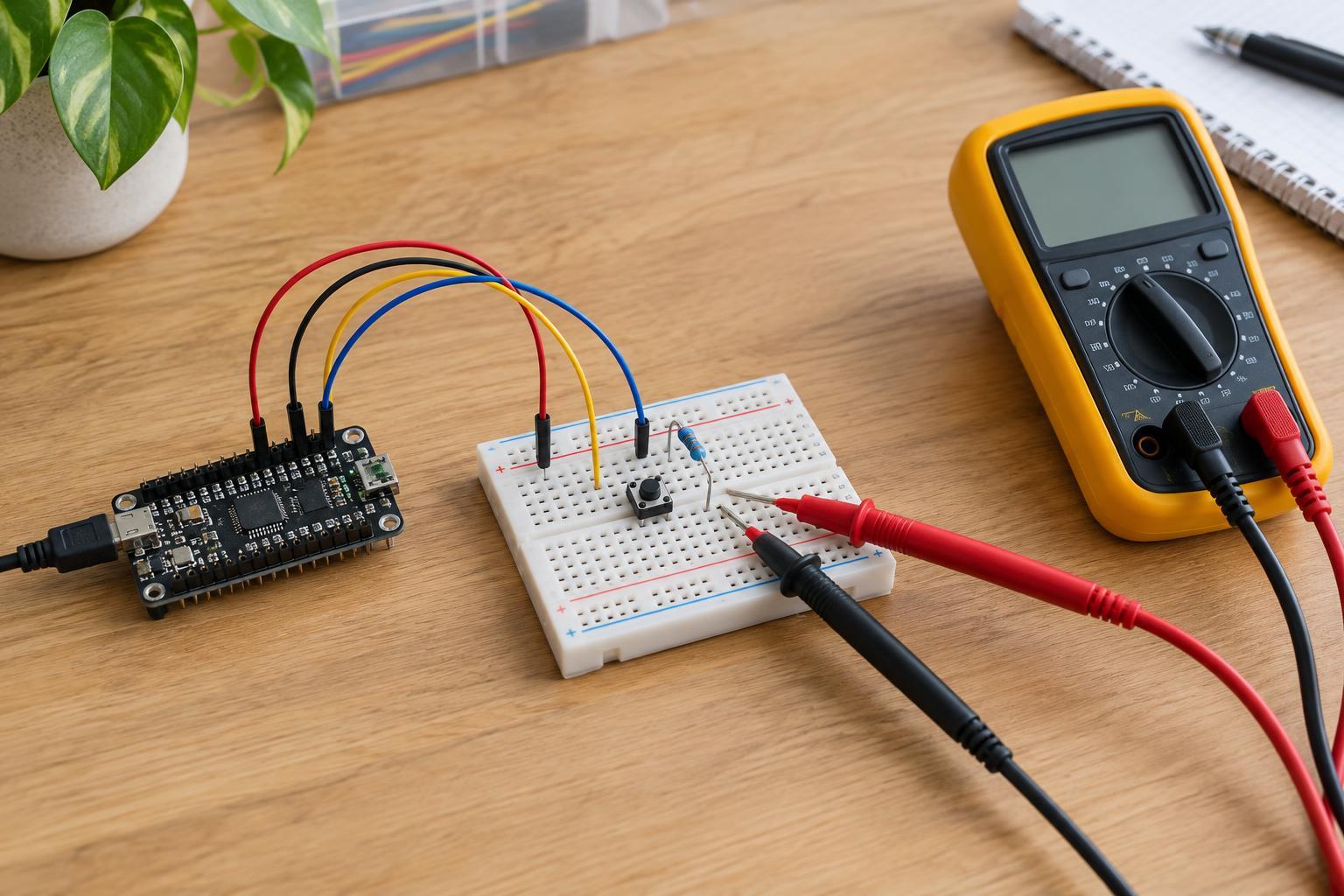
First confirm that the power source is switched on and connected where you expect. A weak battery, a loose battery holder or a supply connected to the wrong breadboard rail can leave the LED dark. If you have a multimeter, set it to measure DC voltage and check across the supply’s positive and negative terminals. Use a range suitable for the expected voltage, and avoid letting the probe tips touch each other while they contact the circuit.
Next, trace both sides of the circuit. Check that the LED’s path returns to the supply’s negative terminal, especially if a maker board and a separate supply are involved. A missing shared ground can prevent a control signal from working. On a breadboard, holes that look close together are not necessarily connected; some power rails are split partway along their length. Consult the board’s markings or check continuity with power disconnected.
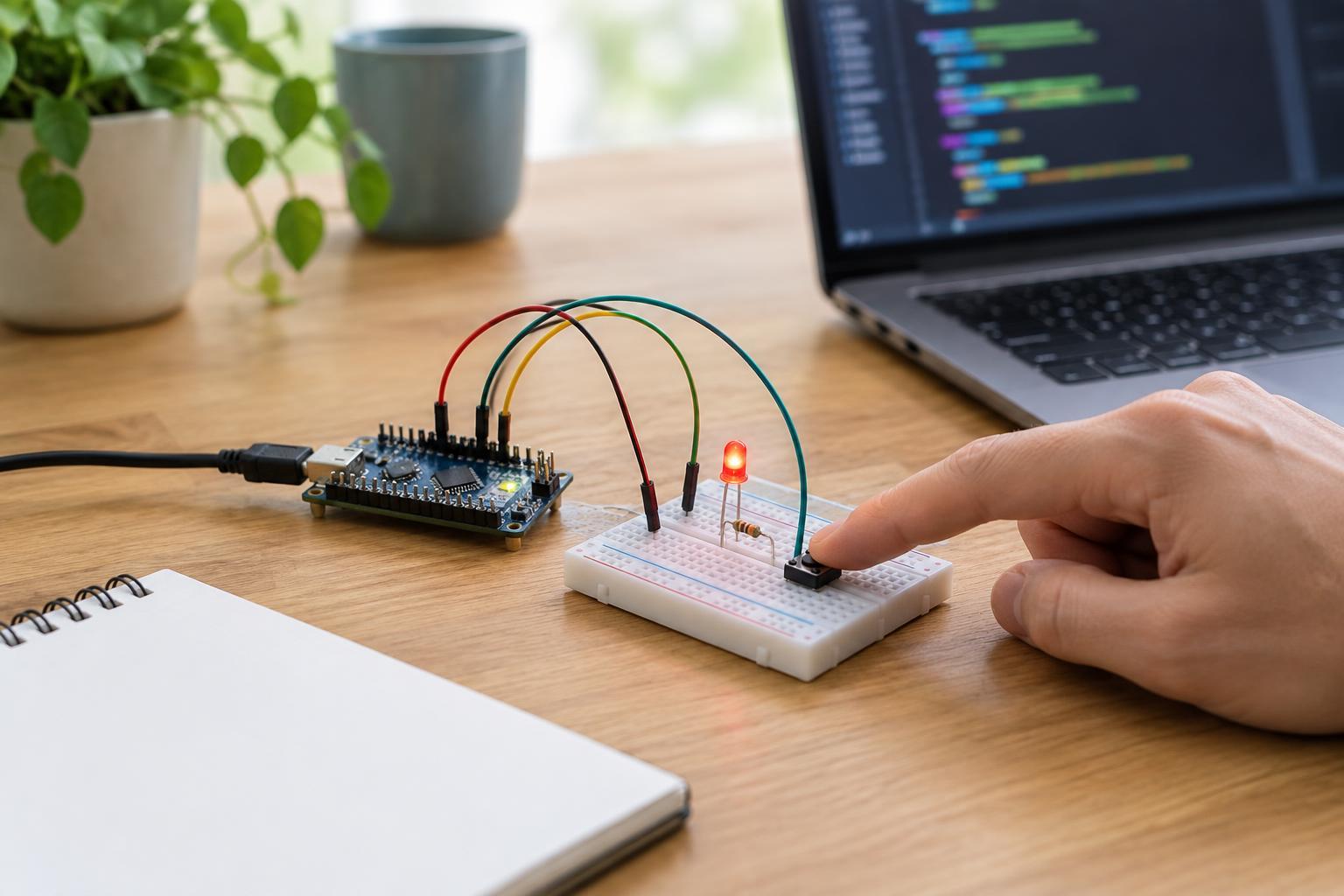
If a switch is included, make sure it is actually closed when you expect the LED to light. For a board-controlled LED, also confirm that the board is powered and that its output is intended to be on. These checks help separate a power or control problem from a fault in the LED itself.
Verify LED polarity and resistor placement
LEDs normally conduct in one direction. On many through-hole LEDs, the longer lead is the anode, which goes toward the positive side of the circuit; the shorter lead and the flat edge of the case often mark the cathode. Leads may have been trimmed, so do not rely on length alone in an older assembly. If identification is uncertain, check the part’s markings or use a multimeter’s diode-test function according to the meter’s instructions.
With the power disconnected, check that the resistor and LED are in series rather than accidentally placed in separate, unconnected rows. The resistor can be on either side of the LED as long as current must pass through both. Also look for a wire that bypasses the LED or puts both of its leads into the same connected breadboard strip.
A resistor with too high a value may make an LED too dim to notice in bright light. Too low a value risks damaging it. For example, a typical red indicator LED on a 5 V supply might use a 330-ohm series resistor, giving roughly 9 mA if the LED’s forward voltage is about 2 V. Actual requirements vary by LED and supply, so treat that as an example, not a universal prescription.
Inspect connections and test one part at a time
Power off again and gently check for loose jumper wires, bent LED leads and components that are not firmly seated. Verify that each lead occupies the intended breadboard row. If the circuit is soldered, look for a broken connection or an unintended bridge between nearby joints; do not work on it while powered.
If you have a known-good LED and a suitable resistor, try them in a simple test circuit using the same safe supply. Alternatively, test the suspect LED with a multimeter’s diode mode, bearing in mind that some meters may not visibly light every LED. A successful test suggests the original wiring, supply or control signal needs another look; a failed test alone is not always conclusive.
Change only one thing at a time and note what happens. This makes it easier to identify the cause instead of accidentally fixing one fault while introducing another.
Use measurements to narrow down the fault
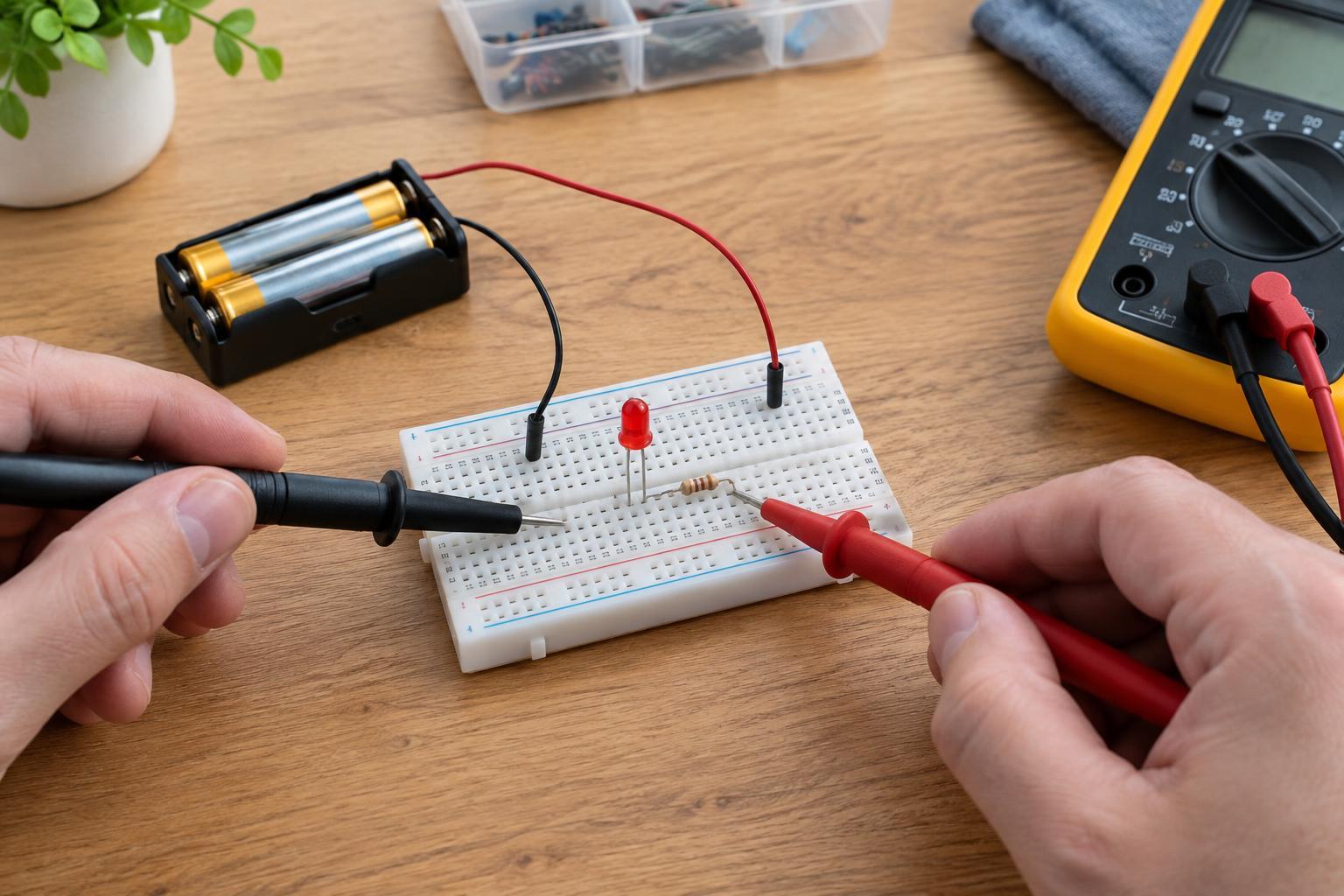
If basic checks do not solve the problem, measure DC voltage across the LED while the circuit is powered. A reading near zero may point to a missing supply, a short path around the LED or both leads being connected to the same node. A voltage close to the full supply voltage may suggest a reversed, disconnected or faulty LED, depending on the circuit. These readings are clues rather than diagnoses on their own.
Measure across the resistor and compare the result with the circuit you intended to build. If it has voltage across it, current may be flowing; if it has none, the path may be open or the supply may be missing. Keep the meter in voltage mode with its leads in the correct sockets for these checks. Do not place a meter set to current mode directly across a battery or power supply: that can create a short circuit.
Once you find the cause, disconnect power before making the repair, then test again. A reliable fix should leave the LED lighting consistently without unusually warm components or a flickering connection.