Four questions about a sensor reading
A sensor turns a physical condition, such as temperature, light, or distance, into a signal that a device can read. Its specifications describe different aspects of that process. Accuracy asks how close a reading is to a trustworthy reference value. Precision describes how closely a group of readings agree with one another. Resolution is the smallest change the sensor or its readout can distinguish. Repeatability describes whether readings remain consistent when the same measurement is made again under the same conditions.
These qualities are related, but none guarantees the others. Imagine a room-temperature sensor that repeatedly reads 2 °C higher than a reliable reference. Its readings may be closely grouped and highly repeatable, yet inaccurate. A display that shows 22.37 °C also does not prove that the actual temperature is known to two decimal places. The digits show what the device reports, not necessarily what it can measure reliably.
Accuracy depends on the whole measurement
Accuracy concerns closeness to the value you intend to measure. A sensor specification may express it as a fixed amount, a percentage of the reading, or a combination of terms. Read the conditions attached to any figure: performance may vary across the measurement range, with temperature, or after the sensor has been in use for some time. A figure quoted for the sensing element may not describe the accuracy of a finished project.
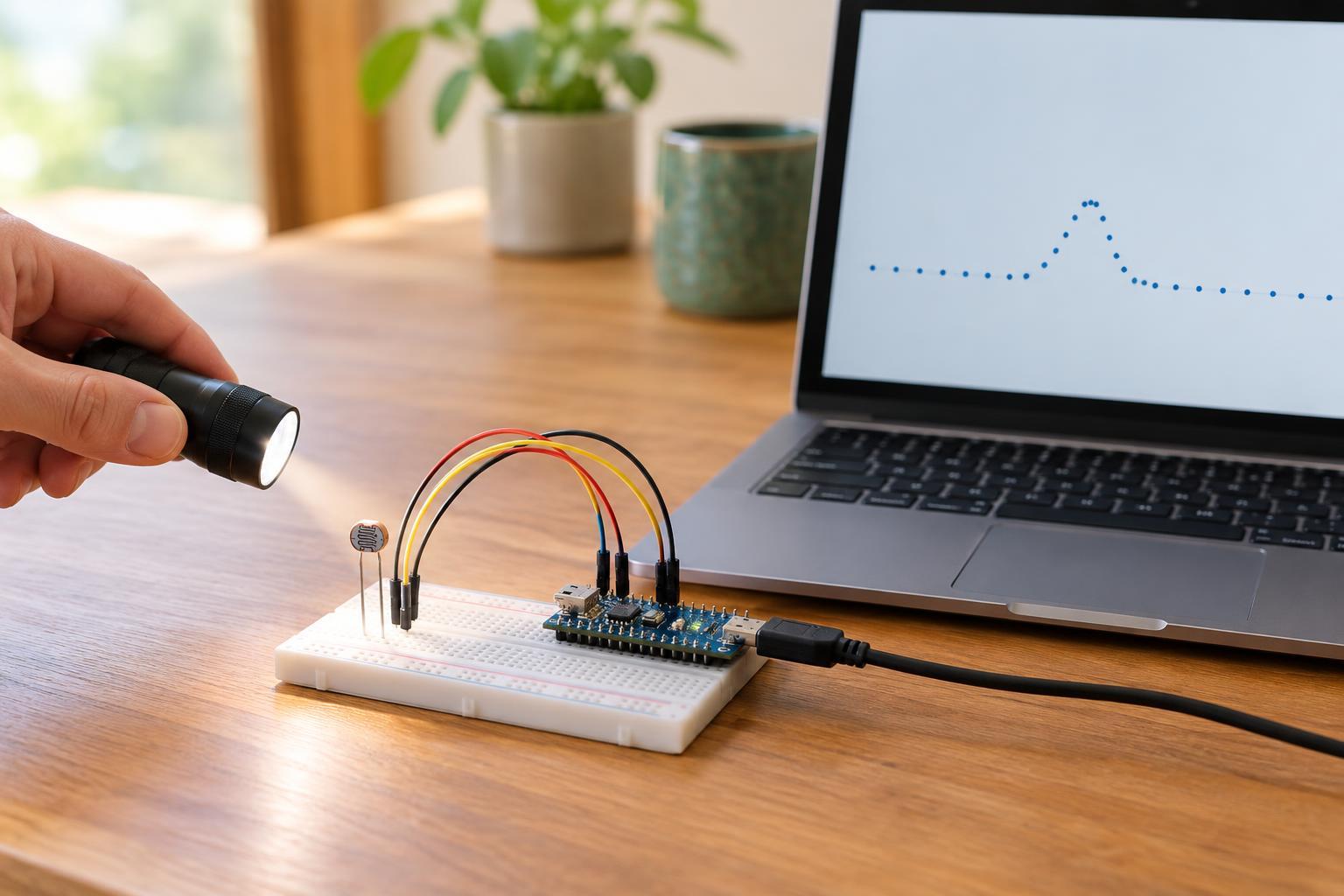
Several sources of error can shift a reading. A temperature sensor near a warm processor may measure heat from the circuit board rather than the surrounding air. A light sensor behind a tinted cover may respond differently than an uncovered one. Wiring, power supply quality, placement, and software conversion can also matter. Calibration can help correct a consistent offset when you have a suitable reference, but it cannot automatically fix poor placement or a sensor that behaves differently across its range.
Precision and repeatability: close readings, with a distinction
Precision describes the spread of readings. If a stationary distance target produces values clustered near one another, the measurement is precise; if the values fluctuate widely, it is less precise. Averaging several readings can sometimes reduce random variation, but it will not remove a consistent error that affects every reading. Precision is therefore useful even when accuracy is unknown, but it should not be mistaken for accuracy.
Repeatability focuses on obtaining similar results when you repeat a measurement under the same conditions. For example, you might place an object at a marked position, take a reading, move it away, then place it back at the mark several times. Consistent results suggest good repeatability for that setup. Precision and repeatability overlap in everyday use; technical documents may define their test procedures more narrowly. If a specification matters to your design, check how the manufacturer measured it. Changes in position, temperature, or lighting may test a different question: how well the sensor performs as conditions change.
Resolution is a step size, not a promise
Resolution tells you how finely a measurement can be represented or distinguished. A digital output that changes only in 0.5 °C steps cannot show a 0.1 °C change directly. A readout with smaller steps may reveal subtle changes, but it may also display noise or insignificant digits. Likewise, a converter with more digital levels does not guarantee that the sensor signal, circuit, and calibration support more accurate measurements.
Pay attention to where the resolution figure applies. A sensing element, an analog-to-digital converter, and the final display can each impose a limit. Software may round values or calculate extra decimal places without adding information. For a practical comparison, ask both how small a change the system reports and whether that change stands out reliably from normal variation.
Choosing and checking a sensor for a project
Start with the decision your project must make. A plant-light indicator may only need to distinguish broad lighting conditions; a controller that reacts to a narrow threshold needs more dependable readings near that threshold. Identify the useful range, the smallest meaningful change, and how much error the project can tolerate. Then compare specifications under conditions that resemble your intended use rather than selecting the device with the most display digits.
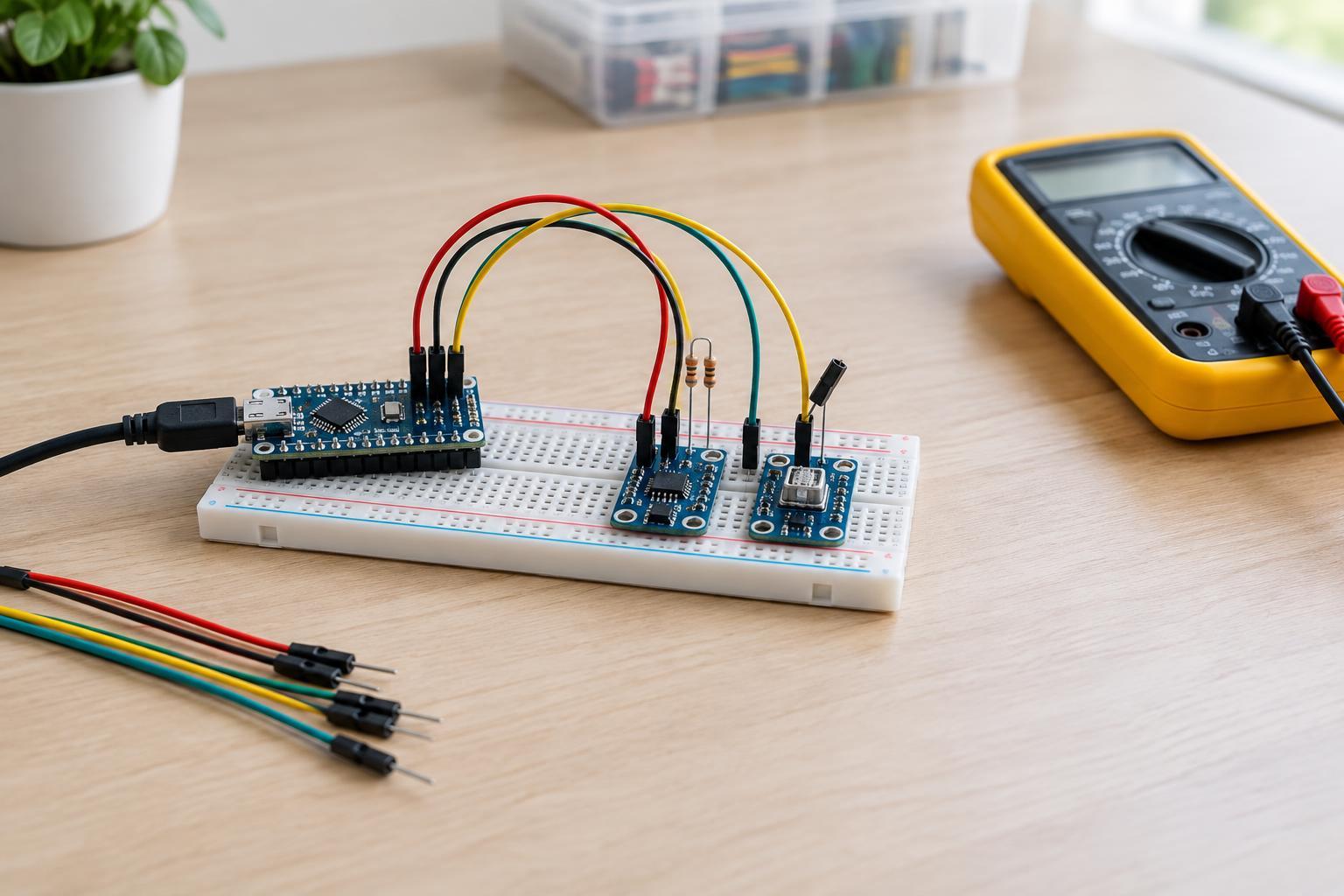
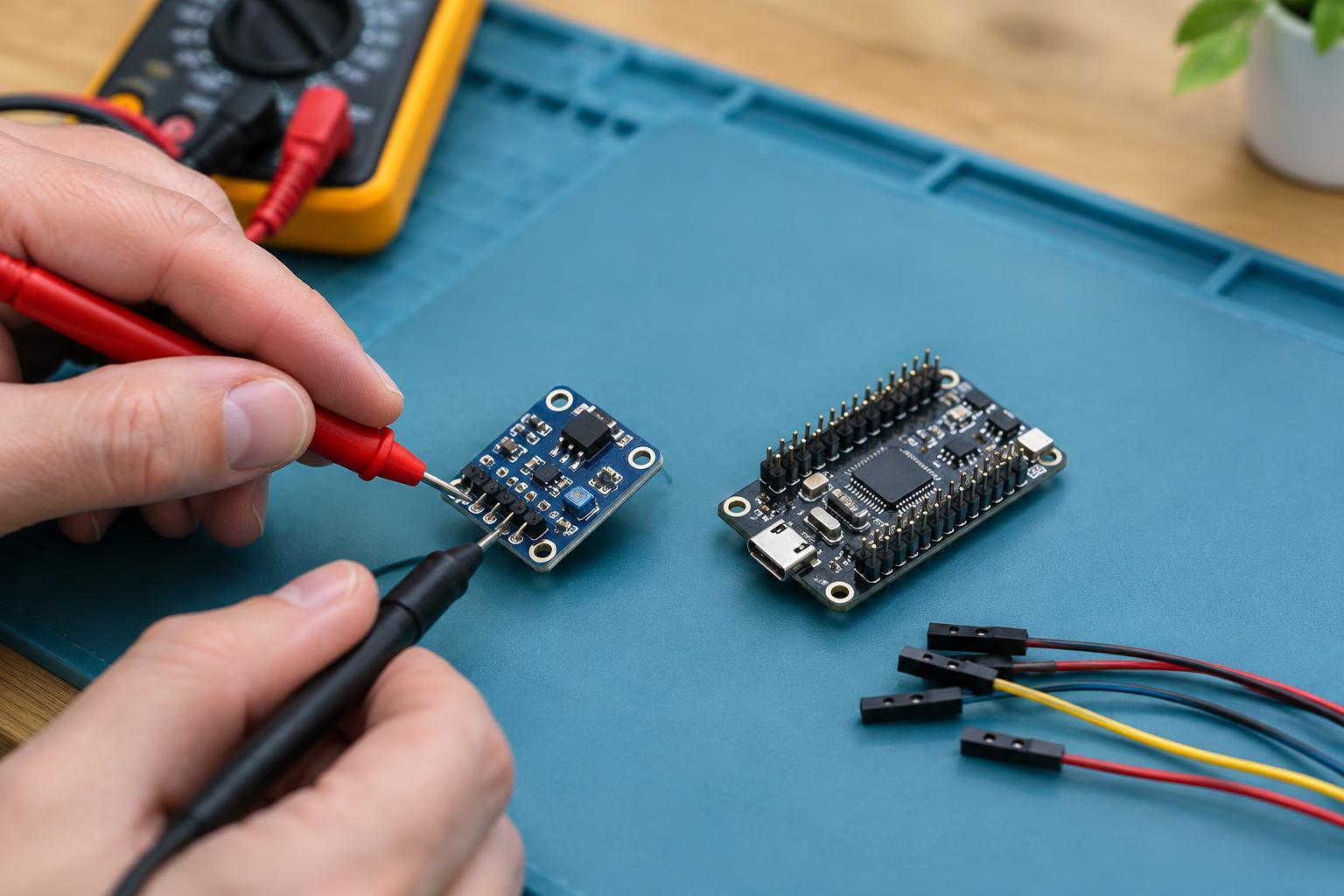
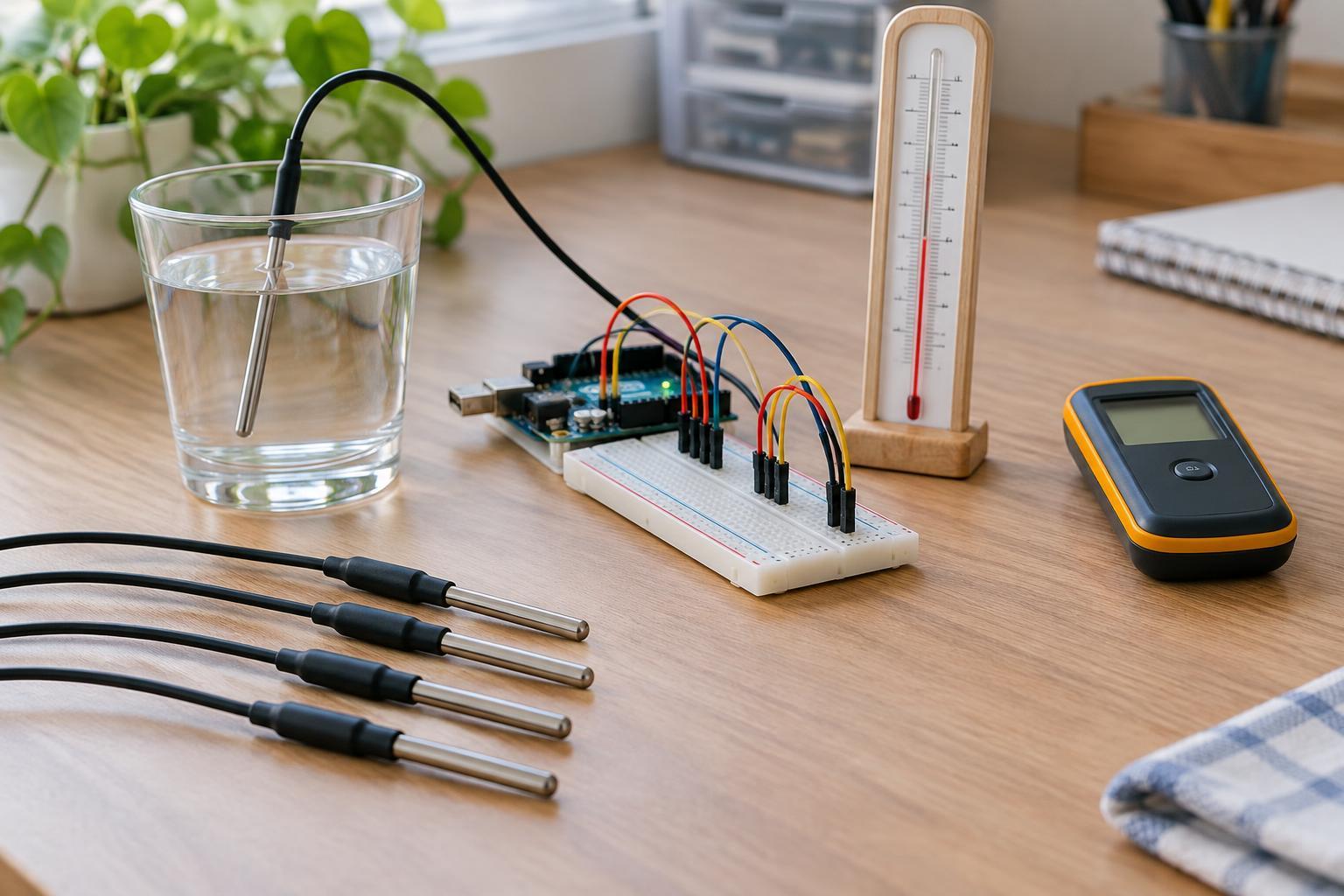
You can make a simple low-voltage check by holding conditions as steady as practical and recording a series of readings. Look at their spread, then repeat the setup to see whether results remain similar. Where an appropriate reference is available, compare readings at more than one point across the range. Keep the sensor in its normal mounting position: a bench test may miss heat, shadows, vibration, or other effects present in the finished device.
These checks do not replace a formal calibration, but they can reveal whether a sensor is fit for a modest maker project. Use components within their rated voltage and current limits, and keep experiments away from mains wiring and equipment that requires specialist safety procedures. The best sensor is not necessarily the one with the finest number on its display; it is the one whose behavior is dependable enough for the task.