Why two voltage checks are necessary
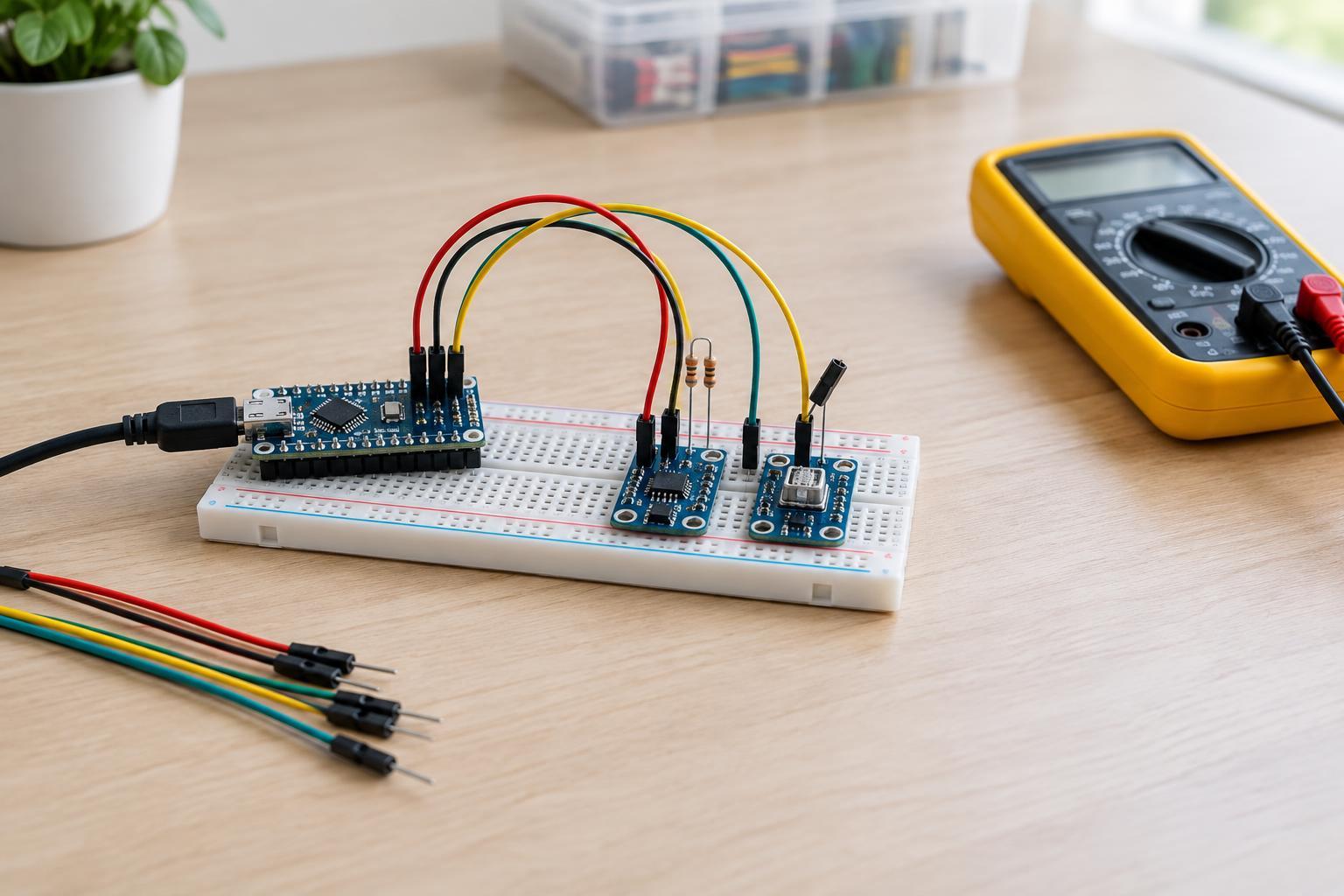
Before connecting a sensor breakout to a microcontroller, answer two separate questions: what voltage can power the board, and what voltages can appear on its signal pins? A breakout may accept one voltage at its power pin while its sensor chip operates at a lower voltage. A regulator can handle the power difference without making the signal pins tolerant of the higher voltage.
Connector shape, pin spacing and labels such as VCC do not establish compatibility. For this check, stay with low-voltage DC circuits supplied by a suitable USB port or current-limited bench supply. Disconnect power before moving wires. Do not apply these steps to mains wiring, unknown power supplies or exposed high-energy circuits.
Identify the board’s power input
Start with the exact breakout model, not just the sensor name. Read its pin labels and any available board documentation alongside the sensor chip’s documentation. Look for the permitted input range for pins marked VIN, VCC, 3V3 or similar. VIN often indicates an input that feeds an onboard regulator, but naming is not consistent: on another board, VCC may connect directly to the sensor’s supply pin.
If the board has a regulator, find out which pin feeds it and whether any pin exposes its regulated output. Never assume that a pin marked 3V3 is a safe place to supply a different voltage. Also check whether the controller’s power pin can provide enough current for the breakout and anything else connected to that rail. If the board cannot be identified confidently, do not choose a supply voltage by guesswork.
Compare every signal with the receiving device
List the pins you plan to use and note their direction: sensor output, controller output or bidirectional. Then compare the voltage limits and recognized logic levels at both ends. An input has a maximum permitted voltage as well as thresholds for reading high and low. A 3.3 V sensor output may not be reliably recognized as high by every 5 V input; conversely, a 5 V controller output may exceed the limit of a 3.3 V sensor input.
Check digital interfaces pin by pin. For I²C, SDA and SCL are typically pulled up to a supply rail, so locate the pull-up resistors and identify which voltage they use. Multiple boards may each include pull-ups. For SPI or a simple trigger-and-response sensor, check signals in both directions rather than judging the whole interface from one pin. An analog output also needs attention: its possible output range must fit the controller’s analog-input range.
Some breakouts include level shifters, but a regulator alone is not a level shifter. Documentation should indicate which signal pins are shifted and what voltage each side expects. If that information is missing, treat the pins as unverified instead of assuming the breakout is universally compatible.
Make a cautious first connection
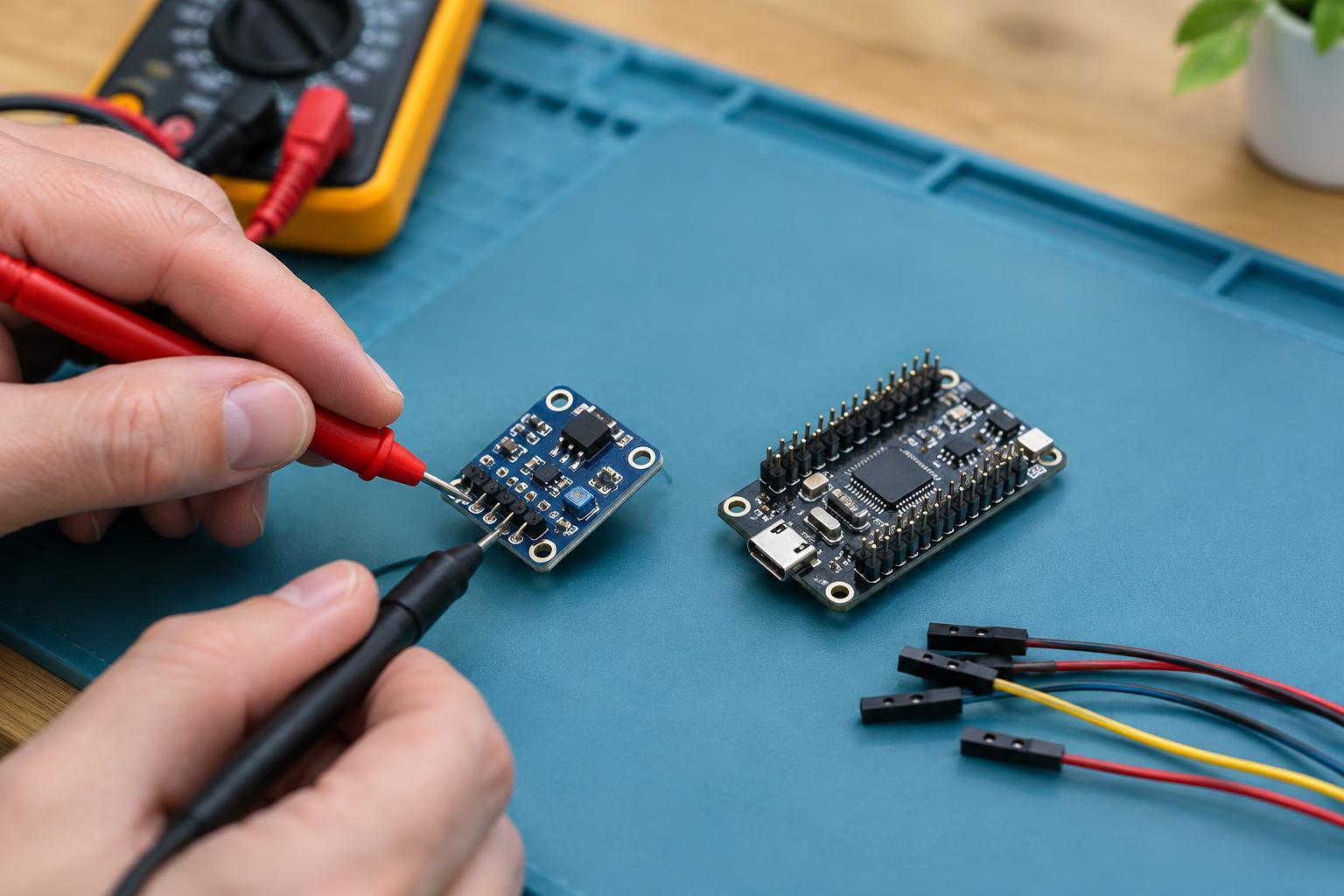
With power off, confirm the pinout and connect a common ground between the breakout and controller. Check power-pin polarity before connecting the supply. If you have a multimeter and can probe safely, power the breakout from its verified input and measure the voltage between its ground and any accessible supply output. Keep probe tips from bridging adjacent pins. A supply measurement can catch a wiring error, but it does not prove that every signal pin is safe.
Before attaching signal wires, check the voltage they might see when either device is powered. An I²C line with pull-ups, for example, may sit near its pull-up rail when idle. Consider the power-up sequence, too: a powered controller can drive a signal into an unpowered sensor, or the reverse. If the device documentation does not permit that condition, arrange for compatible power sequencing or suitable interface circuitry.
If the voltage limits do not match, use an appropriate level-shifting method for the particular signal and its direction, or choose a breakout designed for your controller’s logic rail. A resistor divider can suit some one-way signals, but it is not a universal fix for bidirectional buses. Once the limits are accounted for, connect the signals with power off, start with a minimal test program, and stop if the board heats unexpectedly or behaves erratically.