Start with the bus, not the sensor reading
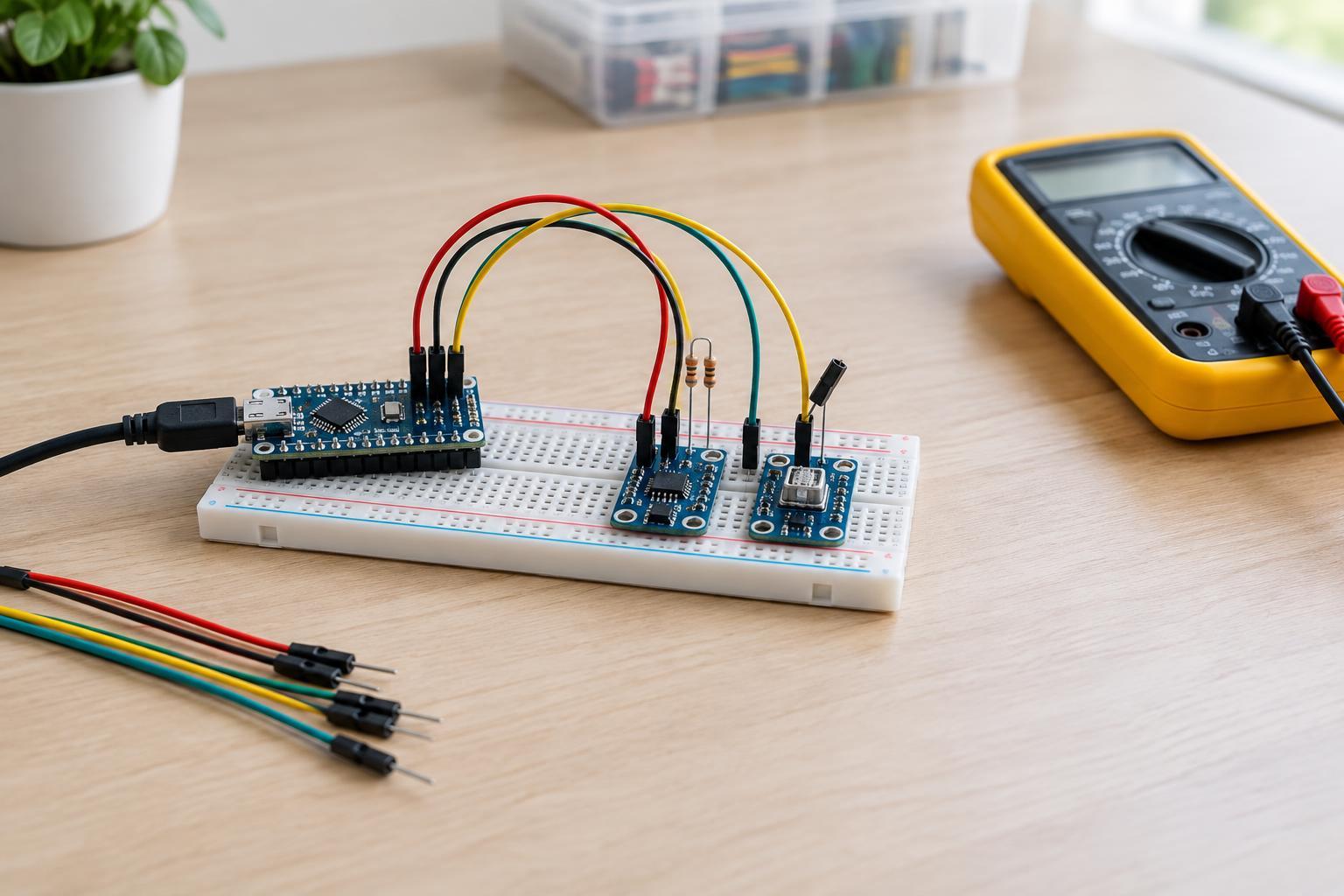
I2C lets a controller communicate with several devices over two signal lines: SDA carries data, and SCL carries the clock. The devices also need power and a shared ground. This makes wiring compact, but a problem anywhere on those shared lines can affect every sensor on the bus. A missing reading does not necessarily mean the sensor itself is damaged.
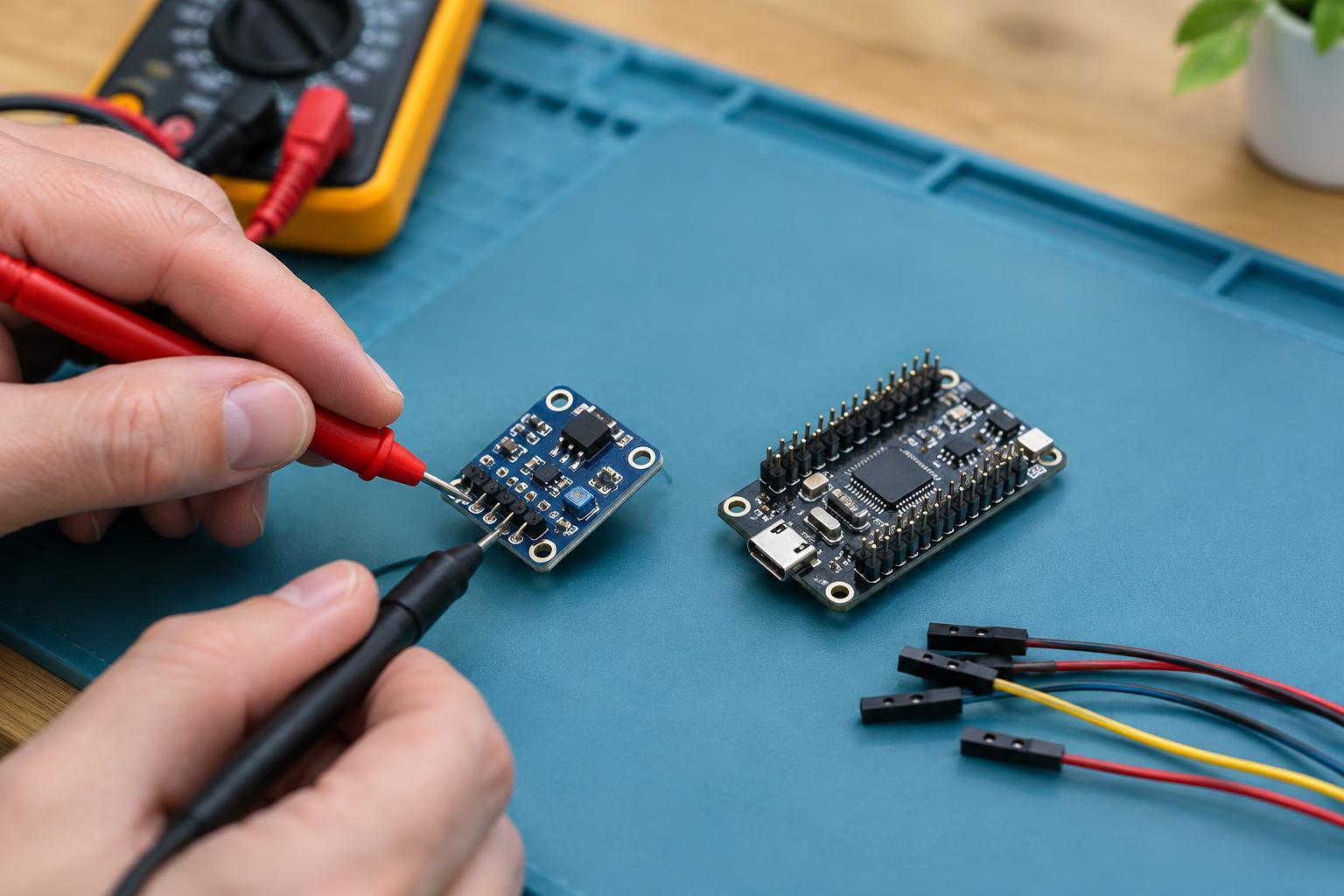
Before changing code or replacing parts, check the sensor module’s pin labels against its documentation. Confirm that SDA goes to the controller’s SDA pin, SCL goes to SCL, and ground is connected. Check the specified supply and logic voltages for both devices rather than assuming that every breakout board accepts the same voltage. For a first test, use one sensor and short connections on a low-voltage, powered-off circuit. Keep maker troubleshooting away from mains wiring.
Check addresses and address conflicts
Each I2C device responds to an address. If two sensors on the same bus use the same address, the controller cannot reliably distinguish them. Some modules offer an address-selection pin or solder jumper; others have a fixed address. Check the module’s documentation and any markings on the board before connecting multiple copies.
Be careful when comparing addresses in code and documentation. I2C addresses are commonly shown as 7-bit values, while some documents show an 8-bit read or write value that includes an extra bit. Those numbers look different even when they refer to the same device. Use the address format expected by your software library.
An I2C scanner can help identify responding addresses, but it is a diagnostic tool, not proof that communication is healthy. A device may appear in a scan yet fail during longer reads, and two devices sharing an address may still produce a response. Test each sensor alone first. Then add devices one at a time; if a conflict appears, use a supported alternate address or an appropriate I2C multiplexer.
Understand what pull-ups do
I2C devices generally pull SDA and SCL low rather than driving them high. Pull-up resistors let each line return to a high level when no device is pulling it low. Many controller boards and sensor breakouts include these resistors already, but the presence and values vary. If the lines have no effective pull-ups, communication may fail. If several modules each add pull-ups, their combined resistance becomes lower, which can make the lines harder for devices to pull low.
Inspect board documentation or schematics before adding resistors. Avoid assuming that more pull-ups will cure intermittent errors. Pull-ups must also connect to a voltage that is safe for every device on that bus. A sensor powered at 3.3 V is not automatically safe with signal lines pulled up to 5 V. If the controller and sensor use incompatible logic levels, choose a suitable level-shifting arrangement or compatible modules rather than testing by guesswork.
Treat loose connections as a real fault
A loose jumper wire, poorly seated connector, or unreliable breadboard contact can cause a sensor to appear and disappear between scans. It may also work while the circuit is still, then fail when a cable moves. With power disconnected, gently reseat each connection and inspect solder joints for pins that have not been securely attached. Replace a suspect jumper with a known-good one instead of repeatedly bending it into position.
Keep the initial setup simple: short wires, a stable power connection, and a shared ground. Longer leads and a crowded breadboard can make faults harder to isolate. If one device works alone but fails after another module is added, check not only their addresses but also any newly added wiring, pull-ups, and power connections.
Use a repeatable troubleshooting order
Work from the simplest setup toward the full project. With power off, verify pin placement and voltage requirements. Connect one sensor, power the circuit, and run a basic address scan. If it responds, try a simple example that reads its device identification or a measurement, where the device supports one. Record what changes when you add another sensor, cable, or software feature.
If the scan finds nothing, recheck power, ground, SDA, SCL, and pull-ups before changing the expected address. If the address appears but readings fail, confirm the library’s address format, device settings, and voltage compatibility. If failures happen only when parts move or more modules are connected, return to physical connections and the shared bus. Changing one thing at a time makes the cause easier to find and avoids masking a wiring fault with unnecessary code changes.