Start with the change you need to detect
A sampling rate is how often a device takes a sensor reading. A rate of 10 samples per second means one reading every 100 milliseconds. The right rate depends less on how fast your microcontroller can run than on what you want to learn. A room-temperature display may only need occasional updates, while a button press or moving object calls for more frequent checks.
Write down two requirements before choosing a number: the shortest change that matters and the longest delay you can tolerate before your project reacts. These are different questions. Frequent readings can help you notice a brief event, but a sensor that responds slowly cannot reveal a faster change simply because you read it more often.
Avoid missing short events
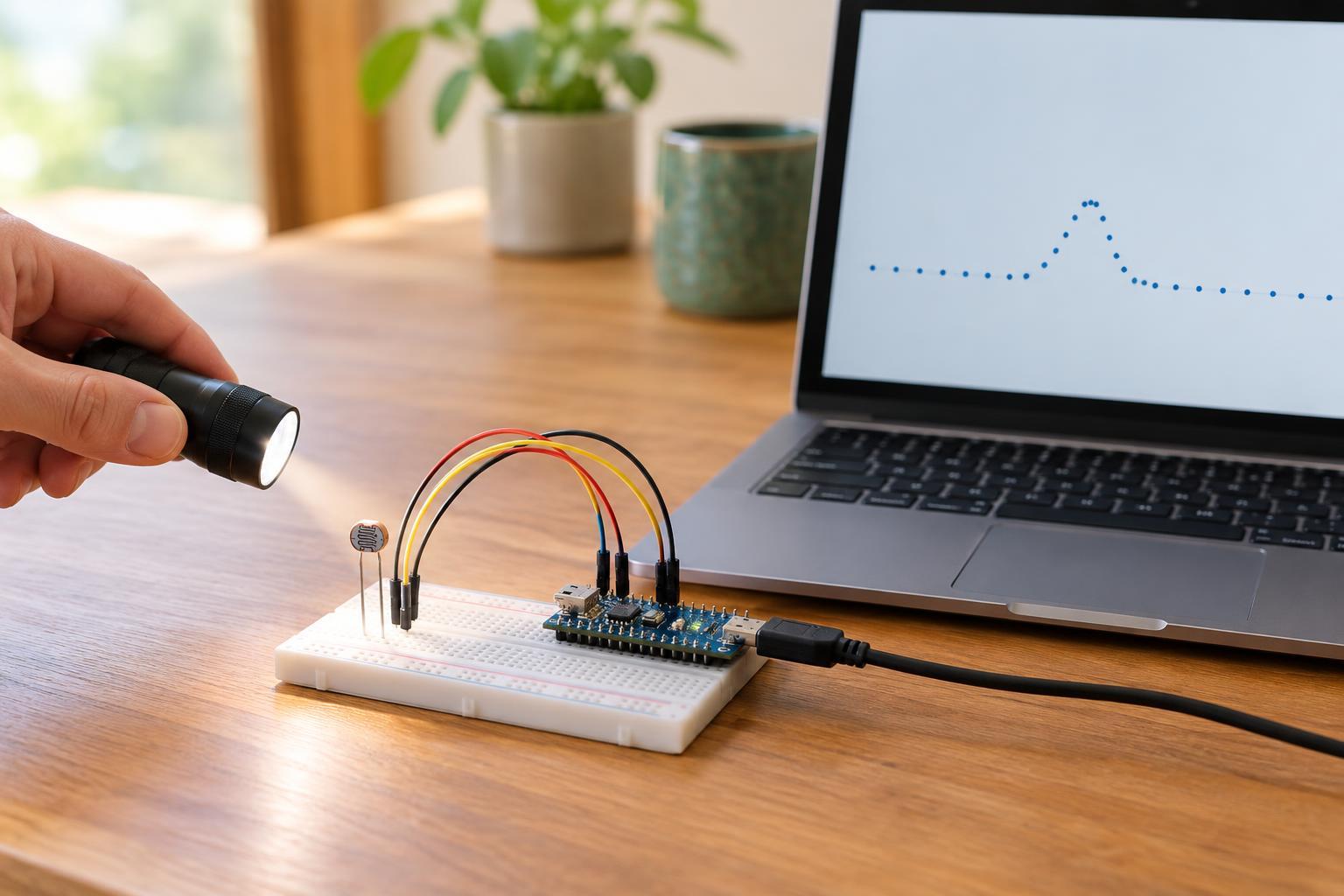
Imagine a signal that stays active for 20 milliseconds. If you read it every 100 milliseconds, that entire event could happen between readings. Reading every 10 milliseconds gives you more opportunities to see it, although timing uncertainty and software delays still matter. For a project where missing the event is unacceptable, allow a margin rather than sampling at exactly the event’s expected duration.
Not every event needs continuous sampling. For a digital sensor or switch, an interrupt, event output, or hardware latch may capture a change more reliably than repeatedly checking its state. Those features depend on the particular device. Mechanical switches also bounce, producing several rapid changes from one press; debouncing is needed even when the sampling rate is high.
Match the rate to the sensor and signal
Check the sensor’s specified update interval, conversion time, and response time when that information is available. A temperature sensor might provide new measurements slowly, even if its interface lets you request data more often. Repeatedly fetching the same value adds work without adding information. Communication time matters too: a measurement cannot finish sooner than the sensor and interface allow.
For smoothly varying signals, sampling needs to be fast enough to represent the changes of interest. If a signal varies faster than your sampling can follow, it may appear to change at a misleading slower rate. This effect is called aliasing. An input filter can limit unwanted fast variations before an analog-to-digital converter samples them. Simply averaging readings afterward cannot always undo aliasing that has already occurred.
Know what faster sampling does—and does not—fix
Faster sampling often produces more readings that fluctuate because of electrical interference, sensor variation, or normal movement. It does not automatically make each reading more accurate. Averaging several samples can make a steady display easier to read, but it also delays the displayed response and may hide short events. A median filter may help reject isolated spikes; it, too, should be tested against the changes you need to preserve.
Decide whether the project needs a quick alarm, a smooth trend, or both. You can sample fast enough to detect an event while showing a filtered value to the user. Keep the event-detection path separate from heavy smoothing so that a brief but important change is not averaged away. If readings are unusually noisy, also inspect wiring, connections, and sensor placement rather than relying on software alone.
Test a rate, then account for its cost
Begin with a rate that gives several chances to observe the shortest relevant event, stays within the sensor’s limits, and meets your response-time goal. Test it with realistic changes, including events that begin just after a reading. Record when the change actually occurs and when your program reports it. If the result is too slow or unreliable, adjust the sampling, filtering, or detection method and test again.
Higher rates can increase processing, stored data, communication traffic, and battery use. If a signal normally changes slowly, consider less frequent routine readings with faster sampling only when activity is detected, provided the first activity cannot be missed. For low-voltage maker projects, use appropriate, rated sensors and keep experiments within your skill level; do not connect a microcontroller input directly to mains wiring. The best sampling rate is one that captures the information you need without collecting readings your project cannot use.