Start with the device and its batteries
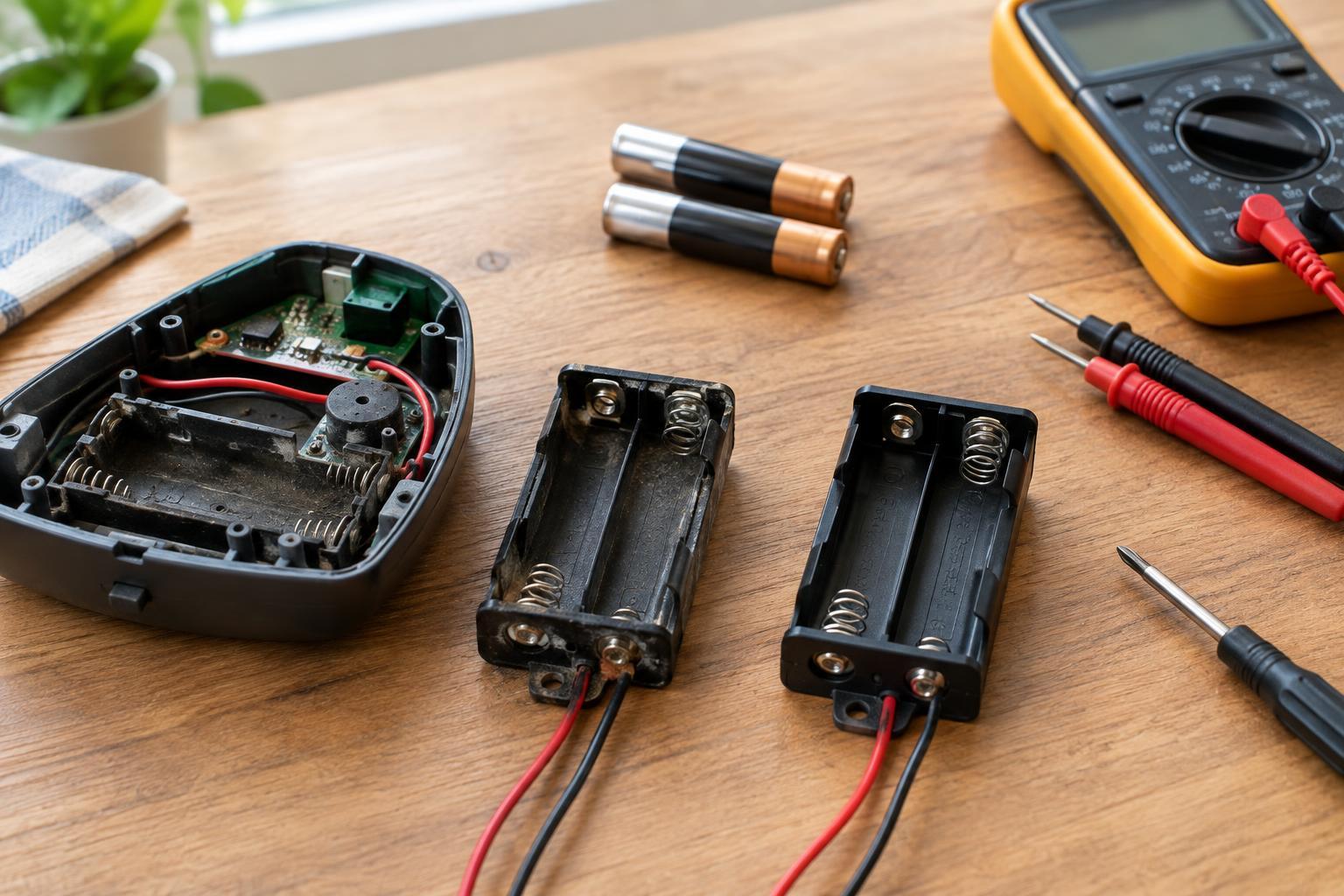
A loose spring, cracked plastic case, or badly corroded contact can make a battery-powered device intermittent even when its batteries are good. Replacing the holder may be more reliable than bending a contact back into place. This guide is for accessible AA or AAA holders in low-voltage devices, such as small hobby projects. Do not use it for equipment connected to mains power, damaged rechargeable battery packs, or devices whose wiring you cannot identify confidently.
Turn the device off and remove every cell before inspecting it. If a cell is swollen, hot, or leaking, avoid touching residue with bare hands and follow local guidance for handling and disposal. Note the original cell size, number of cells, arrangement, and battery type specified by the device. Photograph the holder and its connections before disconnecting anything. A replacement must accommodate the intended cells and fit within the available space, including room for a cover to close without pressing on the batteries.
Choose a holder that fits electrically and physically
Match the number and size of cells rather than choosing a holder by appearance alone. A holder for two cells usually connects them in series to provide a different supply voltage from a single-cell holder. Adding or removing cells can damage a device or prevent it from working. Keep the battery chemistry specified by the device; rechargeable AA or AAA cells can have different operating voltages from disposable cells, so they are not automatically interchangeable.
Check how the original holder connects to the device. A replacement might have wire leads, metal tabs, or contacts designed to touch pads on a circuit board. The terminals must suit the existing connection method without creating exposed conductors that could touch each other. Compare the holder’s length, width, depth, lead routing, and mounting points with the space available. If a holder will sit inside an enclosure, allow space to insert and remove cells without pulling on its wires.
Confirm polarity before making connections
Polarity matters: the holder’s positive output must connect to the device’s positive input, and negative to negative. Look for plus and minus marks on both parts, and compare them with the photograph you took before removal. Wire colors are useful clues, but they are not proof that a previous repair was wired correctly. Likewise, a spring often touches the flat negative end of a cell, but you should rely on the holder’s markings or verify its output rather than assume.
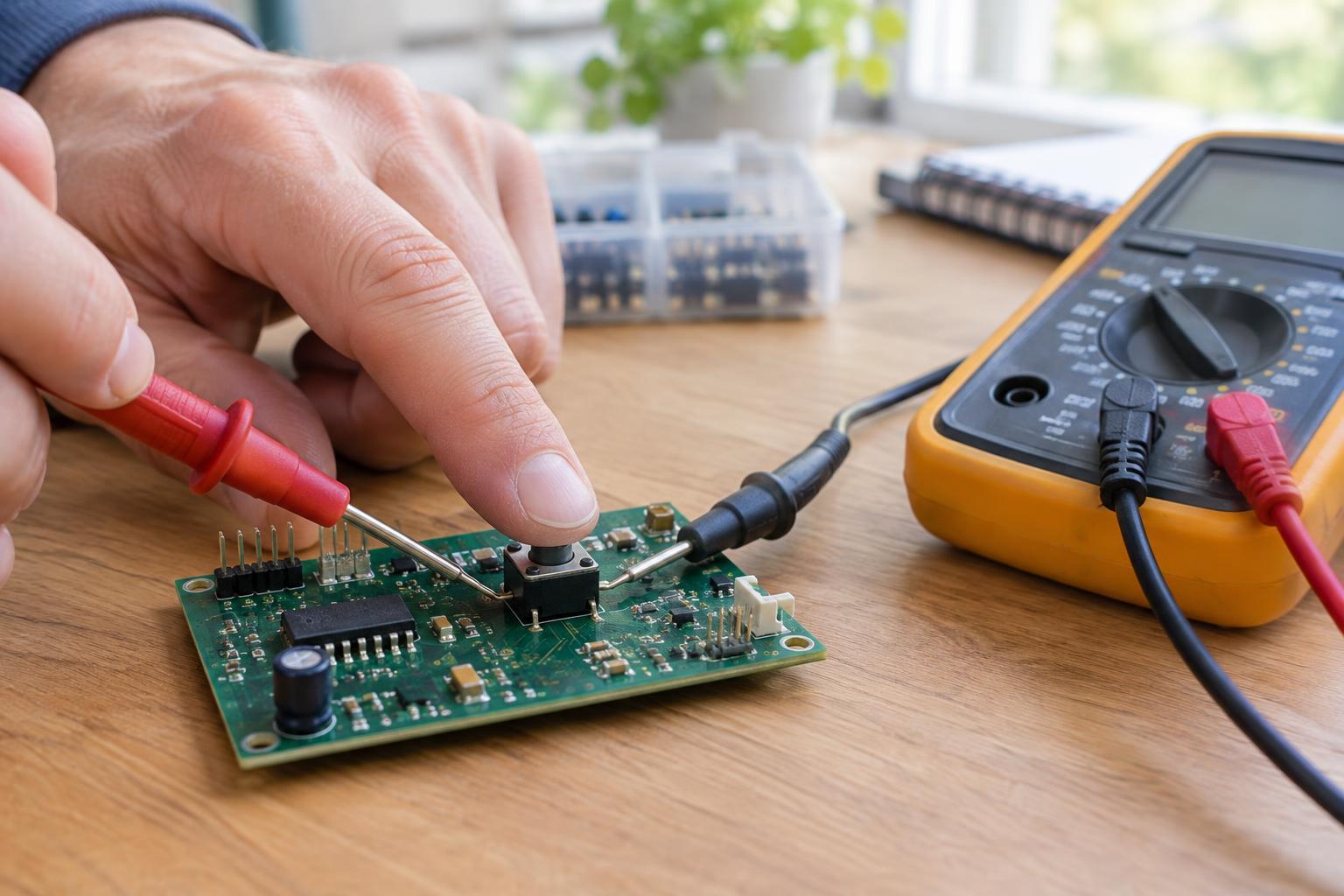
If you have a multimeter, place fresh, correctly oriented cells in the new holder while it is disconnected from the device. Set the meter to an appropriate DC voltage range and touch its probes to the holder’s output contacts without letting the probes touch each other. A positive reading with the red probe on the proposed positive output helps confirm polarity; a negative reading indicates the probes are reversed. Remove the cells again before attaching wires or mounting the holder.
Mount the holder without stressing its contacts
Use the mounting method intended for the holder and enclosure, such as compatible screws or an existing clip. Tighten screws only enough to keep the holder stable; excessive force can crack plastic or distort the cell contacts. If adhesive is the only practical option, choose one suitable for the surfaces and keep it away from contacts and the battery compartment. Tape alone may not hold reliably where batteries are changed often.
Route leads so the cover cannot pinch them and a battery change will not tug on their connections. Secure loose wires with suitable insulation and strain relief, leaving enough slack for normal access. If joining wires requires soldering, work only on the removed, empty holder and use appropriate tools and ventilation; never apply a soldering iron to an installed cell. If the original assembly is welded, embedded, or difficult to access, a compatible replacement assembly or help from a qualified repairer is safer than improvising a connection.
Test the repair and handle the old holder responsibly
Before reinstalling cells, inspect for stray wire strands, exposed joints, and metal parts that might bridge the holder’s terminals. Insert the specified cells in the marked directions, close the cover without forcing it, and switch on the device. If it does not work, turn it off and remove the cells before rechecking polarity, contact pressure, and connections. Do not try to diagnose a fault by shorting the holder’s terminals.
A successful repair should remain stable during ordinary handling, without batteries shifting or wires pulling free. Recycle removed cells through an appropriate battery collection program, and follow local rules for disposing of the old holder, especially if it has corrosion or attached electronics. Keeping the device in service is worthwhile only when the new holder is secure and its electrical connections are clear.