Start with the device, not the switch
When a button stops responding, the switch is one possible cause, but it is not the only one. A depleted battery, loose connector, cracked solder joint, damaged circuit trace, or fault elsewhere in the device can produce a similar symptom. A multimeter check helps narrow the question: does the pushbutton change its electrical connection when pressed?
This procedure is for accessible, low-voltage, battery-powered devices and maker projects. Turn the device off, unplug any external power supply, and remove the battery before testing. Do not use a continuity or resistance setting on a powered circuit. If reaching the button means opening mains-powered equipment, or you are unsure whether stored electrical energy is present, stop rather than treating this as a beginner repair.
Inspect the button and identify its contacts
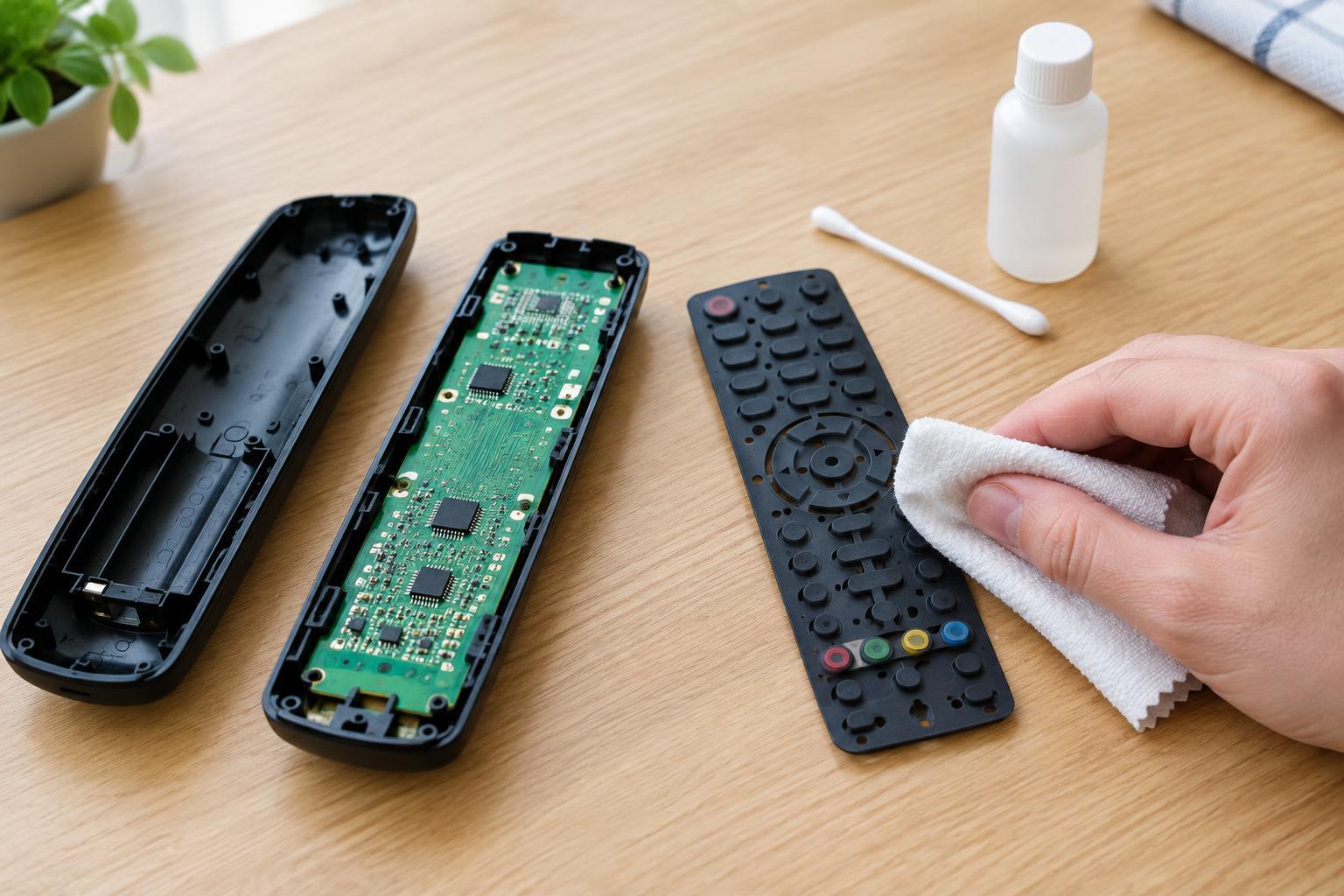
Before using the meter, look for a stuck button cap, dirt around the moving part, corrosion, loose wiring, or visibly damaged solder joints. Press the button gently. A change in feel can be a useful clue, but a normal click does not prove the electrical contacts are working. Avoid forcing the mechanism or applying liquids to an assembled device.
A common two-terminal momentary pushbutton is normally open: its contacts are separated at rest and connected while pressed. Other switches are normally closed, so they work the opposite way. Some small tactile buttons have four terminals. On many of these, the two pins on one side are permanently connected to each other, as are the two on the opposite side; pressing the button connects the sides. Layouts vary, so use markings or a part diagram if available rather than assuming which pins form the switched pair.
Measure the open and pressed states
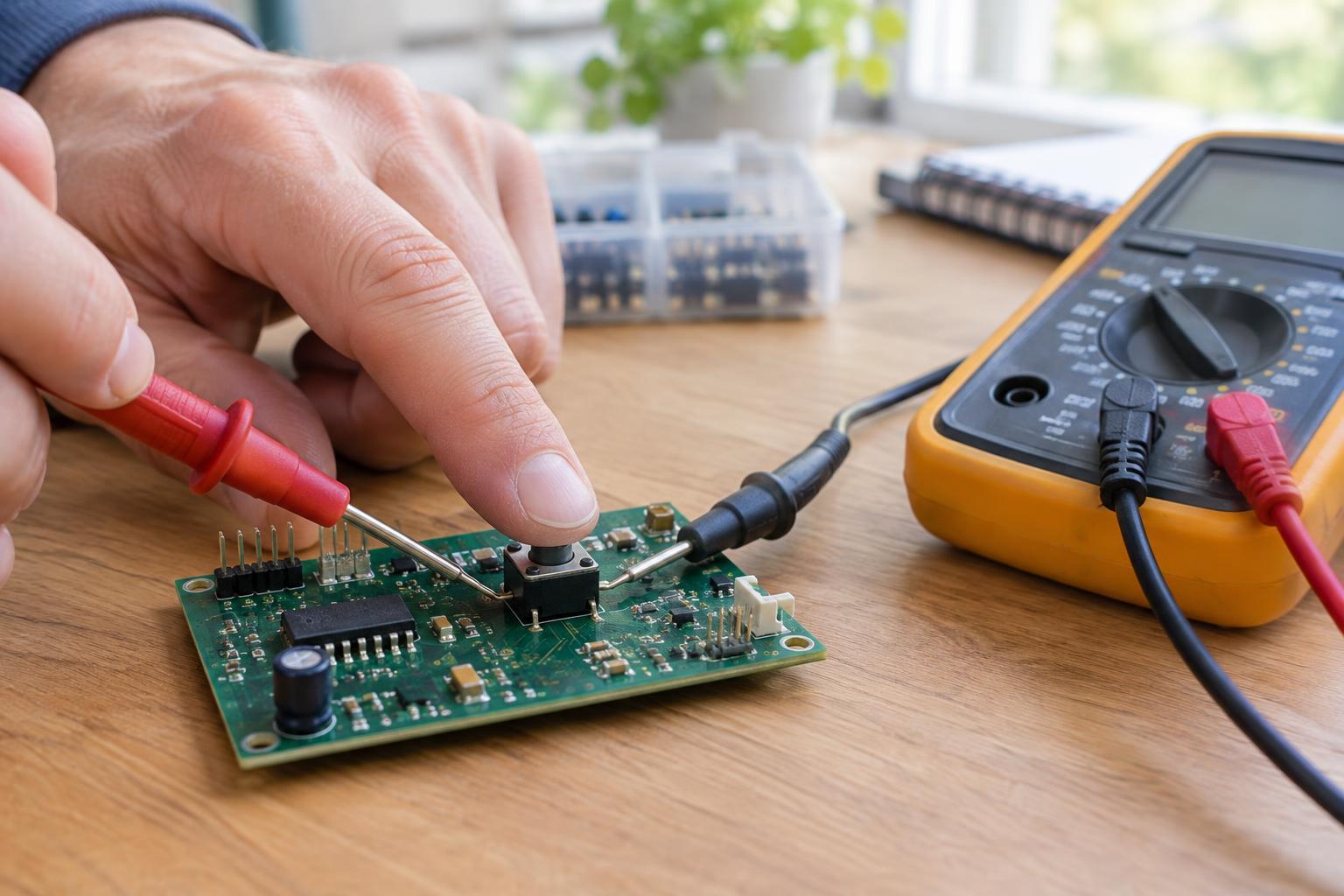
Set the multimeter to continuity mode, often marked with a sound-wave symbol, or use its resistance setting. Touch the probes together first. The meter should beep in continuity mode or show a reading close to zero ohms, allowing for probe and lead resistance. Separate the probes and note how the meter indicates an open connection; it may show OL, a high resistance, or no beep.
Place one probe on each of the switch contacts you want to test, taking care not to bridge neighboring pins with a probe tip. For a normally open button, the meter should indicate an open connection at rest and a connection while the button is held down. A normally closed button should do the reverse. With a four-terminal tactile switch, first find which pins are already connected at rest, then test between pins on opposite sides to check the changing contact.
Repeat the test several times, pressing normally rather than unusually hard. A reading that changes only with extra force, cuts in and out while the button is held, or varies when the button is gently moved may suggest worn or contaminated contacts. Some meters have a slight delay before they beep, so keep the button held long enough to read the display.
Understand the limits of an in-circuit test
A switch still attached to a circuit board can give a misleading reading. Other components or wiring may provide a path between the probe points even when the switch itself is open. If the meter reports a connection in both button positions, that does not automatically mean the switch is stuck closed. Check that you have selected the correct pins, then consider whether the surrounding circuit could be affecting the measurement.
The clearest test measures the switch apart from parallel circuit paths. On a simple wired assembly, disconnecting one switch lead may be enough; on a board-mounted part, isolation may require desoldering a terminal. Do not attempt that step unless you have the tools and experience to work without damaging the board. If you cannot isolate the switch safely, treat the result as inconclusive rather than ordering a part solely on that reading.
Decide whether a replacement makes sense
A switch that repeatedly fails to change state when tested across the correct, isolated contacts is a stronger replacement candidate than one that merely feels unusual. If it tests consistently, look again at the connections around it and the device’s power path. A good switch test does not prove every part of the circuit works, but it can prevent an unnecessary purchase.
Before ordering, compare the original part’s contact action, terminal arrangement, body size, button height, mounting method, and any available electrical rating. A part that looks similar may not fit the board or operate the same way. If the markings are unclear or removal would risk damaging the device, keeping the original part in place until it can be identified is a reasonable next step.