Start with the problem, not the screwdriver
When a small device stops working, first describe what it does and does not do. Does a wireless mouse fail to turn on, or does it turn on but lose its connection? Does a flashlight flicker only when its switch is pressed? A specific symptom helps you avoid taking apart something that only needs a setting changed, a connection restored or a battery replaced.
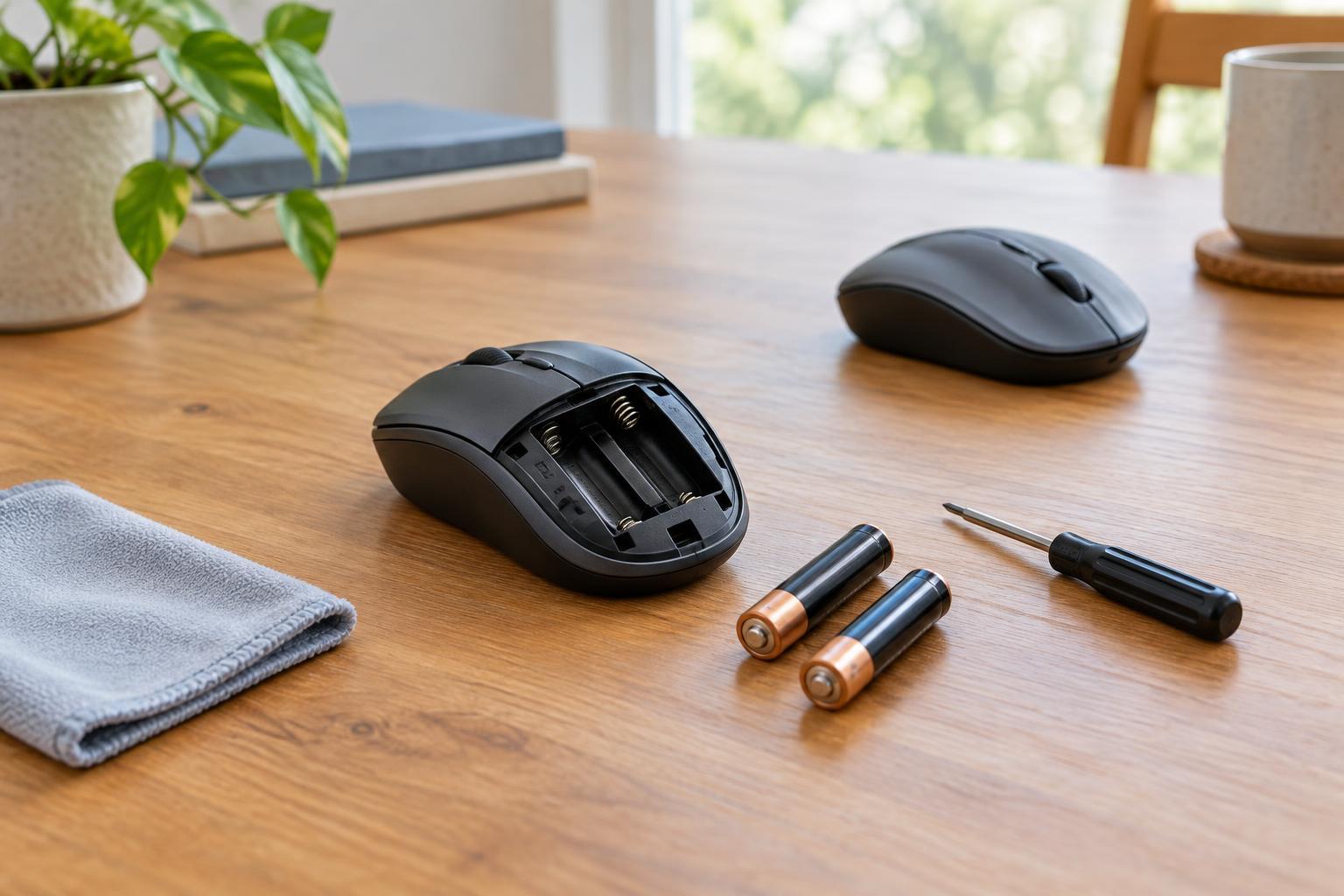
Check the simple external causes first. Confirm that the power switch is on, the battery is installed in the correct direction and any battery door is fully closed. For a device that pairs with another device, check the pairing and the device it connects to. If it uses replaceable batteries, try a known-good set of the specified type. Do not mix old and new cells or different battery types. Keep a note of each check so you do not repeat it later.
Look for the model number and the battery information on the case or in the instructions you already have. Those details matter more than whether a replacement battery merely fits. If the device is under warranty, opening it may complicate a claim; checking the manufacturer's support options may be a better first step.
Set a clear safety boundary
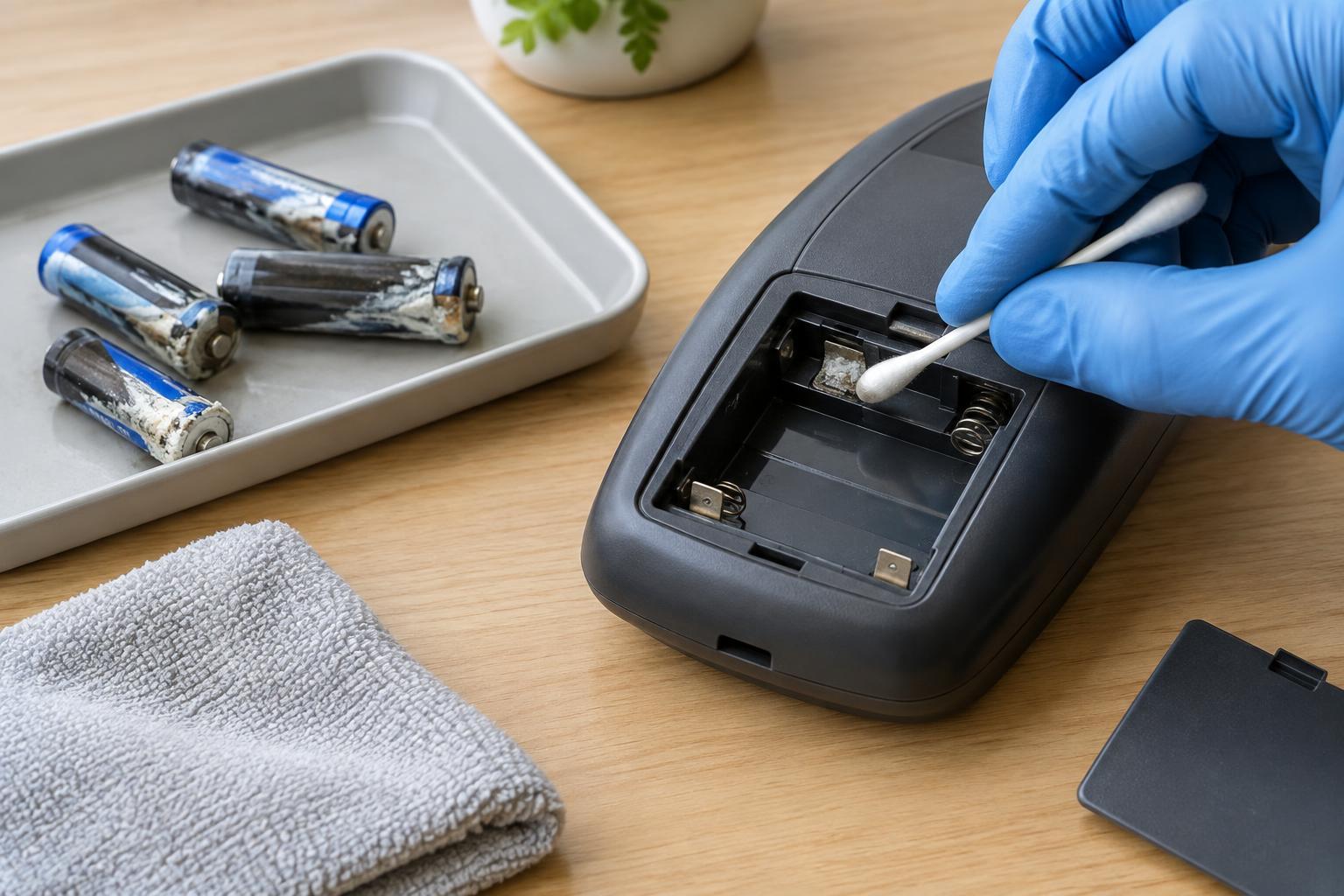
Beginner checks should stay outside the device or within a battery compartment designed for users to open. Turn the device off and remove user-replaceable batteries before gently cleaning accessible contacts. A dry, soft cloth may be enough for light dirt. If contacts show heavy corrosion, or a battery has leaked, avoid touching the residue with bare hands and follow the battery and device makers' handling guidance.
Stop using a device if its battery is swollen, hot, leaking, punctured or giving off an unusual smell. Do not charge it, press on it or try to open the battery. Rechargeable lithium batteries can be hazardous when damaged. A device with an internal battery that cannot be removed without opening the case is usually beyond a beginner's simple battery check. Use an appropriate local collection or repair service rather than putting a damaged battery in household trash.
Keep this decision guide to low-voltage devices and their user-accessible parts. Do not open wall chargers, power adapters or anything connected to mains electricity. Even if a gadget itself runs on a small battery, its charging equipment presents different risks.
Decide whether the fault is within your skills
A reasonable beginner repair has a clear fault, accessible parts and a reversible procedure. Replacing specified batteries, cleaning accessible battery contacts or reseating a removable cover may fit that description. A loose internal wire, damaged charging port or failed circuit board calls for tools and skills that a first-time repairer may not have. Guessing at internal faults can damage parts that were still working.
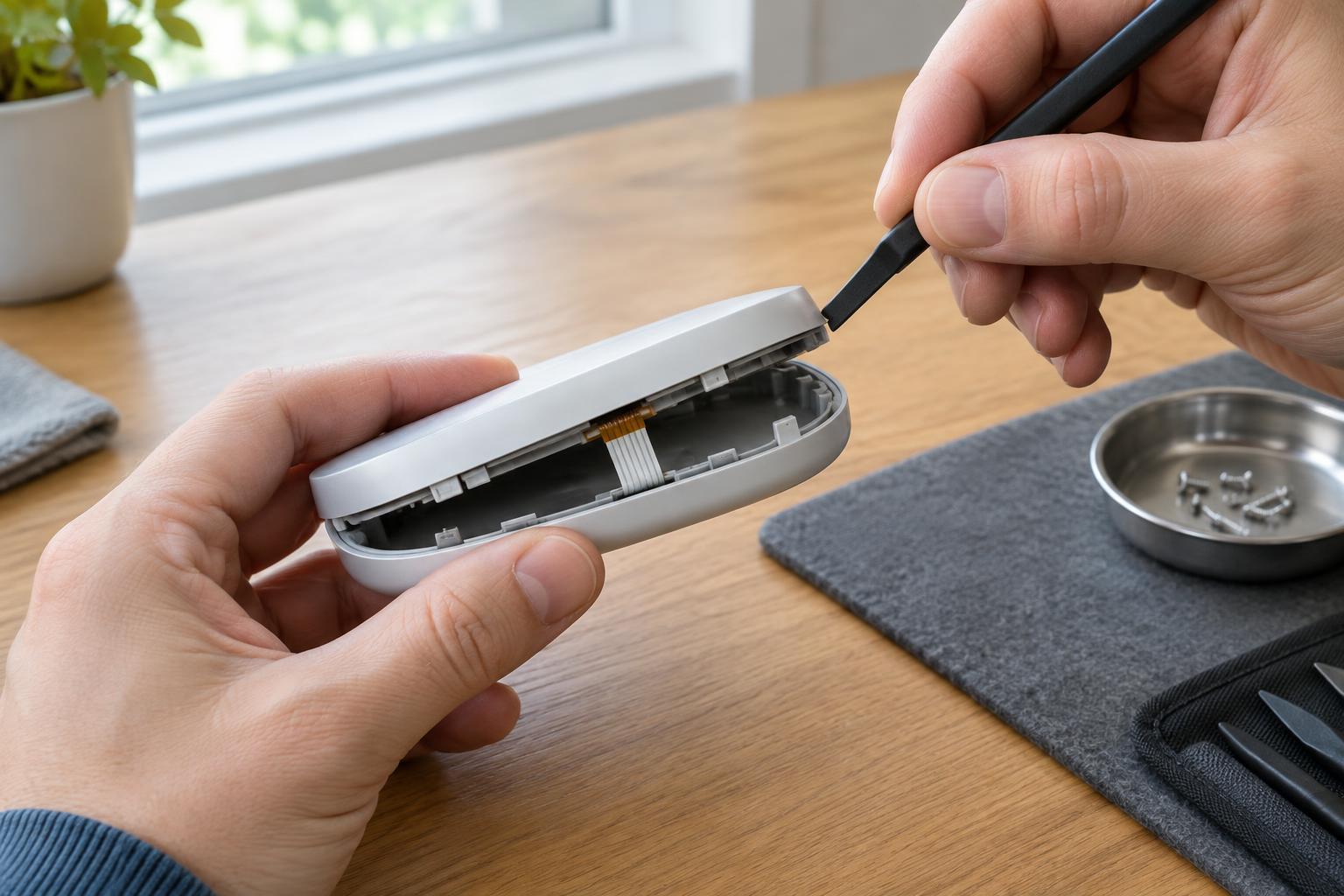
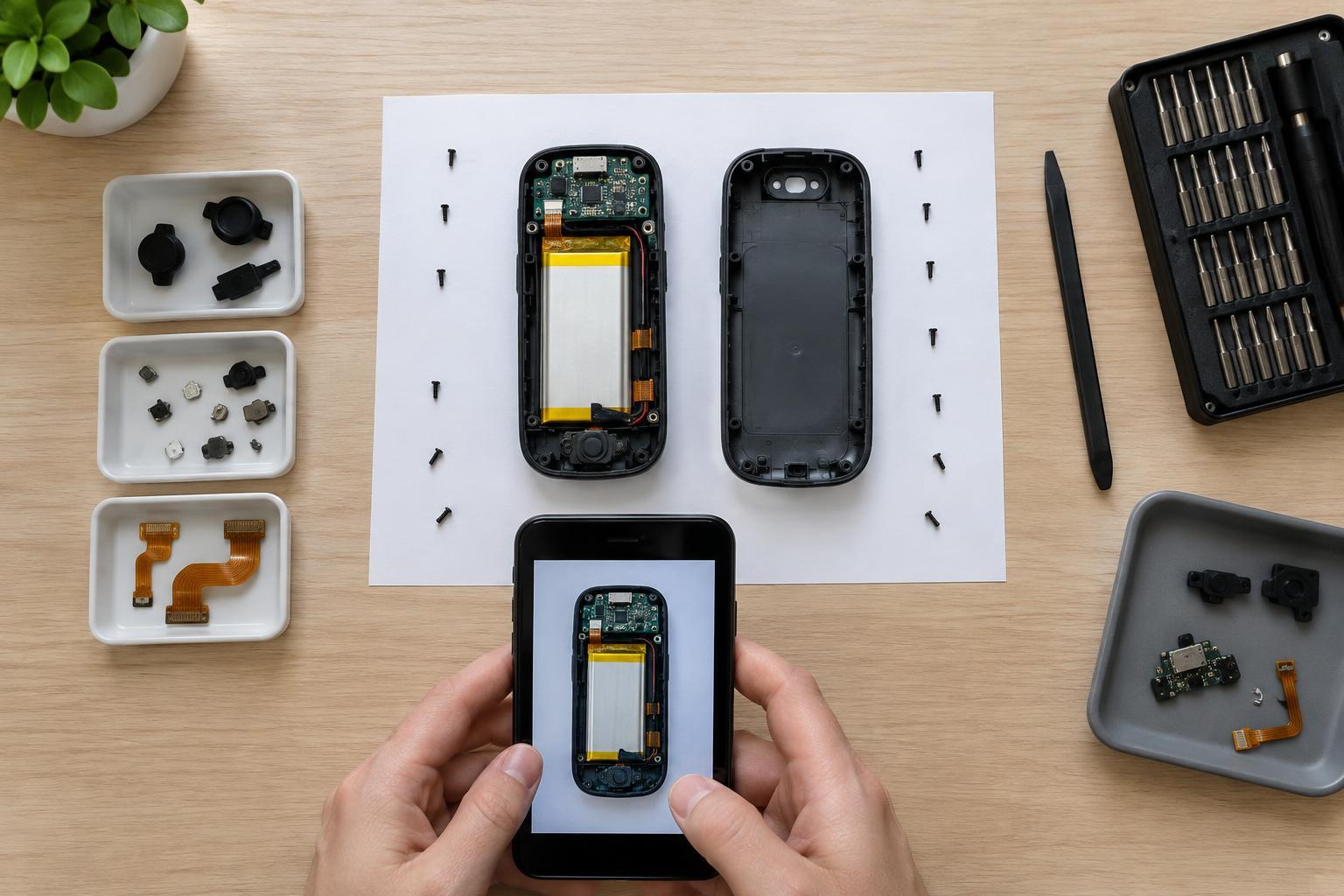
Consider how the case is built. A device held together with visible screws may be easier to inspect than one sealed with adhesive, but screws alone do not make a repair safe or straightforward. Tiny clips, ribbon cables and integrated batteries can be damaged during opening. If you cannot identify how to disconnect power safely, or you would need to solder near a battery, stop and seek experienced help.
It is also fine to choose not to repair a low-cost item. The aim is not to save every gadget at any cost; it is to make an informed choice without creating a safety problem or wasting usable parts.
Compare the full cost of repair and replacement
Add up more than the price of a replacement part. Include any tools you would need, delivery, your time and the chance that the first attempted fix will not solve the problem. Then compare that total with a replacement device that meets the same need. If the likely fix is a standard battery you already have, trying it is simple. If the fault is uncertain and the necessary part is hard to identify, replacement may be the more practical option.
Value is not only financial. A familiar device may be worth keeping because it works well for you or because a small repair could extend its useful life. On the other hand, a damaged battery compartment or unreliable power connection can make continued use frustrating or unsafe. Decide in advance how much time and money you are comfortable spending, then reassess if the first safe checks do not work.
Finish responsibly, whichever path you choose
If a simple fix works, test the device during ordinary use before relying on it again. Make sure the battery door closes properly and the device does not become unusually warm. Keep a brief note of what you changed; it may help if the problem returns.
If you replace the device, remove user-replaceable batteries and take them to an appropriate collection point. Check local options for electronics recycling rather than placing the old device in ordinary trash. Devices that store personal information may need a reset and data removal before they are passed on; follow the device's instructions where possible. A working device you no longer need may be suitable for reuse.
The most useful decision is often the smallest one: perform safe external checks, attempt only a repair you understand, and stop when the fault or battery condition exceeds your skills. That approach can save a device when the solution is simple while giving you a sound reason to replace or recycle it when it is not.