What the sensor actually detects
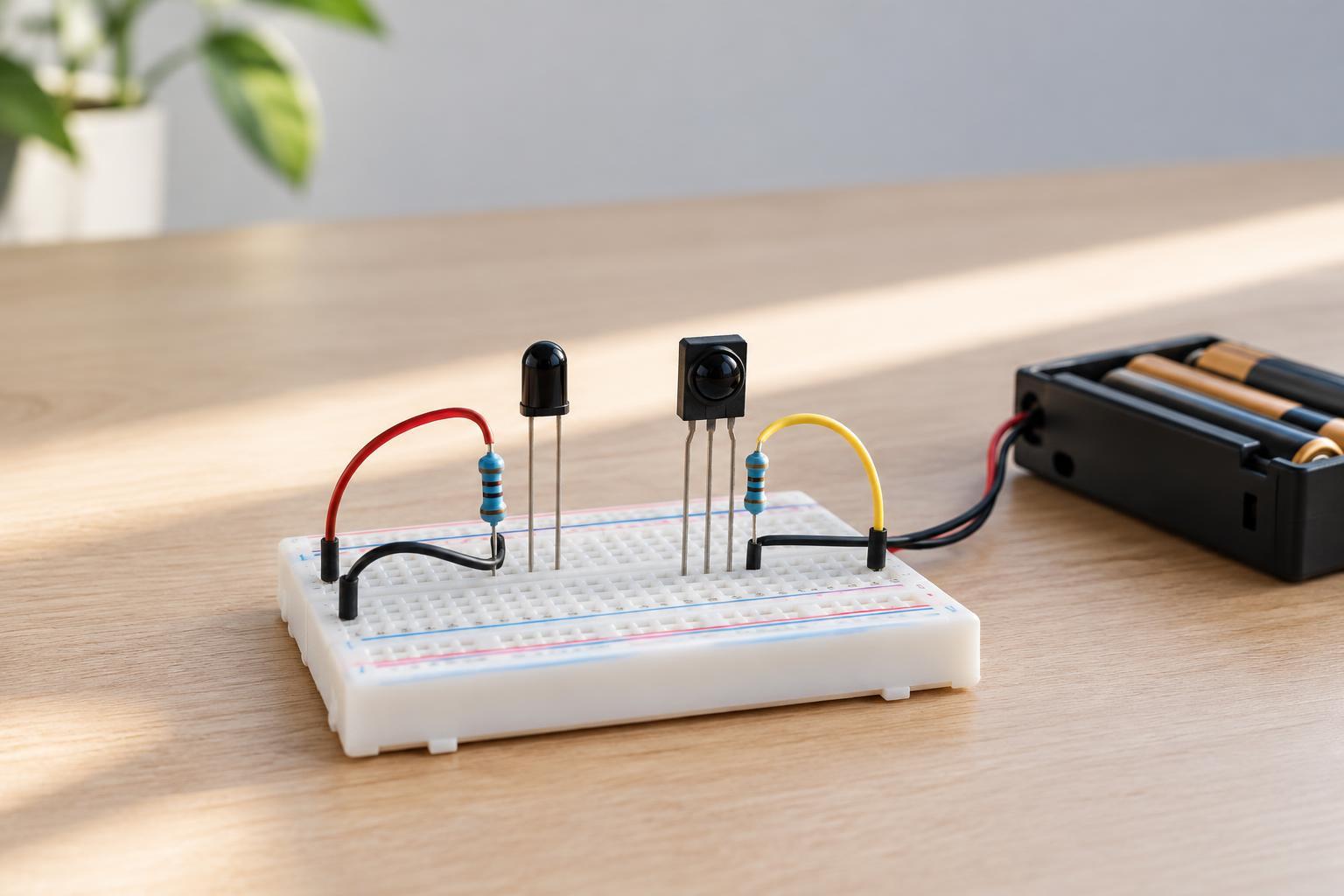
A reflective infrared proximity sensor usually combines an infrared LED, which emits light, with a receiver that detects some of the light returning from a target. A circuit then turns the receiver’s signal into a reading or a simple on/off output. Unlike a switch, the sensor does not directly know whether an object is present. It responds to the amount of infrared light reaching its receiver.
That distinction matters because many things besides presence affect the returning light. A target’s surface, its distance, its angle and the light in the surrounding area can all change the result. On a module with an adjustable threshold, turning the adjustment control changes the point at which the output switches; it does not make every material detectable at the same distance.
Why color is a useful clue, but not a guarantee
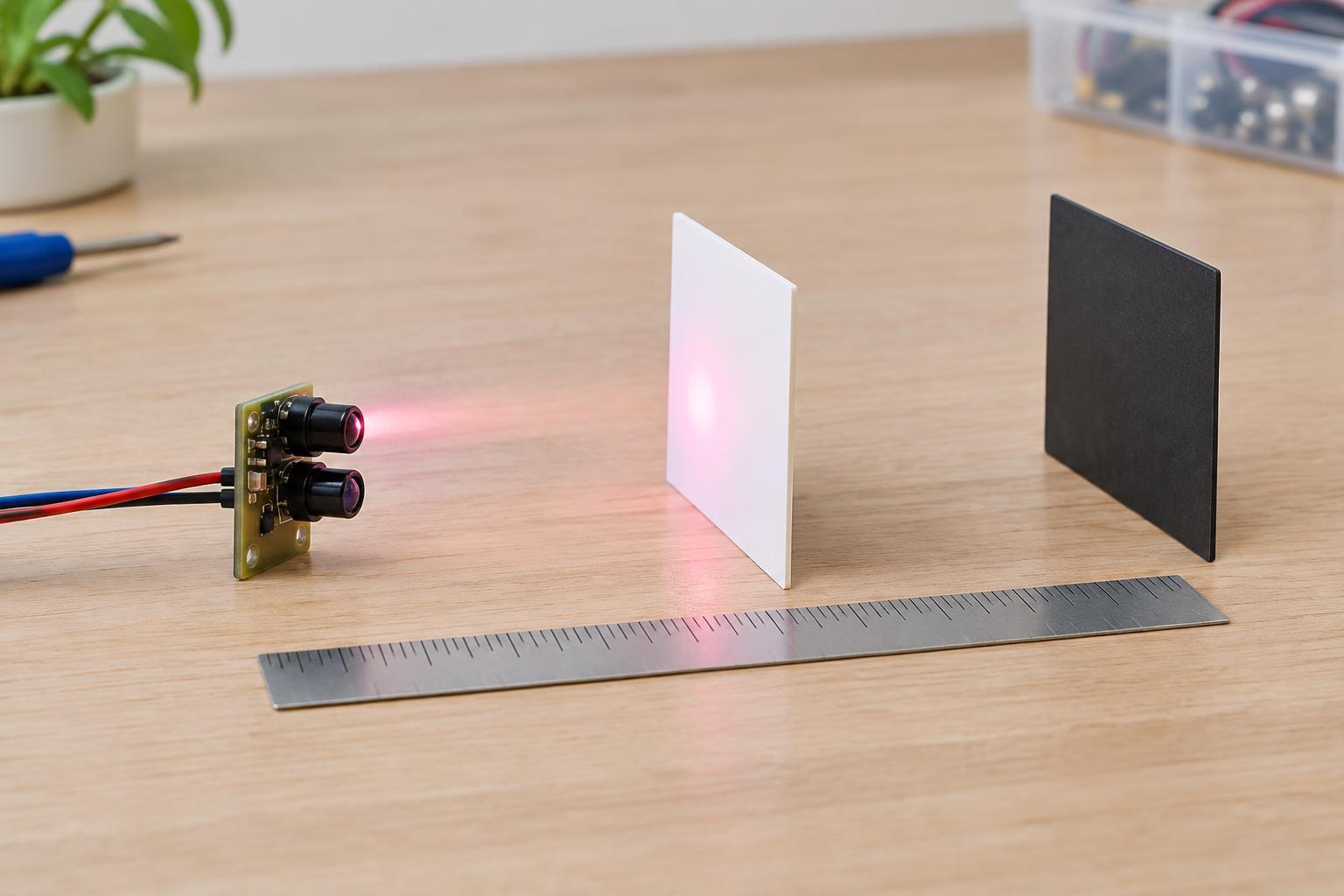
A pale surface often returns more light than a dark one, so a white card may trigger a sensor farther away than a black card. However, the color your eyes see is based on visible light, while the sensor uses infrared. Two surfaces that look equally dark can reflect different amounts of infrared light. A printed pattern may also look strongly contrasting to you but show much less contrast to the sensor.
Finish can matter as much as color. A matte surface tends to scatter light in many directions, giving the receiver a chance to collect some of it over a range of angles. A shiny surface may reflect strongly but direct most of the light away from the receiver when tilted. Transparent and translucent objects add another complication: light may pass through, reflect from a background or scatter within the material. Test with the actual targets rather than choosing a threshold from visible appearance alone.
Why the reading changes with distance and alignment
As a target moves away, less of the emitted light generally returns to the receiver. The change is not necessarily smooth or identical across sensors. The LED and receiver have particular viewing angles, and their fields must overlap on the target. Very close to a module, an object can sometimes sit outside the best overlap region; farther away, the return may become too weak to detect reliably.
Target size and position also matter. A small object may intercept only part of the beam, while a larger one fills more of the sensing area. Tilting a target can redirect reflected light, especially if its surface is glossy. For a repeatable result, mount the sensor firmly and present targets in a consistent orientation. Treat any advertised detection range as a starting point for testing, not as a promise for every object.
Setting a useful detection threshold
Begin with a low-voltage sensor module and a power supply that match the module’s stated requirements. Keep the project away from mains wiring, and switch off power before changing connections. If the module has an indicator LED or digital output, first observe its state with no target nearby. Then place the intended target at the farthest distance at which detection is needed and adjust the threshold until it responds.
Next, check conditions that should not cause detection: the empty background, nearby surfaces and targets that the project should ignore. Repeat the test at several distances and angles, including the closest expected position. If the sensor switches unpredictably at the boundary, allow more separation between the normal target signal and the background signal. Some modules offer only a digital output, so their indicator can help with adjustment, but it cannot show how much margin remains before the threshold is crossed.
Making a project more dependable
Test under the lighting conditions in which the project will run. Sunlight and some artificial lighting can affect infrared receivers, although the extent depends on the sensor’s design. Shielding the sensor from stray light, keeping its lens clean and avoiding reflective objects in the background may help. A short opaque divider between emitter and receiver can sometimes reduce direct light leakage, provided it does not block the intended sensing path.
For a controller-based project, a brief confirmation period or a few consistent readings can prevent a single flicker from being treated as an event. If the target may vary widely in material or approach angle, a reflective sensor may not be the right choice; consider a sensing method that does not depend on the target returning light. The practical lesson is simple: calibrate using the real object, at the real distance, against the real background.