Two ways to turn light into a signal
A photoresistor changes resistance as illumination changes. Photodiodes and phototransistors take a different approach: incoming light produces an electrical current. Both can detect a beam, a passing object, or a change in room lighting, but they differ in how much signal they produce and how quickly they respond.
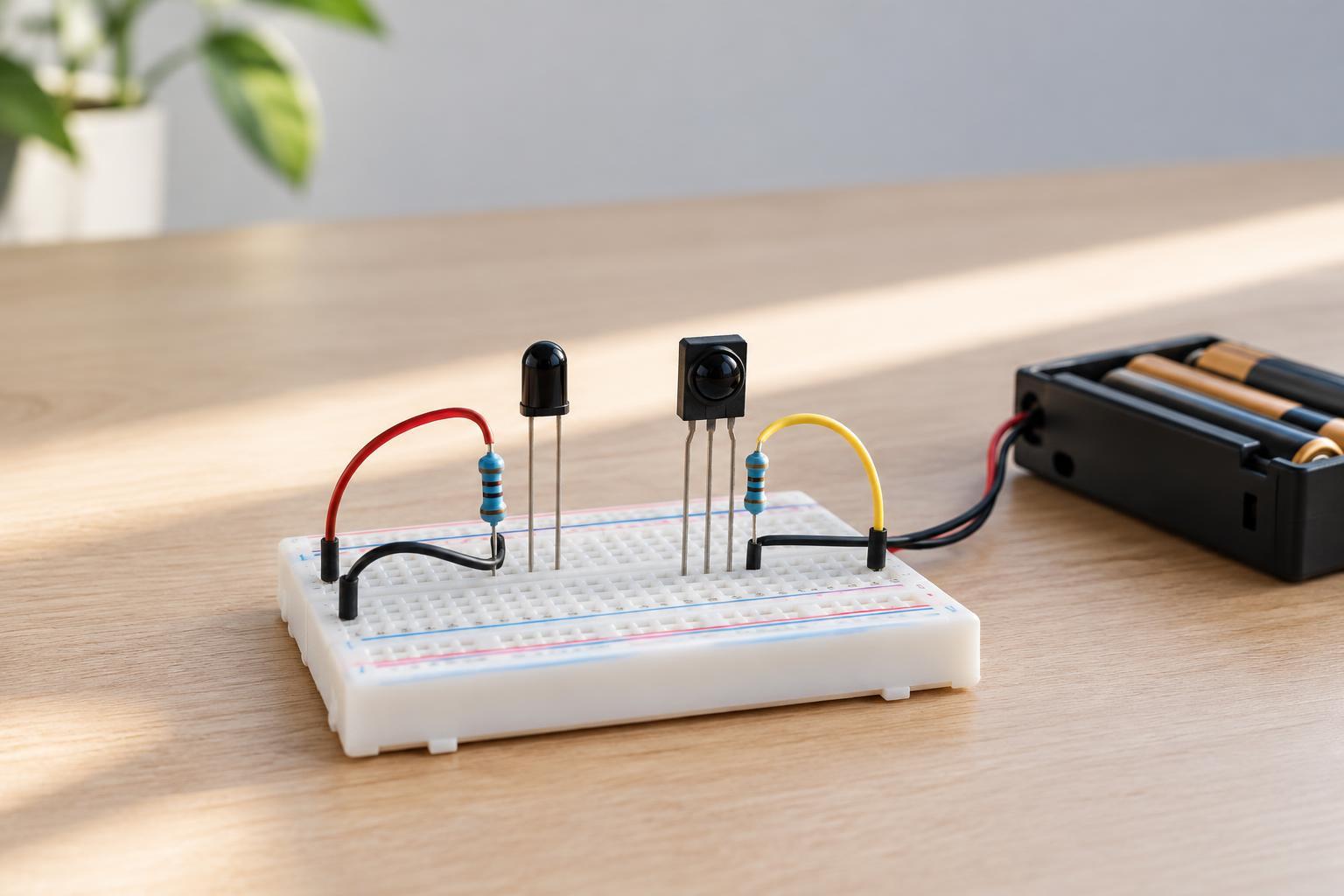
A photodiode is a light-sensitive diode. It can produce a small current on its own, or it can be used with a low reverse-bias voltage to make changes easier to detect quickly. A phototransistor uses light to control a transistor. Its internal gain usually produces a larger output change from the same amount of light, making it convenient for a simple light-versus-dark input.
Neither part detects every kind of light equally well. Some are intended mainly for visible light; others are most sensitive to infrared. Before choosing one, check its description or datasheet for spectral sensitivity, pinout, and operating limits. A clear-looking package is not a reliable guide to what wavelengths it detects.
Choosing between sensitivity and speed
Choose a phototransistor when you want an uncomplicated detector and the light level may be modest. For example, it can help a microcontroller notice when a hand interrupts an LED beam. Its gain can reduce the need for extra amplifier circuitry. The trade-off is that phototransistors are generally slower than photodiodes, especially when driven into saturation by strong light.
Choose a photodiode when response speed matters or when you want a signal that follows changes in illumination more directly. Photodiodes are useful in faster optical sensing, but their output current may be very small. A resistor can turn that current into a voltage for an experiment; demanding applications may need an amplifier and careful circuit layout.
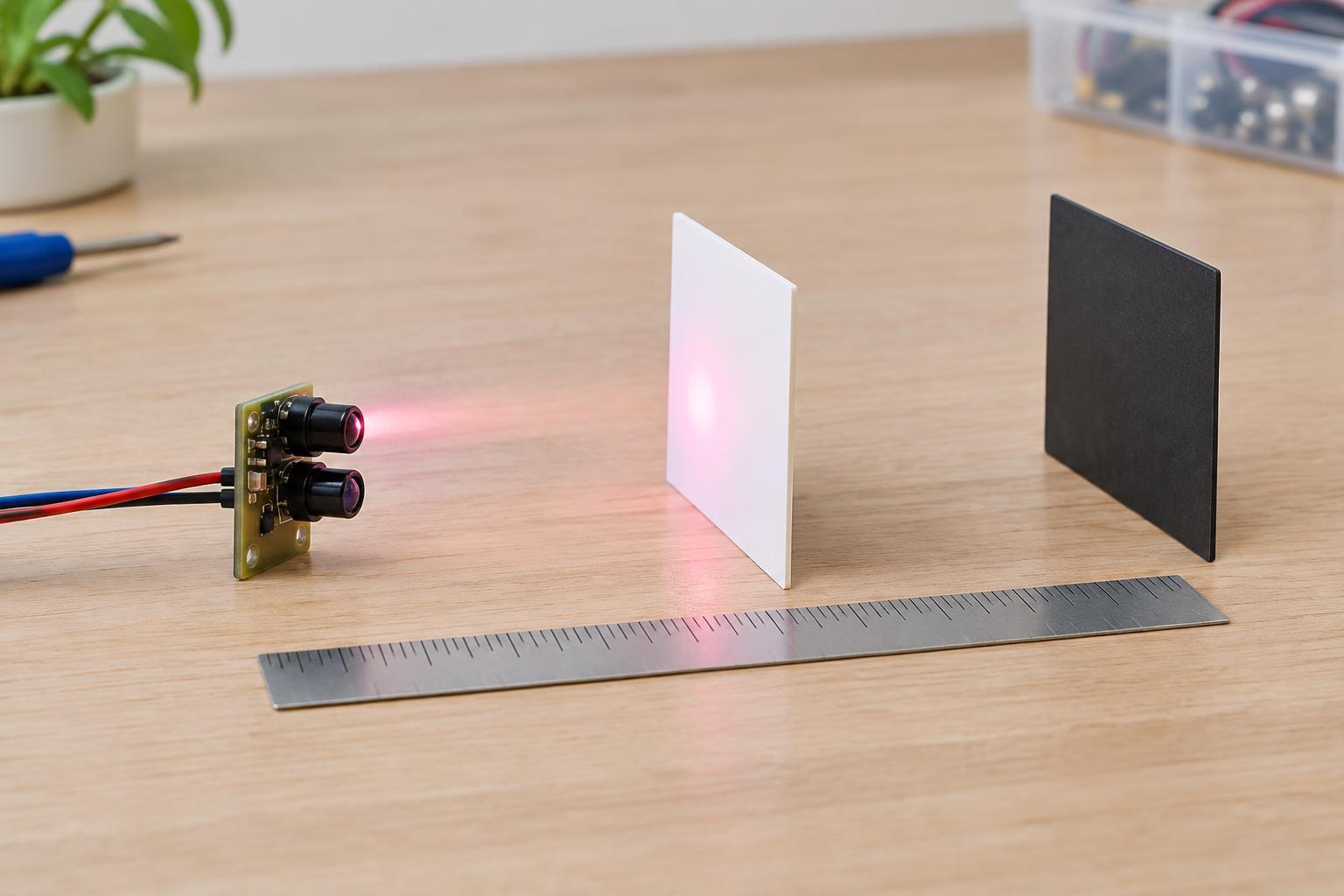
For either device, sensitivity is not simply a property of the sensor. The light source, distance, alignment, enclosure, and surrounding illumination all affect the result. A sensor that works on a desk may behave differently near a window or under a lamp. Test it under the lighting conditions in which it will actually be used.
Simple low-voltage connections
For a basic phototransistor circuit, connect its emitter to ground and its collector to a microcontroller input. Connect a resistor from that input to the controller’s supply voltage. With a suitable part and resistor, the input sits high in darkness and falls as more light makes the transistor conduct. A 10 kΩ pull-up is a reasonable starting point for a 3.3 V experiment, not a value that fits every sensor or light level.
A photodiode can be tried in a similar reverse-biased arrangement: connect its anode to ground, its cathode to the input, and a resistor from the input to the low-voltage supply. Light-generated current pulls the input voltage downward. Because that current is often much smaller than a phototransistor’s output, a larger resistor—such as 100 kΩ—may make the change easier to see. A larger resistor also makes the signal more susceptible to noise and may slow its response.
Use an analog input if you want to observe changing voltage rather than only an on/off state. Keep the circuit within the sensor’s and controller’s rated voltage and current limits, and share a common ground. These are low-voltage examples only: do not connect either sensor circuit directly to mains wiring. Confirm the actual pinout before applying power, since package shapes do not guarantee identical connections.
Making a dependable detector
Start by measuring or reading the input in both your expected “light” and “dark” conditions. If the readings overlap, moving the sensor, shielding it from stray light, or adjusting the resistor may help more than changing the software. A narrow tube or simple enclosure can limit the directions from which light reaches the detector, provided it does not block the intended signal.
For an on/off decision, set a threshold between the observed readings rather than assuming a particular voltage will always mean “lit.” Add a little hysteresis in software: use one threshold to switch on and a different threshold to switch off. This helps prevent rapid toggling when the light level hovers near the boundary. If you control the light source, comparing readings with that source on and off can help distinguish it from steady ambient light.
Troubleshooting a sensor that seems stuck
If the input never changes, first check power, ground, resistor placement, and sensor orientation. Then cover and uncover the sensor while watching the raw input reading. A phototransistor connected with its collector and emitter swapped may respond poorly or unpredictably. A reversed photodiode may still show some behavior, but not the behavior expected from the reverse-biased circuit described here.
A reading that stays near one end of its range may mean the detector is saturated by bright light, receives too little light, or has a resistor value poorly matched to the conditions. Change one thing at a time: light level, alignment, then resistor value. This simple approach makes it easier to tell whether the limitation is in the sensor, the circuit, or the surroundings.