Why a repaired cable fails again
Cable failures often occur where a flexible cord meets something rigid: a plug, a connector shell, or the edge of a device enclosure. Each tug or sharp bend concentrates movement at that transition. Over time, conductors can break inside apparently intact insulation, or the outer jacket can split. Restoring an electrical connection does not solve the problem if the repaired area still takes the same mechanical load.
Strain relief gives the cable a supported path so pulling and bending forces do not act directly on delicate conductors or solder joints. It does not make a cord indestructible. Its job is to spread movement over a longer, gentler section and keep the cable from shifting where it enters the device.
Check the cable before choosing a repair
First, disconnect the device from its power source. For this article, low voltage means a device powered by a removable battery or a low-voltage output from an external adapter. Do not open a mains-powered adapter, work on a cord that plugs directly into a wall outlet, or attempt a repair while the device is powered. If a battery is swollen, damaged, or unusually hot, stop using the device rather than working around it.
Look for the point where the cable changes shape, feels unusually soft, or shows exposed wire. Also inspect the connector and the enclosure opening for sharp edges. If damage extends along the cable, the plug is loose internally, or the insulation cannot be restored reliably, replacement is usually the better option. Choose a replacement with the correct connector, polarity, and electrical rating for the device; a plug that physically fits is not enough.
Before changing an intact cable, observe how it is normally used. A cord that hangs under its own weight needs support in a different direction from one that is repeatedly pulled sideways. If the cable must make a tight turn immediately after leaving the device, changing its route may help more than adding material at the failure point.
Use support that suits the cable and enclosure
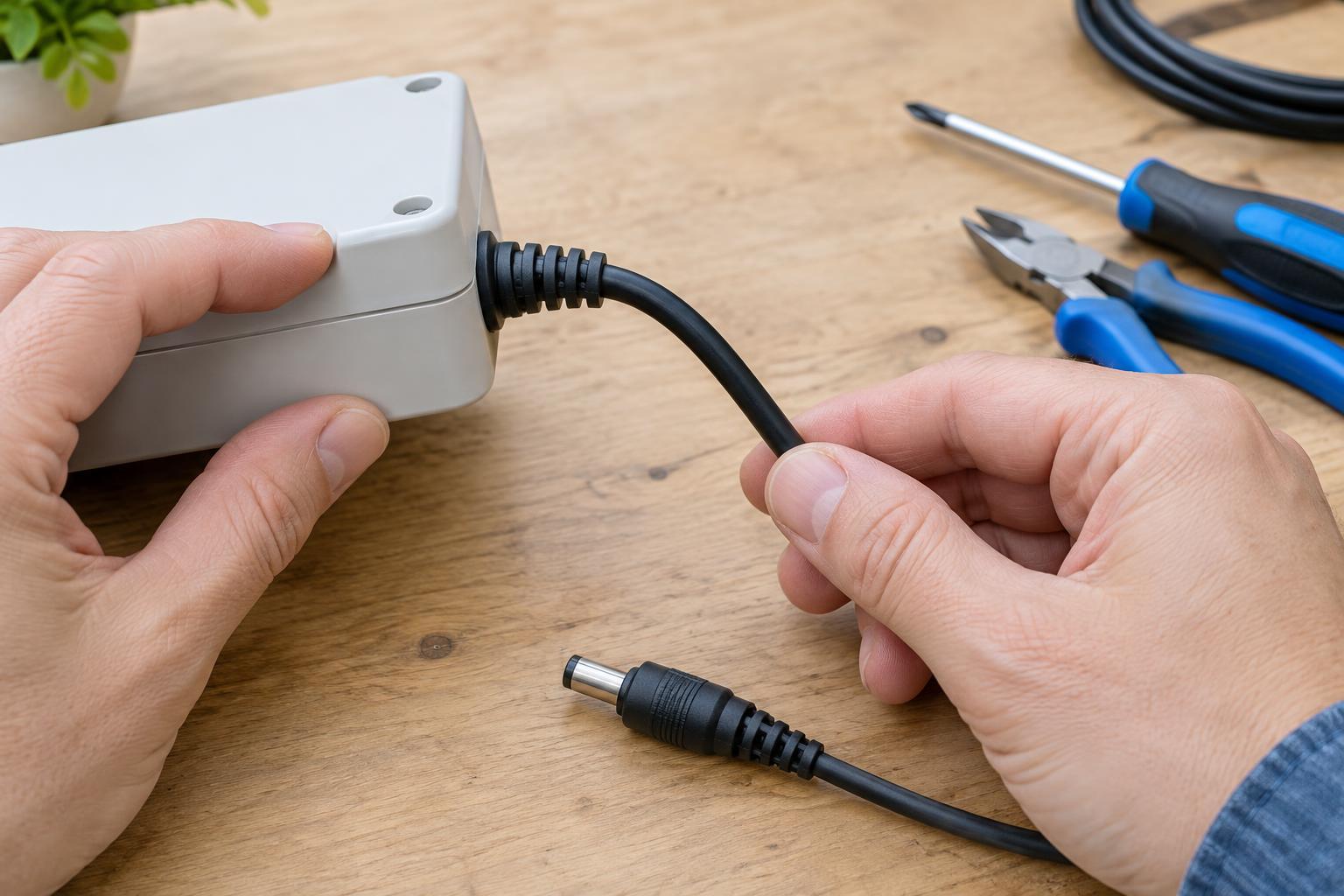
For a cable entering a repairable low-voltage enclosure, a purpose-made cable gland, grommet, or clamp can protect it from the edge and limit movement. The part should fit the cable’s outer jacket without crushing it. An internal clamp, where the design allows one, should grip the jacket rather than individual wires. Leave a little slack between that clamp and the connection so a light pull on the external cable does not reach the terminals or solder joints.
Outside the enclosure, a flexible boot or a sleeve extending beyond the rigid connector can reduce abrupt bending. Heat-shrink tubing may provide light support over a sound, insulated cable, but it is not a substitute for a damaged jacket or a proper clamp. Avoid building a hard lump that simply moves the bending point to its end. The cable should leave the support in a gentle curve, without being forced against a sharp edge.
Do not drill or cut an enclosure unless you can do so without contacting a battery, circuit board, or other internal parts. Changes to an opening can affect how well a device resists dust or moisture. If a safe, secure fit is not possible, use a suitable replacement cable or seek a repair service rather than improvising a clamp inside the device.
Test gently and prevent the next failure
Before powering a repaired device, check that no conductor is exposed, the jacket is held securely, and the cable cannot rub on an edge. If you have the skills and an appropriate meter, you can check continuity and look for unintended connections while the device remains unpowered. Then test normal operation without tugging or sharply flexing the cord. Intermittent operation when the cable moves is a reason to stop using it and reassess the repair.
Daily handling matters as much as the repair. Unplug by holding the connector, not the cable. Leave enough slack that moving the device does not pull on the socket, and store the cord in loose loops rather than tightly winding it around the device. A cable that fails repeatedly is often showing that its route, support, or use pattern needs to change—not merely that one more section needs to be patched.