Start with a backup and a device inventory
Before clearing an old device, decide what you want to keep. Photos, contacts, documents, messages, authenticator accounts and app-specific files may be stored in different places. Confirm that important items are available on your replacement device or in a backup you can open. A backup is more useful when you have checked a few files rather than simply trusting that a transfer finished.
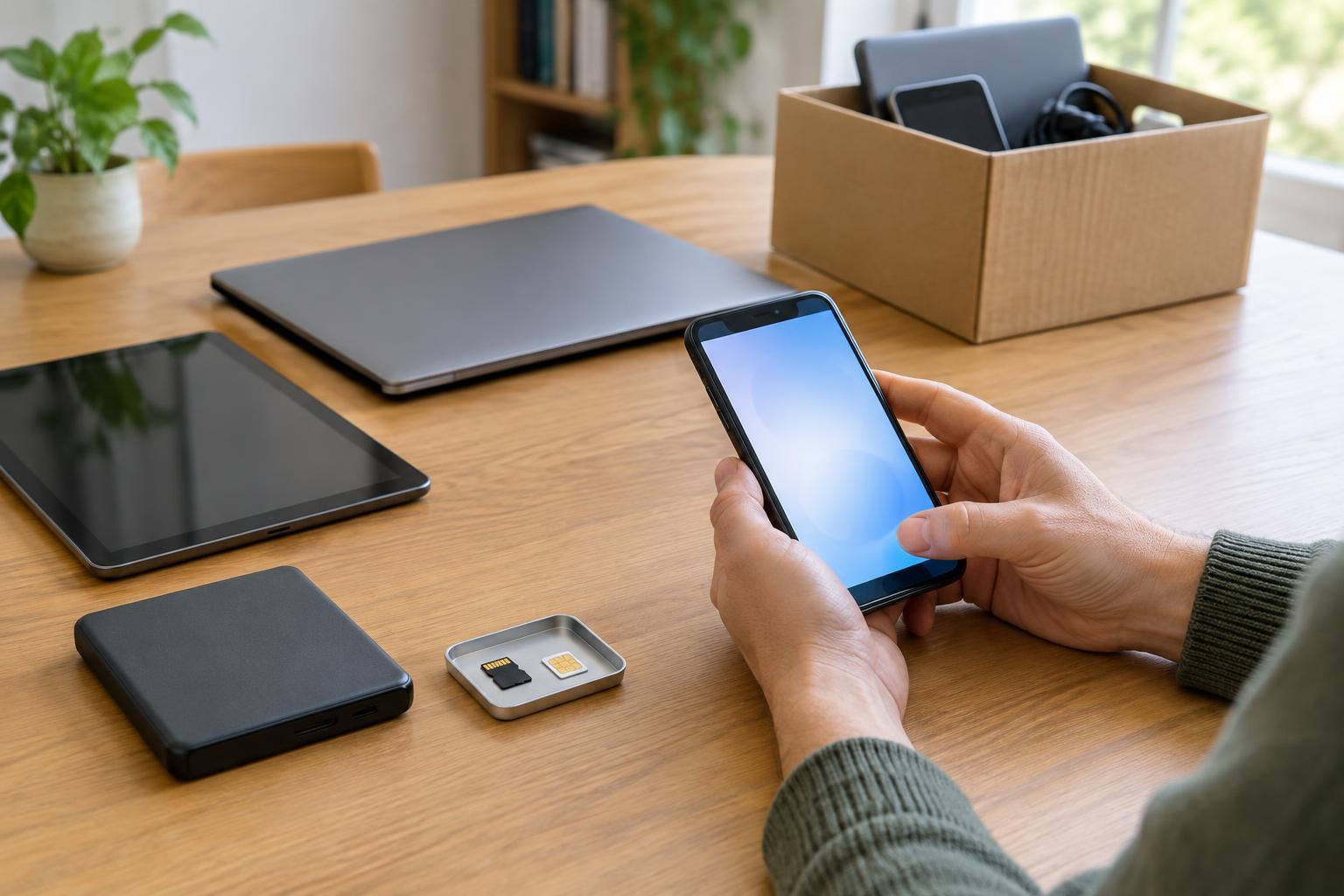
List anything that might retain information: internal storage, memory cards, USB drives, a SIM card, or a drive connected to a computer. Smart speakers, cameras, game consoles and wearables can also store account details or personal settings. If you are preparing several devices, label them while you work so you do not mistake an erased device for one that still needs attention.
Disconnect accounts and remove separate storage
Follow the device maker’s instructions for signing out of accounts and turning off any device-finding or activation-lock feature before a reset. These features can be useful while you own the device but may prevent a recipient from setting it up. If the device is paired with a phone, hub or other controller, remove that pairing too. For a smart-home device, check whether its companion app offers a way to remove the device from your account.
Take out SIM cards and removable memory cards before handing over the device. Keep, erase or dispose of them separately according to what they contain; a factory reset may not clear removable media. Check less obvious locations, such as a camera card slot or a computer’s external drive. Removing an account from a device is not necessarily the same as deleting information held in that account online, so decide separately whether you want to keep or close the account.
Use the right erase option for the device
On a working phone, tablet, console or smart device, look for the manufacturer’s erase or factory-reset procedure. Read its description before confirming: a restart, a settings reset and a full data erase can do different things. Keep the device charged or connected to its normal power supply during the process, and allow it to finish. Menus vary by model and software version, so use instructions for the exact device when the choice is unclear.
For a computer, use the operating system’s option to remove personal files when preparing it for another owner. If it offers a more thorough drive-cleaning choice, consider it when donating the computer; it may take longer. Storage design and encryption affect what an erase can accomplish, so avoid assuming that manually deleting files or emptying a trash folder is enough. If you installed a separate internal drive, make sure the erase procedure includes it or remove it for separate handling.
Check the result without setting it up again
When the reset is complete, a device intended for donation should generally open to its initial setup screen rather than your home screen, user account or files. Check that removable storage is out and that the device no longer appears as an active device in relevant account settings, where that option is available. Do not enter your credentials during this final check unless you need to correct a problem; signing in again can put information back on the device.
An erase process cannot provide an absolute guarantee for every device or fault. If a device will not power on, you may not be able to verify its contents. Do not open a sealed phone or puncture a battery to reach storage. For equipment with inaccessible storage, ask a reputable electronics recycler what data-handling options it offers. If the information is especially sensitive, consider keeping a removable storage drive rather than donating it with the device.
Choose a safe next destination
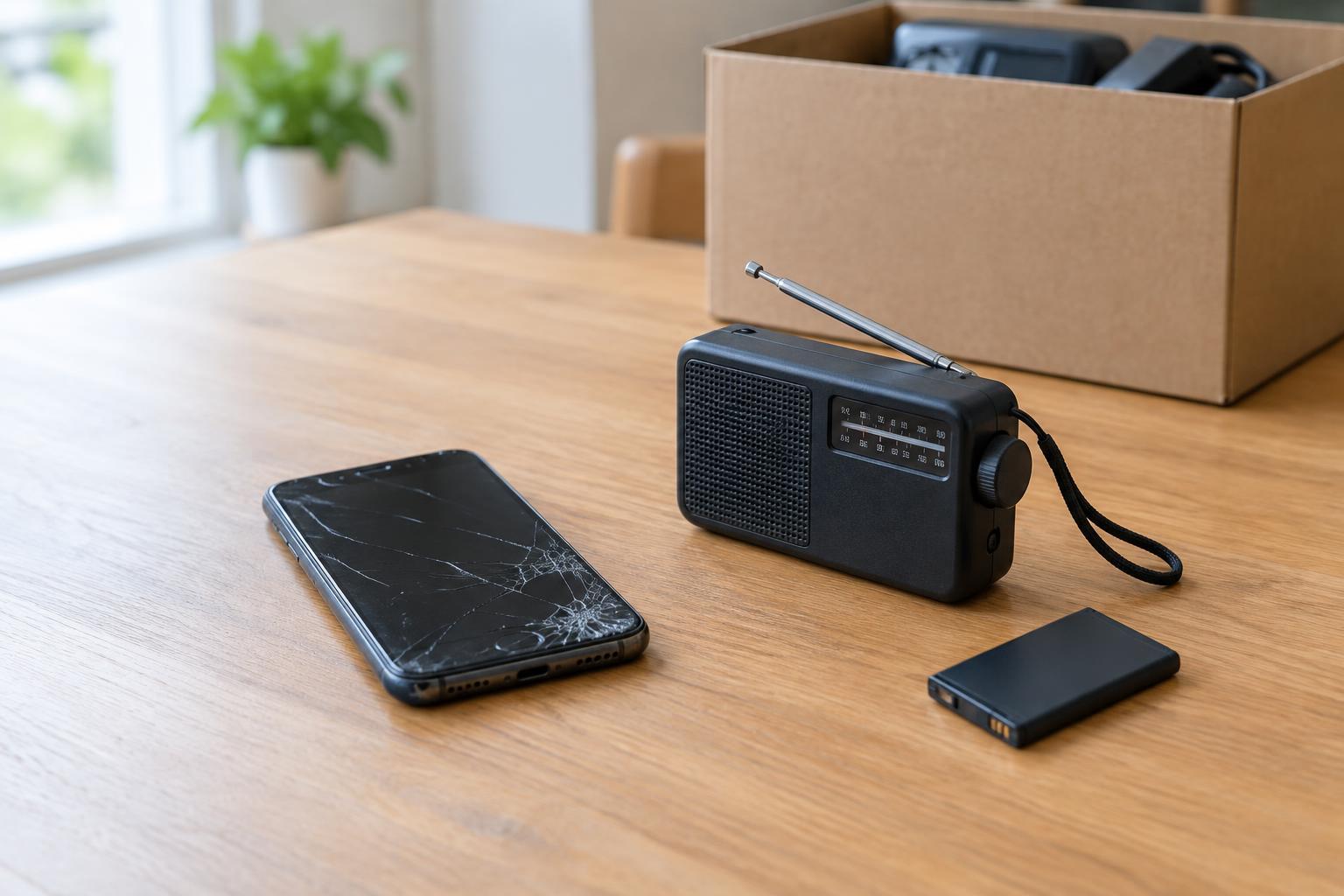
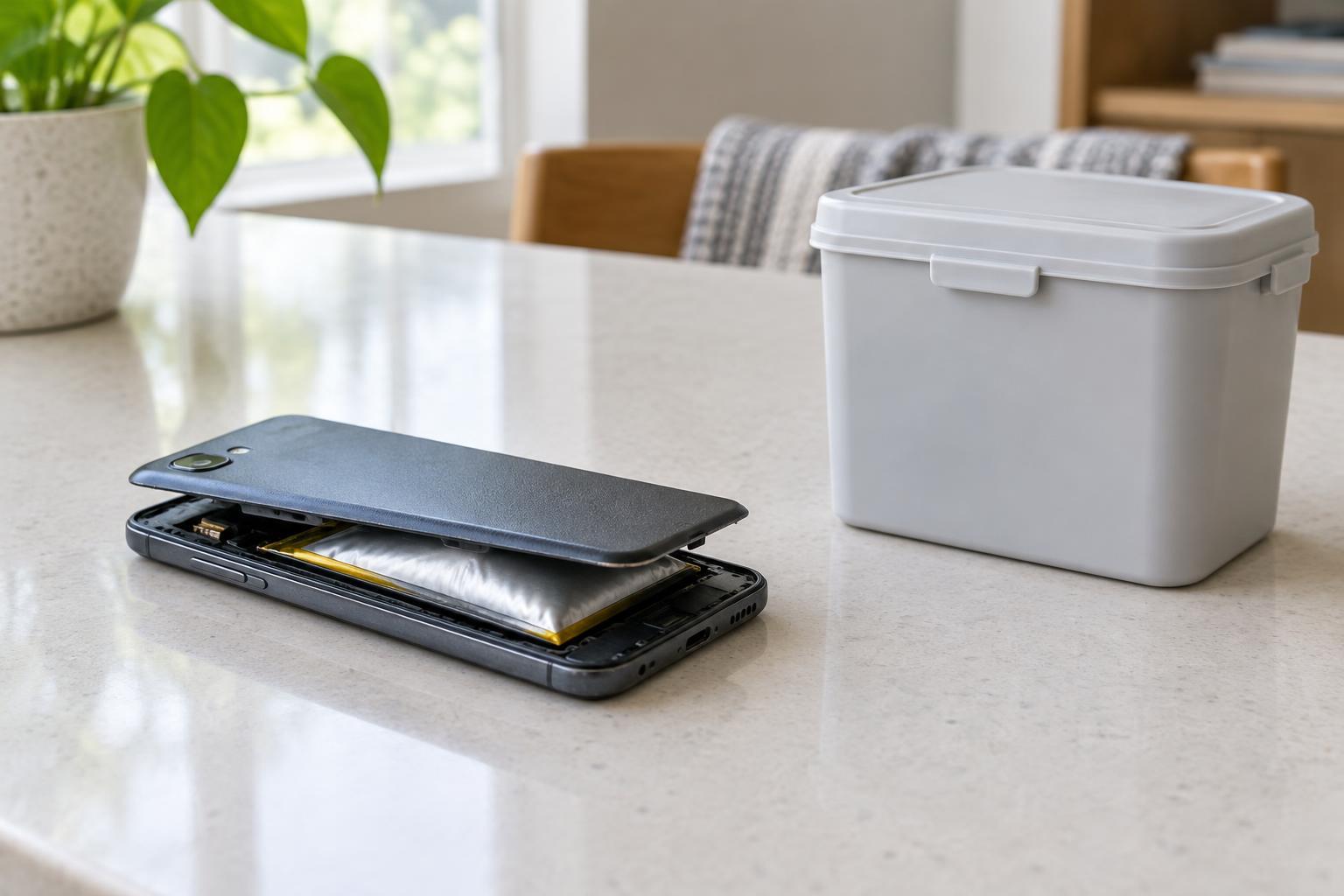
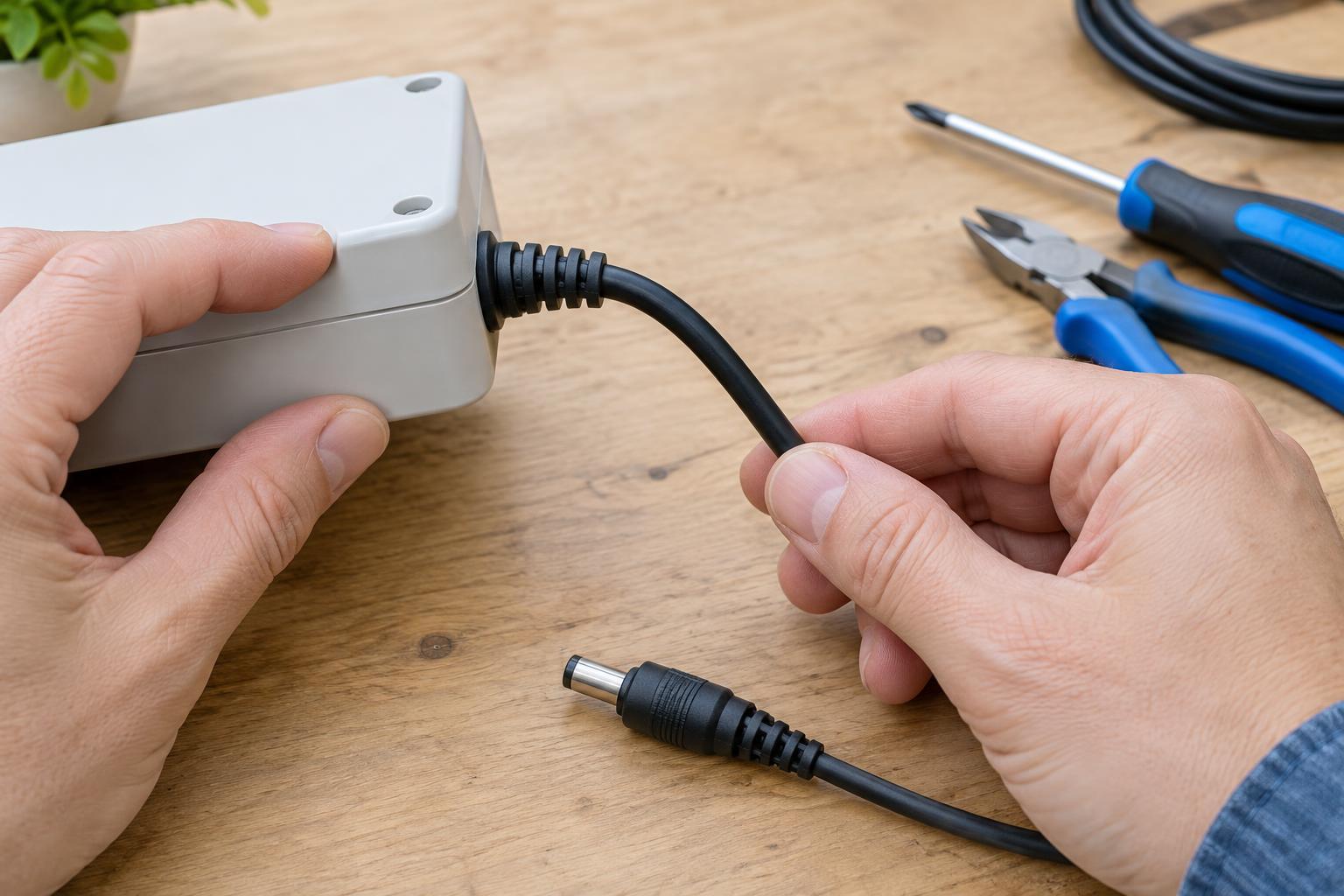
A usable device is easier to donate when it includes its appropriate charger and has no account lock, but only pass along accessories that are in sound condition. Do not donate a device with a swollen battery, exposed wiring or other obvious damage. Set it aside, avoid charging it and ask a local collection program how to handle it safely. Do not put batteries or electronics into ordinary waste when a suitable collection route is available.
For devices that cannot be reused, choose an electronics collection or recycling service and ask how it handles data-bearing storage if you could not erase it yourself. Keep a simple note of what you backed up, which storage you removed and which devices you reset. That small record can help you avoid leaving an overlooked card or account behind while giving a useful device its next life.