What a mechanical switch actually does
A mechanical switch opens or closes an electrical path by moving conductive contacts. In a simple circuit, closed contacts let current flow; open contacts interrupt it. The visible part you press or slide is the actuator, while the electrical contacts are inside the switch. Two switches that look alike can behave differently, so it helps to check their contact arrangement rather than judge by appearance.
A normally open (NO) contact is open in its unoperated state and closes when operated. A normally closed (NC) contact starts closed and opens when operated. “Normal” refers to the switch’s resting state, not to whether the connected device is usually on. A switch can also contain more than one contact set or connect a common terminal to either of two paths. A datasheet or a continuity test can clarify an unfamiliar switch’s terminals.
Momentary versus latching action
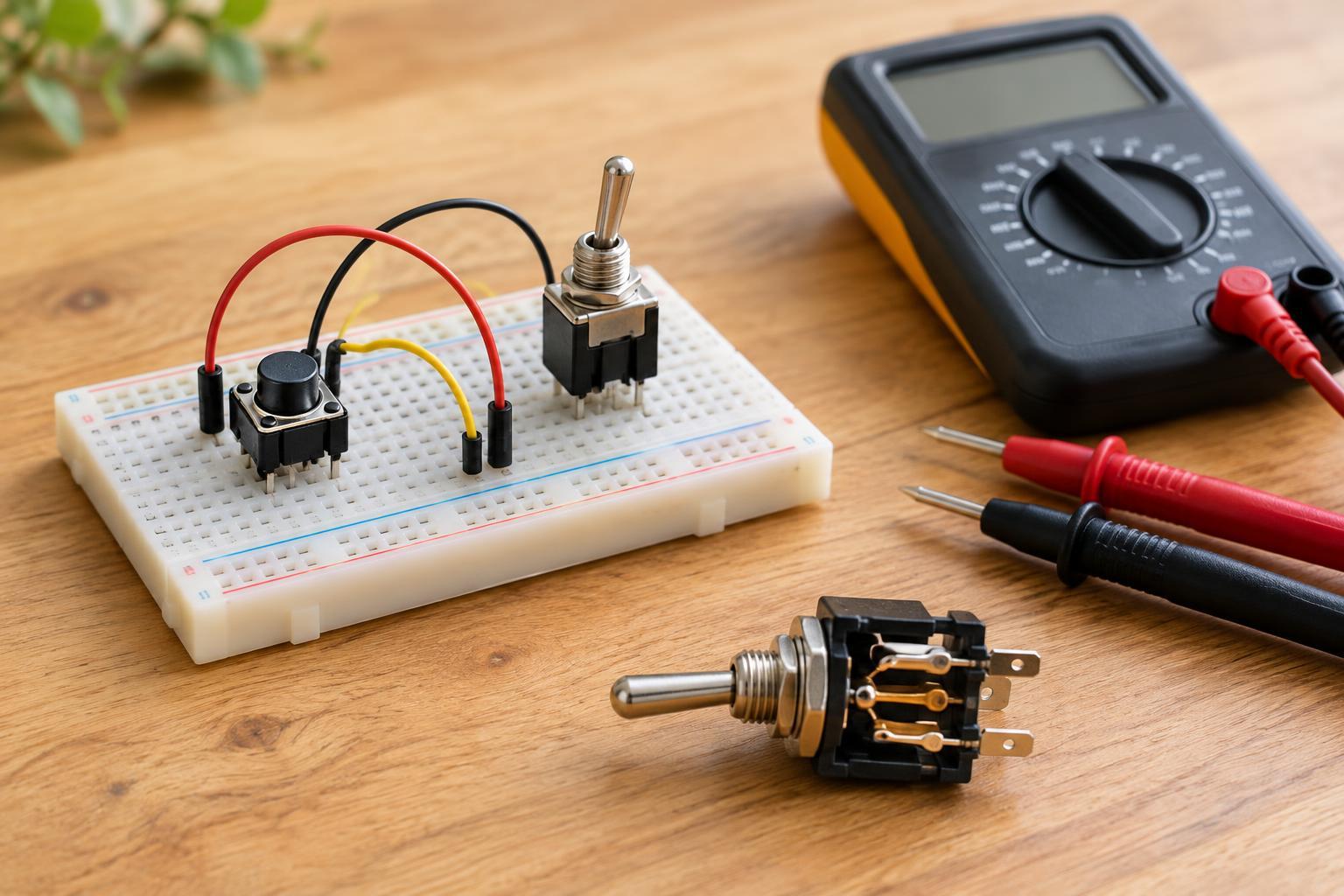
A momentary switch returns to its resting state when you release it. A common pushbutton, for example, closes its NO contacts only while held down. Momentary action suits inputs such as a doorbell button or a microcontroller command: the circuit can detect a press and decide what to do next. The same button could turn a device on and off alternately if the control circuit stores that state. In that case, the button remains momentary even though the device’s behavior appears to latch.
A latching switch mechanically stays in its selected state after you let go. A toggle or slide switch may remain on until moved back, making it useful when you want a visible, persistent setting without software. Some pushbuttons also latch on one press and release on the next. Check the switch’s stated action before using a pushbutton as a power control; its shape alone does not tell you whether it is momentary or latching.
Choose based on what should happen after your hand moves away. If power or a mode should remain selected through a controller restart, a suitable latching switch may be simpler. If a circuit needs to interpret taps, long presses, or sequences, a momentary input gives the controller more flexibility. In either case, confirm that the switch’s contact rating and intended use fit the circuit’s voltage and current.
Why one press can look like several
Switch contacts do not always move cleanly from open to closed. As they touch, separate, and settle, the electrical connection may change state several times over a short interval. This is called contact bounce. It can happen on both pressing and releasing a switch, and the pattern varies with the switch and how it is operated. Bounce is usually too fast to notice by looking at the actuator, but a digital input can detect the extra transitions.
Without debouncing, a controller meant to count one press may count several. A toggle function might switch on and then straight back off, making the button seem unreliable. Bounce matters less in some simple power circuits, but it can still matter wherever a circuit reacts to individual edges or counts events. It is a normal characteristic to account for, not necessarily a sign that a switch is defective.
Ways to handle bounce in a digital input
A software debounce method waits for an input to remain in a new state before accepting the change. Another approach accepts an initial transition, then ignores further changes for a short interval. The interval should be long enough to reject bounce but short enough to preserve the responsiveness your project needs. Requiring a stable state can also help distinguish a deliberate press from a brief disturbance. The same care may be needed when detecting release.
Hardware can help as well. A resistor-capacitor (RC) network can smooth rapid changes, often followed by an input designed to turn the slower-changing signal into a clear digital level. A dedicated debounce device is another option. The right method depends on the input circuit and timing requirements; adding a capacitor without considering the input’s voltage thresholds can create a signal that changes too slowly or unpredictably.
A digital input also needs a defined state when the switch is open. A pull-up or pull-down resistor provides one, preventing the input from floating. Some controller inputs offer configurable internal pull-ups. With a pull-up, a common arrangement connects the switch to ground, so a press reads low rather than high. Debouncing and pull resistors solve different problems: one handles repeated transitions, while the other defines the open-switch level.
Choosing and checking a switch safely
For a low-voltage project, first identify the required action: momentary or latching, NO or NC, and the number of paths to control. Then check the contact ratings and terminal layout. A small signal pushbutton may be suitable for a controller input but not for directly powering a motor or another load with a higher starting current. If a controller input operates a larger load, use an appropriately rated switching stage rather than assuming the input switch can carry that load.
Before wiring, disconnect the power source. A multimeter’s continuity setting can help map the terminals: check which pairs connect at rest and which connect when the actuator moves. Do not use continuity mode on an energized circuit. Keep beginner experiments on isolated, low-voltage supplies; mains wiring and repairs inside mains-powered equipment require different precautions and are outside the scope of this project.