Start with the connection’s job
A connector lets two parts of a circuit be joined and separated without soldering each time. It might link a sensor to a board, a cable to a power supply, or two circuit boards together. The right choice depends on more than whether the plug seems to fit. Before buying or reusing a connector, write down what each connection must carry: power, ground, a signal, or perhaps several signals.
Also note whether the connection will be unplugged often, exposed to vibration, or pulled by its cable. A connector inside a stationary enclosure faces different demands from one used on a removable module. For beginner low-voltage projects, it helps to choose a connector family with a documented mating part and a clear pin diagram rather than relying on appearance alone.
Count contacts and measure pitch
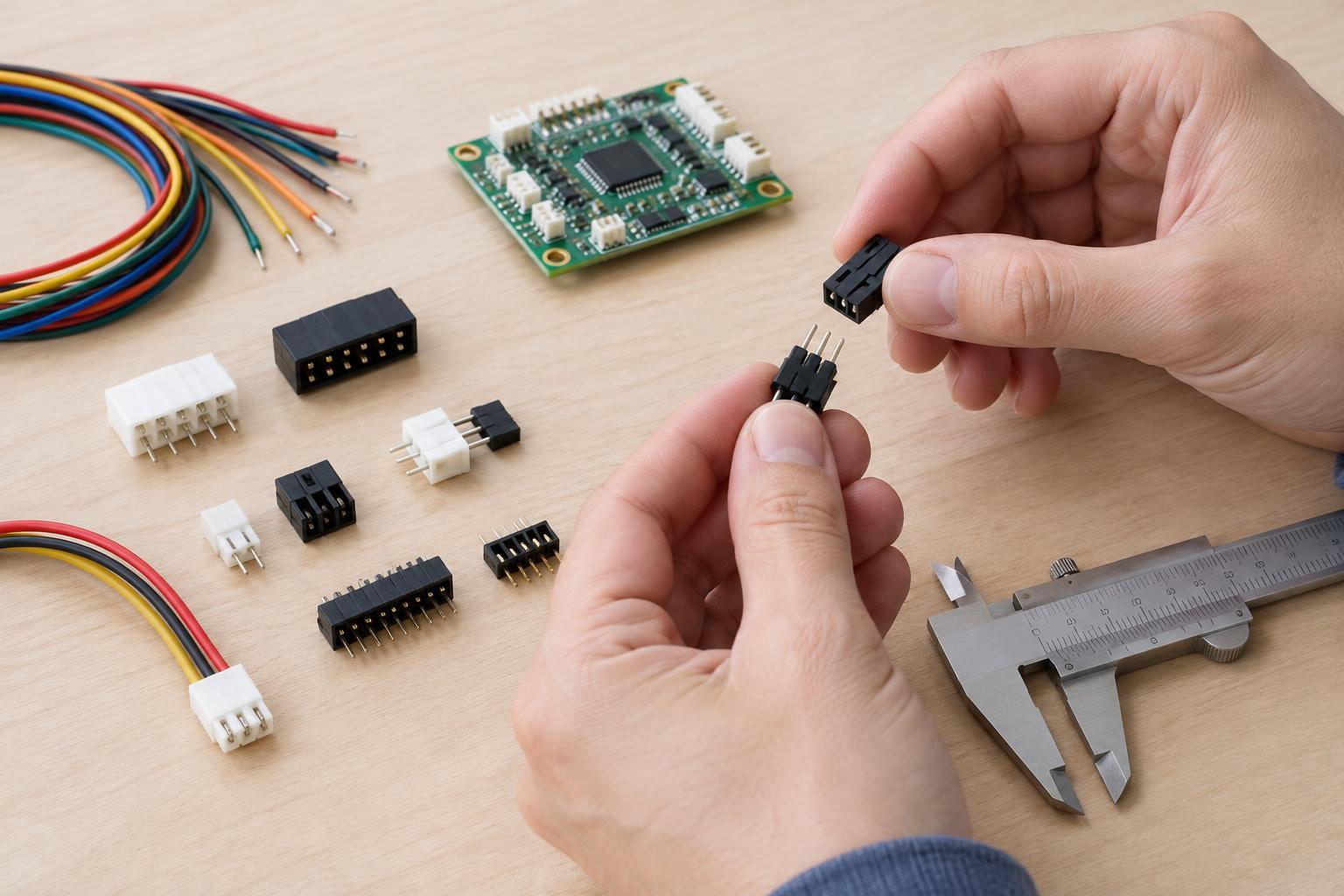
Pin count is the number of separate electrical contacts in the connector. A two-contact plug might provide power and ground; a four-contact plug might also carry two signals. Count the contacts on both halves and check their arrangement. Four contacts in one row are not the same physical format as four contacts in two rows. Some housings also have empty positions, so compare the actual cavity layout as well as the populated wires.
Pitch is the center-to-center distance between neighboring contact positions, not the width of a pin or the gap between its edges. Small pitch differences can be difficult to spot by eye. If the pitch is unknown, measure across several intervals with a suitable ruler or calipers, then divide by the number of intervals. For example, the distance from the center of the first pin to the center of the fifth spans four intervals.
Matching pin count and pitch is still not proof of compatibility. Housing shape, latch location, contact design, and board footprint matter too. Never force a plug into a socket: resistance may mean the parts do not mate, and bent contacts can create an unreliable connection.
Check pin assignments and polarity
Pin count tells you how many paths exist, not what those paths do. Two connectors can mate physically while placing positive supply where the other device expects ground. Look for labels on the board and consult the available pin diagrams for both devices. Identify pin 1 using the diagram’s stated viewing direction; a drawing viewed from the cable side can appear reversed when compared with the mating face.
Polarity matters for many power connections and for some components attached to them. Before applying power to a new or rewired assembly, trace each wire from end to end and compare it with the intended pin assignment. A multimeter’s continuity mode can help identify wires while the assembly is disconnected from power. Color may be a useful clue, but it is not a substitute for checking: reused cables and handmade assemblies may use unexpected colors.
Keyed shapes and latches can help prevent accidental reversal, but they do not verify the wiring inside a cable. If a connector has been re-pinned or adapted, label the finished cable with its intended use and keep its pin assignment with the project notes.
Read current ratings in context
A connector’s current rating describes a limit under specified conditions, not a promise that every circuit using that connector can draw the same current. Check whether the stated rating applies per contact or to the assembly, and look for any conditions involving wire size, ambient temperature, or how many contacts carry current at once. The wire, crimp, circuit-board traces, and power source also need to suit the intended load.
A poor contact can heat up even when the nominal rating looks adequate. Common causes include a loose fit, an incomplete crimp, corrosion, or a damaged spring contact. Choose compatible contacts and wire, follow the connector maker’s assembly guidance when available, and provide strain relief so cable movement does not stress the electrical joint. If a connector becomes warm, discolored, or intermittent in normal use, disconnect power and investigate rather than treating it as acceptable.
Use a simple pre-power checklist
For a low-voltage project, check the connector family and mating parts, pin count, pitch, housing orientation, pin assignments, supply polarity, and the suitability of every current-carrying part. Inspect for stray wire strands and contacts that have not locked into their housing. With power disconnected, verify continuity where a connection should exist and check that power and ground are not accidentally shorted.
These checks are for low-voltage electronics within your skill level, not mains wiring or work inside a mains-powered supply. Take extra care with batteries, which can deliver damaging current into a short circuit. When documentation is missing or a connector’s identity remains uncertain, replacing it with a clearly specified, compatible pair is often safer than guessing from its shape.