What a magnetometer measures
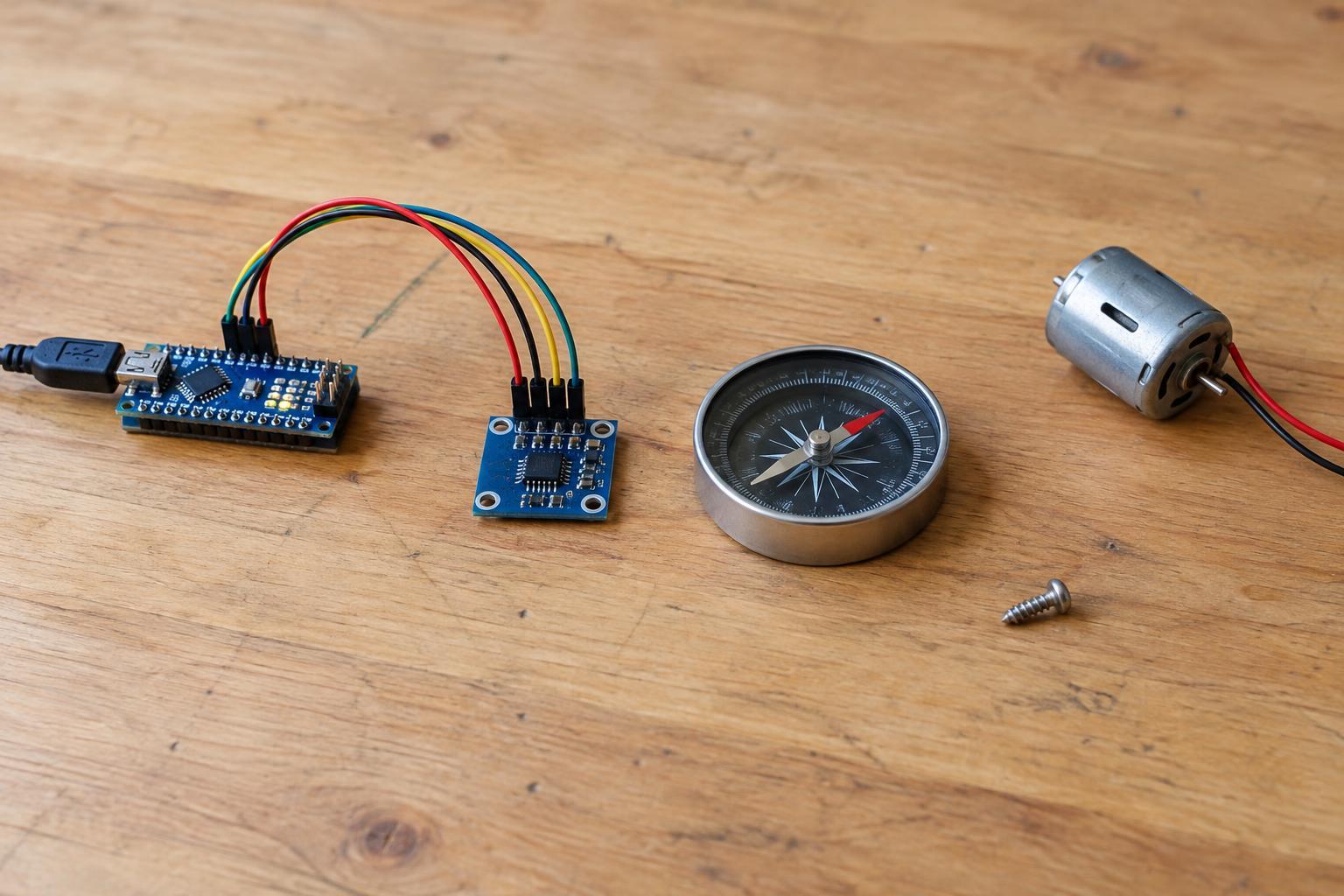
A magnetometer measures the magnetic field at its sensor, usually along three perpendicular axes. In a phone, robot, or maker project, software can use those measurements to estimate a compass heading. The sensor does not directly know which way a device is pointing: its readings depend on how the sensor is mounted, how the device is tilted, and what other magnetic fields are present.
A compass heading is an angle around the horizontal plane. When a device is held level, software can calculate that angle from the horizontal components of the measured field. If the device tilts, the field is spread differently across its axes. A heading calculation that ignores tilt may then change even though the device has not turned. Devices that work at varied angles often use an accelerometer to estimate tilt and compensate for it.
A basic magnetic heading points relative to magnetic north, not necessarily the north shown by a map. Converting between magnetic and true north requires a location-dependent adjustment called magnetic declination. For a simple project, it is often enough to label the result clearly as a magnetic heading.
Why calibration matters
The sensor measures its entire local magnetic environment, not just Earth’s field. A nearby permanent magnet or a magnetized part can add a roughly fixed offset to its readings. This is often called hard-iron interference. Ferromagnetic materials can also bend the field around the sensor, changing readings by different amounts as the device turns; this is often called soft-iron interference.
Calibration estimates corrections for these effects. Many calibration routines ask you to rotate the assembled device slowly through a wide range of orientations so the software can observe readings on all three axes. Following only a flat circular path may give a poor result if the finished device will tilt in use. The exact motion and procedure depend on the sensor and software, so use the instructions for your particular device.
Calibrate with the magnetometer installed where it will actually be used. Moving it to a different enclosure, adding a metal bracket, or changing the position of a battery or speaker can change the field it sees. Calibration can improve repeatable errors from the device itself, but it cannot reliably correct for a changing magnetic disturbance in the surrounding room.
Recognizing nearby interference
Magnets, speakers, steel furniture, tools, and other nearby metal objects can pull a heading away from its expected value. Electric currents can create magnetic fields too. In a small robot, for example, a magnetometer mounted close to a motor or its power wiring may give different readings when the motor starts. Even a well-calibrated sensor may struggle in that position.
A useful check is to keep the device in one orientation and move it away from suspected objects. If the reported heading changes substantially without the device turning, the surroundings may be affecting it. You can also rotate the device slowly in an open area, then repeat the motion near its intended mounting location. Watch for sudden jumps, inconsistent results, or a heading that fails to return near its starting value.
No single test proves that an area is free of interference. A display may also smooth or delay readings, making a disturbance less obvious. When dependable heading matters, compare behavior in several locations and test again with the rest of the project operating as it normally would.
Building a more dependable heading project
Placement is often the simplest improvement. Put the sensor as far as practical from motors, magnets, speakers, high-current wiring, and large steel parts. Secure it firmly so its orientation relative to the device cannot shift. If you change the layout, check the heading again before assuming the old calibration still applies.
Use the sensor’s specified mounting axes when writing heading code. An axis swap or sign error can make a smooth-looking output point in the wrong direction. First test with the device level, turning it through a full rotation and checking that the displayed heading changes consistently. Then test at the tilt angles expected in normal use. If the project will tilt, provide suitable tilt compensation rather than relying on a level-only calculation.
For low-voltage maker work, follow the sensor board’s stated voltage and wiring requirements, and disconnect power before changing connections. Keep testing away from mains wiring and electrical equipment you would need to open to inspect. A magnetometer is most useful when its output is treated as an estimate to verify, not an unquestionable direction.