Start with the exact part and its package
An integrated circuit may be sold in several packages with the same electrical function but different sizes, pin counts, or pin arrangements. A marking on the top can help identify the device, yet short codes are not always unique. Before choosing a footprint, confirm the complete part number and package option from the supplier’s information or the device datasheet. Do not assume that two parts with similar names use the same board layout.
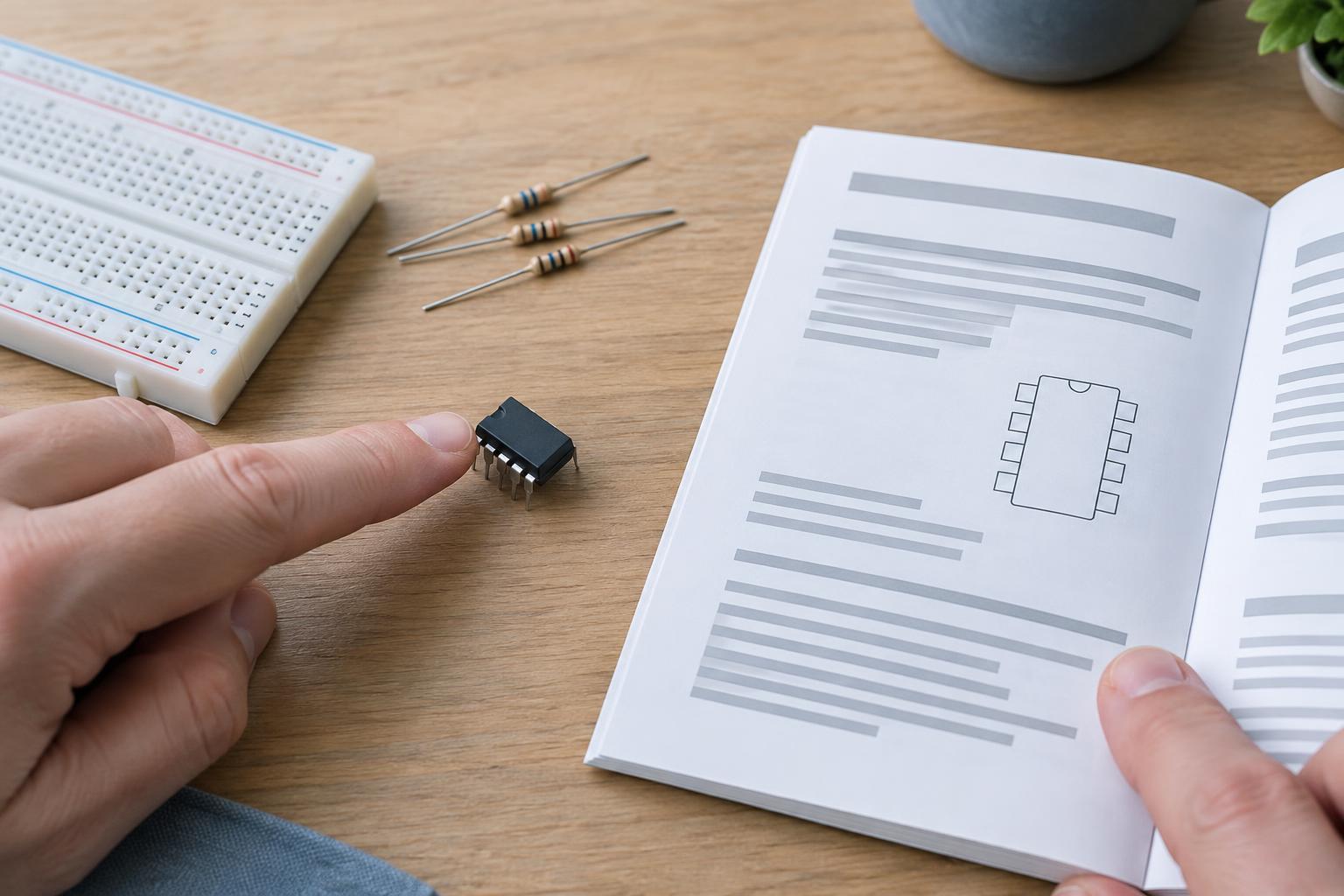
Look for a mechanical drawing and a pin-configuration diagram for the specific package you have. The mechanical drawing describes dimensions; the pin diagram assigns functions and numbers. Check whether each drawing shows the package from above or below. A bottom-view diagram will appear mirrored when compared with a component viewed from its marked top. Keeping that viewing direction clear prevents many orientation mistakes.
Recognize pin 1 without relying on the text
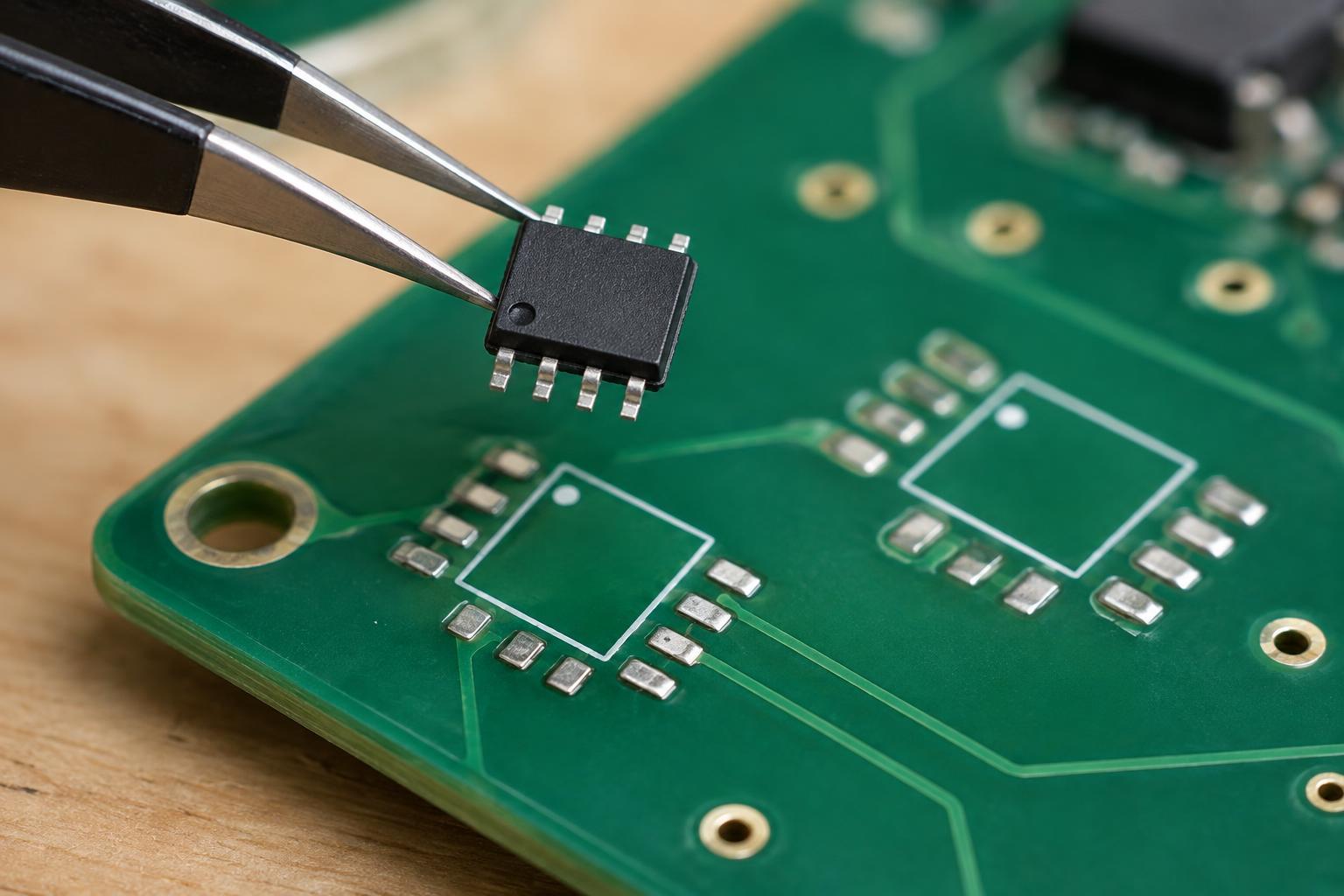
Common pin-1 indicators include a small molded dot or dimple, a printed dot, a beveled corner, or an end notch. On a dual in-line package, the notch identifies the end containing pins 1 and the highest-numbered pin; viewed from above with the notch at the top, pin 1 is at the upper left. Pin numbers then continue around the package. Small surface-mount packages may use less obvious marks, and a feature that looks like a pin-1 dot may instead be part of the molding.
Treat the manufacturer’s package drawing as the authority for a particular device. Rotate the drawing and the physical IC into the same orientation, then locate the specified indicator. Do not use the direction of the printed name as a universal guide: text can be rotated relative to the pins. If a mark is faint, inspect it under good light and magnification rather than guessing.
Compare the body and leads with the footprint
A matching pin count is necessary, but it is not enough. Compare the lead pitch, number of pins on each side, body width and length, and the distance across opposing lead tips. Package names such as SOIC, TSSOP, and QFN describe families, not one universal size. Even within a family, variations in width or pitch can make a footprint unsuitable. Use the dimensions and tolerances in the package drawing to check the footprint’s stated dimensions; do not size a part from a screen image or photograph.
Next, examine the actual pads. Leads should align with their pads without being forced outward or inward, and adjacent pads should leave room to avoid accidental solder bridges. For leadless packages, check the location and dimensions of every pad, including any exposed pad underneath. That center pad may have electrical or thermal requirements specified by the device documentation. A footprint with the right outer shape but the wrong center pad, pin numbering, or pad pattern is not an interchangeable substitute.
Check orientation on the board before soldering
PCB footprints often mark pad 1 with a square pad, a silkscreen dot, or another cue, but conventions vary. In the layout or assembly drawing, verify which numbered pad is truly pad 1; decorative outlines and text are not definitive. Then compare the board’s pad numbers with the datasheet’s pin diagram. On a manufactured board, view it from the component side used by the footprint so you do not accidentally mirror the pin layout.
Dry-fit a leaded IC on an unpowered board to see whether its leads sit naturally over the pads. For a leadless IC, compare the component and footprint using the drawings, and inspect alignment carefully before applying heat. If you are adapting a part rather than following an established assembly plan, also verify that each pad connects to the intended signal. Correct physical fit does not guarantee correct electrical connections.
Use a simple pre-solder checklist
Before soldering, confirm the exact device and package option, the datasheet’s viewing direction, the IC’s pin-1 indicator, the footprint’s pad-1 location, and the key package dimensions. If any item is uncertain, stop and resolve it rather than trying the part in a powered circuit. Keep work limited to disconnected, low-voltage electronics within your skills; stored charge can remain in some equipment after power is removed. Avoid opening mains-powered equipment or damaged batteries just to check an IC marking.
A few minutes spent aligning the physical mark, pin diagram, and numbered footprint can prevent a difficult removal later. The goal is not merely to make the package fit on the pads, but to establish that the right pin reaches the right connection in the intended orientation.