Start by confirming the exact part
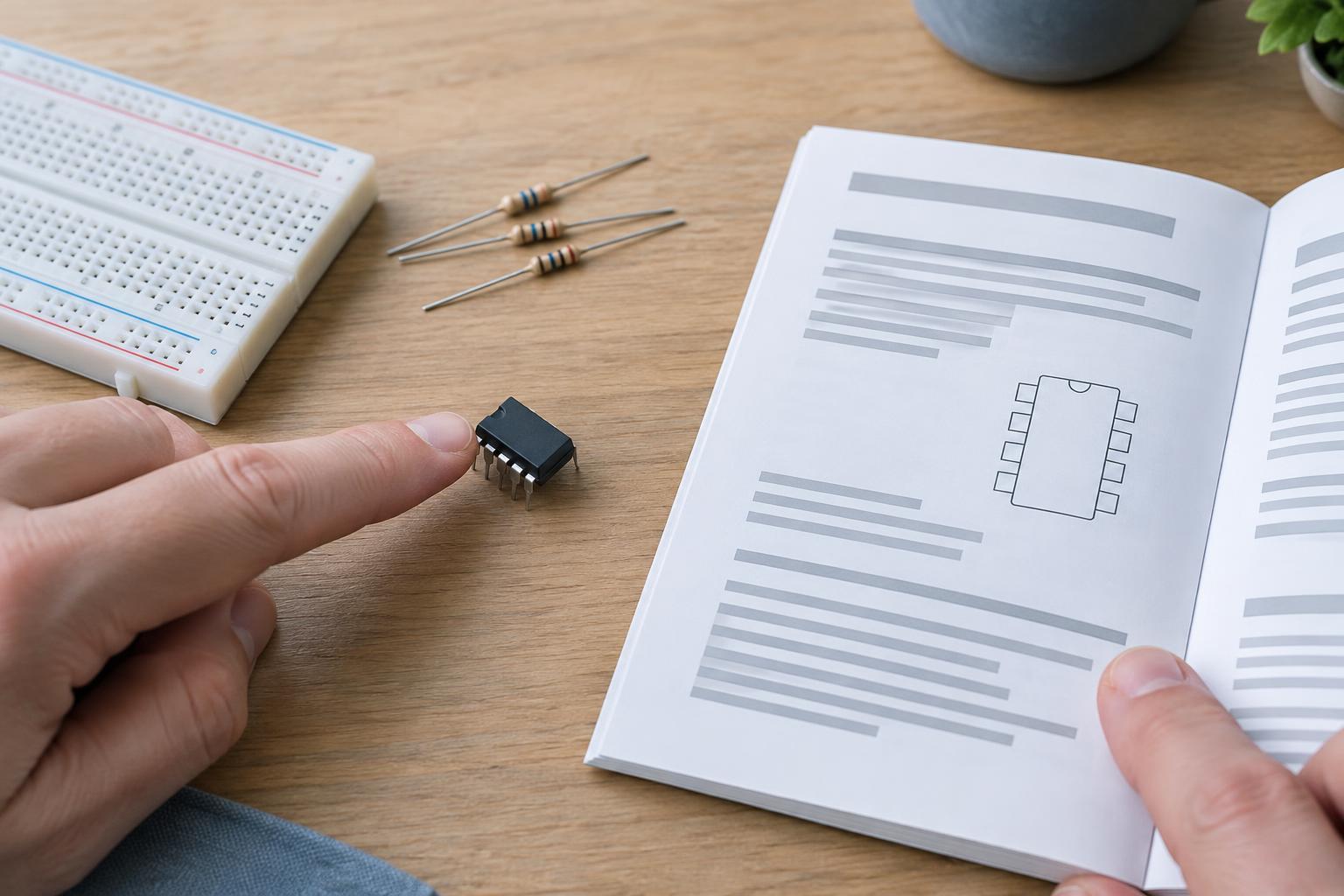
A datasheet describes a component or family of components, but not every version in that family is interchangeable. Begin with the complete part number, including any suffixes. These may identify a different package, temperature range, pin arrangement, or feature set. Check the ordering information and the package name before relying on a diagram or table.
For a first pass, find the general description, key features, pin diagram, recommended operating conditions, and electrical characteristics. You do not need to understand every graph immediately. Your first goal is to answer three questions: Do I have the right physical part? Can my circuit provide the conditions it needs? Are any planned connections likely to exceed its limits?
Read the pinout as a physical map
The pinout tells you what each lead or pad does, but it is useful only when you know which way you are viewing the package. Look for a dot, notch, chamfer, or other pin-one mark. Check whether the drawing is a top view or bottom view, and compare it with the component in your hand. A package drawing may also show dimensions and pad locations without assigning electrical functions, so do not mistake it for the pin-function table.
Read the descriptions beside the pin names. A supply pin and a ground pin are straightforward, but signal pins may have alternate functions, configuration requirements, or limits that depend on the supply voltage. “NC” often means no connection, while a reserved pin may have specific handling instructions; follow the datasheet rather than treating both labels alike. Some packages also have an exposed pad underneath that may need a specified connection or may be used for heat transfer.
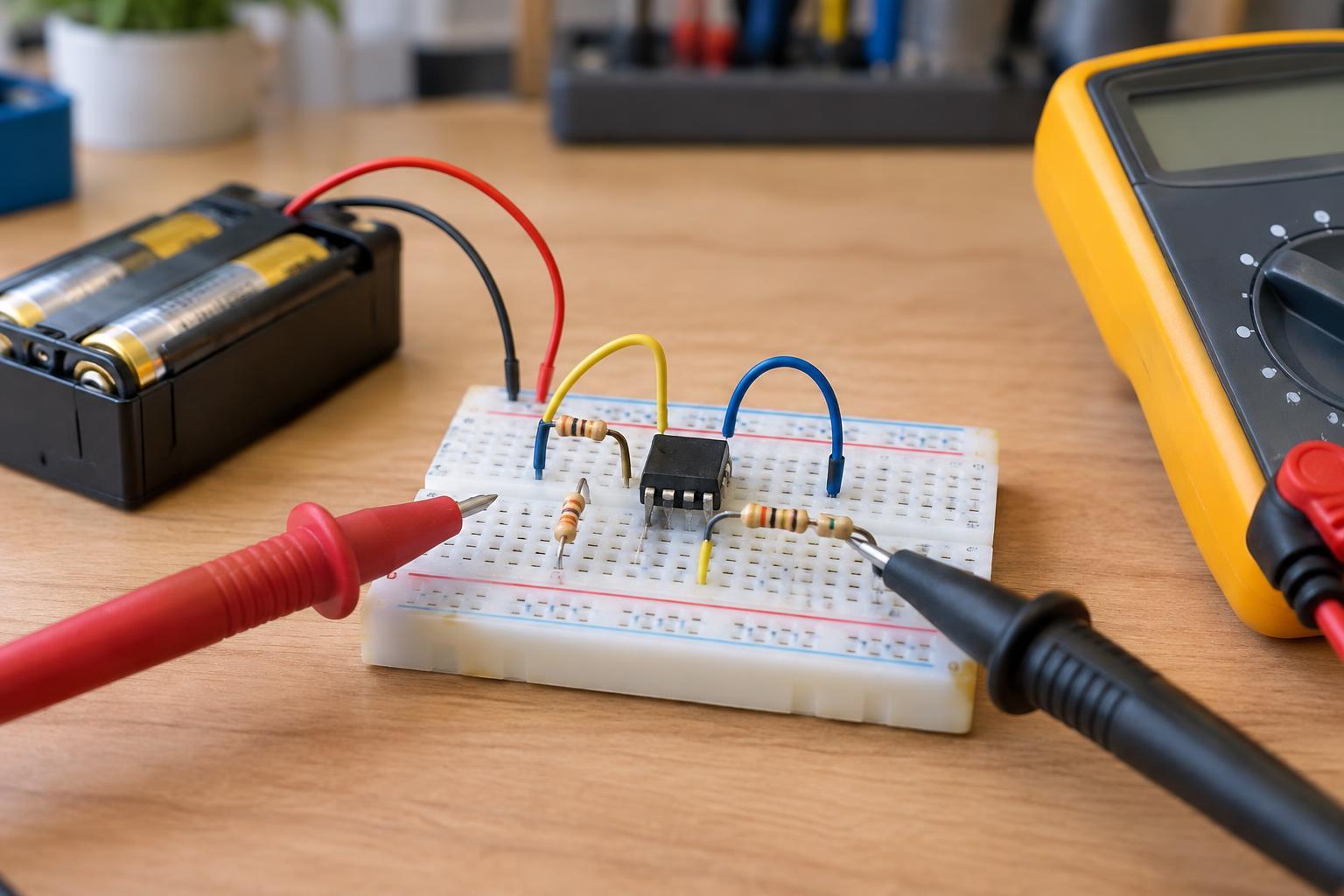
Before powering a new breadboard circuit, trace each connection from the actual pin-one mark to the power source, ground, and signals. This simple check can catch a rotated component or a mistaken package variant.
Use recommended conditions to plan normal operation
Recommended operating conditions describe the range in which the manufacturer intends the part to function. Look for allowed supply voltage, ambient or operating temperature, input levels, and any required clock or load conditions. If your planned supply or signal falls outside these ranges, the circuit may not work reliably even if the part is not immediately damaged.
Next, read the electrical characteristics table under its stated test conditions. Minimum and maximum values help you design for variation; a typical value describes an expected example, not a guarantee for every unit. For instance, when checking whether one device’s output can drive another device’s input, compare the relevant output and input voltage limits rather than assuming that matching supply labels make them compatible.
Keep an eye on footnotes. A current draw or output-voltage specification may apply only at a particular supply voltage, temperature, or load. If your setup differs, the figure may not describe what you will observe. Application diagrams can show a useful starting circuit, but check whether their surrounding text calls for external resistors, capacitors, or a particular power-up sequence.
Treat absolute maximum ratings as boundaries, not targets
Absolute maximum ratings describe stresses the component should not exceed. They are not a second, wider set of recommended operating conditions. A voltage between the recommended limit and the absolute maximum may still cause incorrect readings, unstable behavior, or reduced reliability. Repeated or prolonged stress near a limit is not a sound design goal.
Check more than the supply-voltage entry. A signal pin can be overstressed when it is driven above the component’s supply or below its ground, including during power-up when two connected devices turn on at different times. Current, power dissipation, and temperature limits may also matter. Ratings for individual pins do not necessarily mean every pin can carry its listed current at once; look for combined limits and thermal notes.
Build in margin where you can, and account for supply variation and wiring mistakes during testing. For low-voltage maker projects, disconnect power before moving wires, verify supply polarity, and avoid connecting a component directly to mains wiring. If a design involves mains voltage or a hazardous energy source, a beginner datasheet check is not an adequate safety plan.
Turn the datasheet into a short pre-power checklist
Write down the exact part and package, the pin-one orientation, the power and ground pins, the recommended supply range, and the limits for every signal you will connect. Then note any required external components and the operating conditions behind the specifications you are using. If the datasheet offers several modes, confirm that the mode you plan to use matches those values.
Finally, review the circuit connection by connection. Ask whether each input receives a valid level, whether each output has a suitable load, and whether any pin could be energized while the component itself is unpowered. This approach turns a long reference document into a practical design check—and makes troubleshooting much easier if the first test does not behave as expected.