What PWM changes
Pulse-width modulation, or PWM, dims an LED by switching it on and off rapidly. The duty cycle is the share of each cycle spent on: at 0% the LED is off, at 100% it is fully on, and between those values it usually appears dimmer. PWM does not make the output pin produce a steadily adjustable voltage. The LED still needs a resistor to limit current during each on-pulse.
This project is for one ordinary, low-current indicator LED connected to a suitable 3.3 V microcontroller output. It is not a method for driving an LED strip, a high-power LED, or a lamp directly from a GPIO pin. Use only the board’s low-voltage connections, disconnect power while changing wires, and keep this project separate from mains-powered circuits.
Check the pin and choose a resistor
Before wiring anything, consult your board’s pin documentation. Pick a pin that supports PWM output and check its permitted output current, along with any limits on total current across the board. Some pins have special roles during startup or may not be available for ordinary output. If the documentation does not establish that a pin can safely supply the intended LED current, do not guess.
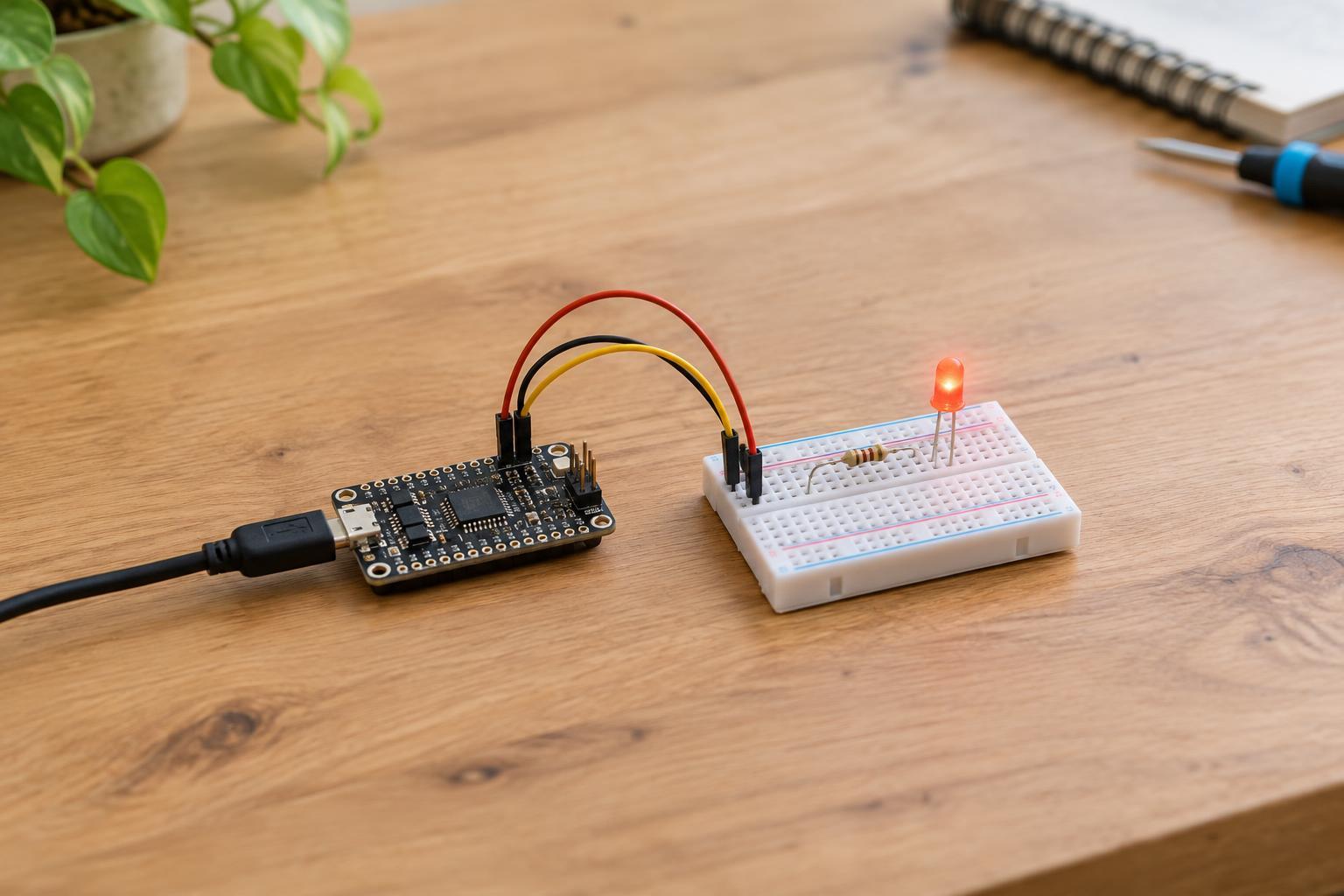
The basic circuit is a series chain: PWM pin → resistor → LED anode (the positive side) → LED cathode → board ground. A typical LED has a longer anode lead when new and often a flat edge on the cathode side, but markings vary; check its documentation if unsure. The resistor can also go between the LED cathode and ground, provided it remains in series with the LED.
Estimate resistance with R = (3.3 V − LED forward voltage) ÷ desired current. For example, if an LED’s forward voltage is about 2.0 V and you choose 0.004 A (4 mA), the estimate is 325 ohms. A common 330-ohm resistor is a reasonable starting choice for that example. Forward voltage varies by LED color and device, so the resulting current is only an estimate. The calculated current must remain within both the LED’s rating and the pin’s rating; choose a higher resistance if needed. Never connect the LED directly across the pin and ground.
Wire and program the fade
With the board unpowered, connect the selected PWM pin, resistor, LED, and ground in the series order above. Double-check that the LED faces the correct way and that no loose strand or misplaced jumper shorts the pin to ground or to 3.3 V. Then power the board using its normal, approved low-voltage supply.
In your board’s programming environment, configure the selected pin for PWM output. Start at 0% duty cycle and increase it gradually, perhaps in steps through 25%, 50%, 75%, and 100%, pausing briefly at each step. Then step back down to create a fade. The exact function names, duty-cycle range, and default PWM frequency depend on the board and software; follow their documentation rather than assuming that a value of 255 always means full brightness.
For an indicator LED, a PWM frequency somewhere in the hundreds of cycles per second or higher often looks steady to the eye, but board defaults differ. Brightness will not necessarily appear to change evenly as you increase the duty cycle: human perception and the LED’s behavior are not linear. A gradual-looking fade may need smaller duty-cycle steps near the dim end.
Troubleshoot before increasing power
If the LED stays dark, turn off power and check polarity, the ground connection, the resistor path, and whether you selected the same pin in both the wiring and program. Confirm that the pin supports PWM and that the program actually sets a duty cycle above zero. A board may use a different numbering scheme in code than the labels you first notice on its connector.
If the LED lights but does not dim, check that you are using a PWM output function rather than a simple on/off command. If it appears to flicker, consult the board’s PWM settings and try an appropriate higher frequency if the hardware allows it. Cameras can show bands or flicker even when the LED looks steady in person. If the board resets, a component gets hot, or behavior changes when you raise brightness, disconnect power and recheck the wiring and current limits; do not solve the problem by removing the resistor.
For more LEDs or substantially more current, use a properly selected driver circuit rather than loading the GPIO pin. A transistor or logic-level MOSFET can let a pin control a separate low-voltage load, but its wiring and ratings are a different project. The single-LED circuit is a useful starting point because it makes PWM behavior visible while keeping the electrical load modest.