What a GNSS module does
A global navigation satellite system (GNSS) receiver listens for signals from navigation satellites and uses their timing information to estimate its position. GPS is one GNSS; some modules can also use other satellite systems. A typical maker module combines a receiver, an antenna connection or built-in antenna, and an interface such as a serial port. The host device reads the module’s output rather than calculating the satellite position itself.
Receiving data is not the same as having a position fix. A module may begin sending messages as soon as it powers on, with status fields showing that no valid fix is available yet. Once it has enough usable satellite measurements, it can report a position and usually a time estimate. Depending on the module and its configuration, it may also report altitude, speed, or an estimate of position uncertainty.
A fix is an estimate, not proof that every displayed digit is correct. Weak signals, reflected signals, and unfavorable satellite geometry can all reduce accuracy. Software that records a location should check the fix status and, where available, the reported uncertainty before treating coordinates as useful.
Why a clear view of the sky matters
Satellite signals arrive at a receiver at very low power. Outdoors, a wide view of the sky gives the antenna more opportunities to receive usable signals from satellites in different directions. Buildings, dense foliage, vehicle structures, and a poorly placed antenna can block or weaken those signals. Nearby surfaces can also reflect them, causing the receiver to measure a longer signal path than the direct one.
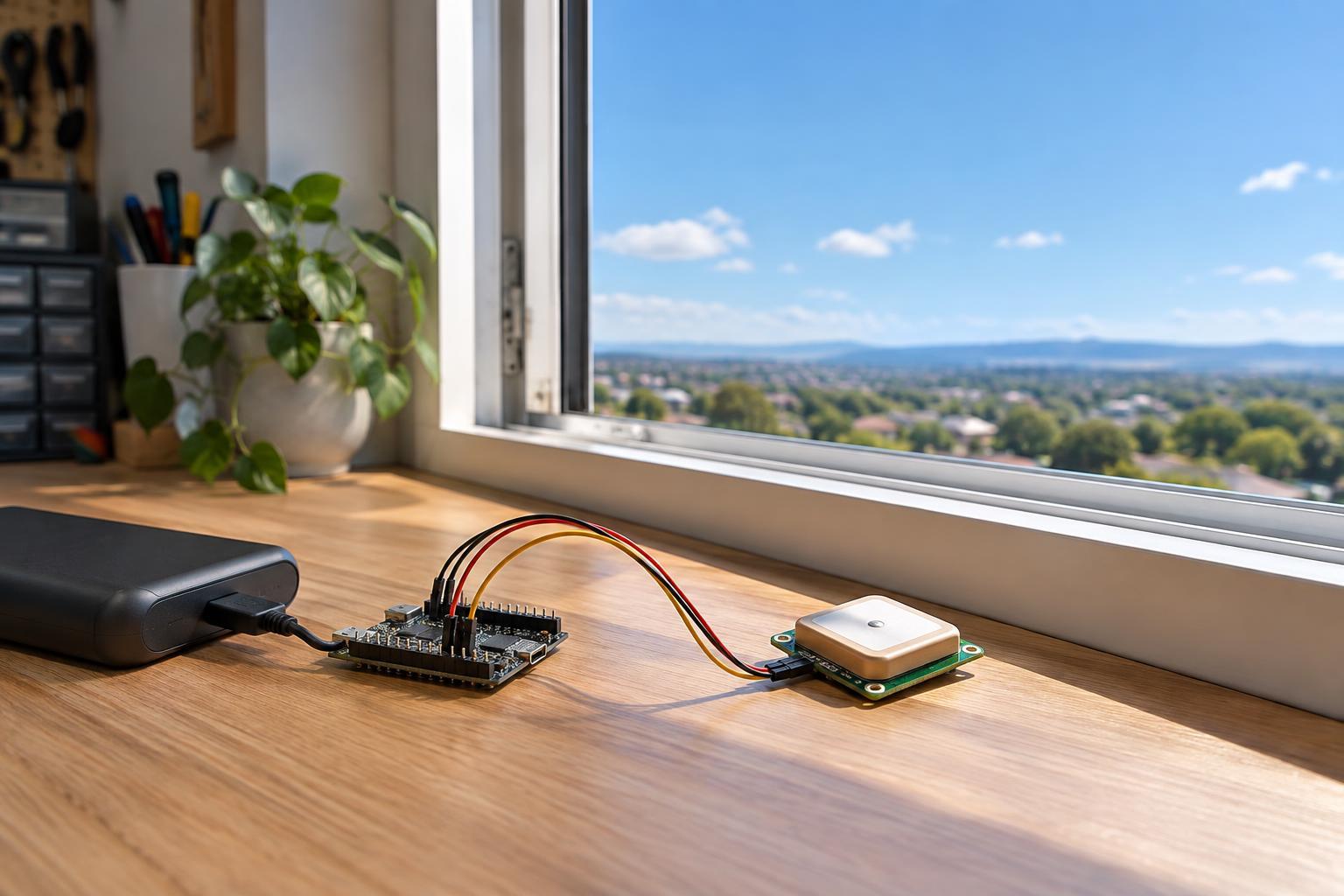
This is why an indoor test can be misleading. A module beside a window may occasionally obtain a fix, while the same module farther into the room may not. Window coatings, walls, and the direction the window faces can all affect reception. Even when indoor coordinates appear, they may be less dependable than an outdoor reading. GNSS is therefore a poor choice as the only sensor for a project that must locate itself reliably throughout a building.
For an initial test, take the module outdoors to an open area and keep its antenna oriented as its manufacturer recommends. Leave it stationary while it starts. This separates reception problems from wiring or software problems more effectively than repeatedly moving it around a desk.
What determines startup time
Before calculating a fix, a receiver needs to acquire satellite signals and obtain information about their orbits and timing. Startup can be quicker when it retains useful information from a recent session and its estimate of time and location remains reasonably close. After a long period without power, a depleted backup supply, or a move over a large distance, it may need to gather more information from the satellites. These conditions are often described as hot, warm, and cold starts, although the exact definitions vary by product.
Signal conditions matter as much as saved data. A receiver with an obstructed antenna may take longer to find a fix or may never do so at that location. Some modules support assistance data supplied by a connected device or network, which can shorten part of the startup process under suitable conditions. Assistance does not replace the need for receivable satellite signals.
Avoid judging startup by the first line of serial output. Instead, note when the module reports a valid fix and whether that fix remains stable. A position that briefly appears and disappears is a reason to inspect reception and antenna placement, not to assume that startup is complete.
A practical low-voltage test
Start with the module’s documentation: confirm its supply-voltage range, input and output logic levels, antenna requirements, serial settings, and the meaning of its status fields. Connect only to a suitable low-voltage power source and compatible logic interface. A module’s power input and its serial pins may have different voltage limits; do not infer one from the other. Keep this test entirely on the low-voltage side, away from mains wiring.
Read the output with a serial monitor or a small program that displays fix status alongside coordinates. Verify that bytes are arriving and can be decoded before troubleshooting satellite reception. If no data arrives, check power, ground, transmit and receive connections, and serial settings. If data arrives but no fix appears, move to an open-sky location and check the antenna connection and orientation. If fixes remain intermittent, compare behavior while stationary in several unobstructed positions before changing software settings.
Finally, design the project around loss of reception. Save or display the time of the last valid fix, and label old coordinates as old rather than presenting them as the current location. GNSS modules are useful outdoors, but honest status handling makes a device more useful when the sky is not available.