Start with a manageable project
An enclosure does more than make a project look finished. It keeps fingers and stray metal objects away from exposed connections, prevents wires from catching on nearby items and gives the battery and circuit a stable place to sit. This guide is for small, low-voltage projects powered by a removable AA or AAA battery holder, such as an LED indicator or a simple sensor circuit.
Work with the batteries removed. Do not apply these steps to mains-powered equipment, damaged batteries, loose lithium cells, or a pack you would need to open or modify. If a circuit becomes hot, has an unexplained high-current draw, or needs battery charging inside the case, resolve that design issue before enclosing it. A case should protect a working circuit, not hide a fault.
Plan the layout before fixing anything in place
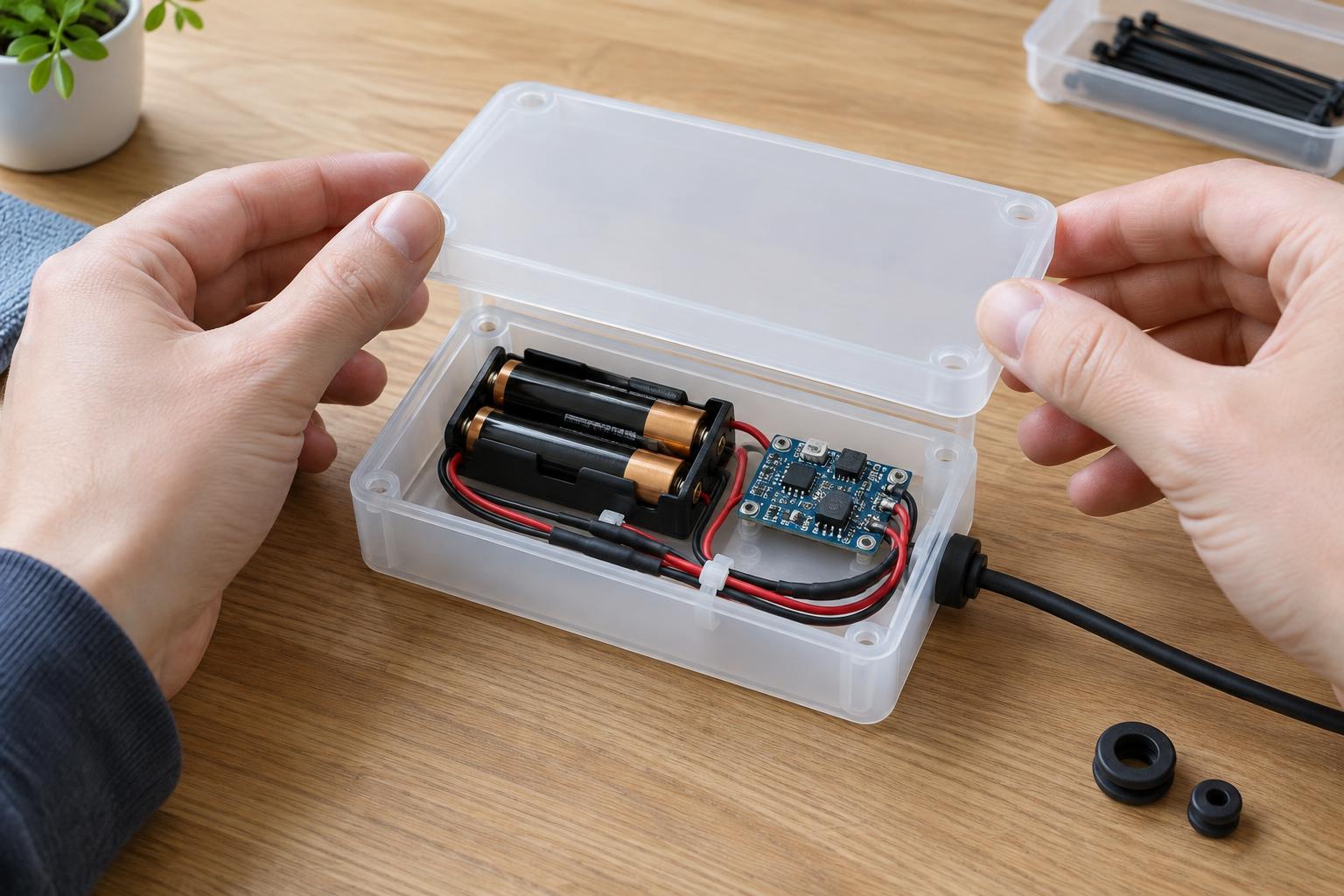
Place the circuit board, battery holder, switch and any connectors inside the open enclosure without fastening them. Check that the lid closes without pressing on components or pinching wires. Leave enough room to remove and replace the batteries without pulling on their leads. Keep the battery holder clear of exposed contacts on the board, and make sure the switch remains easy to reach.
Trace each wire from one end to the other. Aim for short, relaxed runs rather than wires stretched across the case or coiled tightly over components. Keep wires away from sharp plastic edges, screw posts and moving parts. Before making an opening for a switch or cable, check both sides of the case: a hole that looks clear outside may cut through a mounting point or leave too little space for a connector inside.
Cover conductors that could touch
Exposed joints can short if they touch each other, the battery holder’s contacts or a loose metal object. Insulate each separate joint rather than wrapping several bare connections together. Appropriately sized heat-shrink tubing is useful when it can be slid onto a wire before the joint is made. A suitable insulating sleeve or connector housing can also protect a connection. Follow the product’s instructions, and do not use heat near installed batteries or heat-sensitive parts.
Inspect the underside of the board as well. If solder joints or component leads could touch the enclosure hardware, mount the board on nonconductive standoffs or another suitable insulating support. Trim unnecessarily long leads only while power is disconnected, taking care not to damage the joint. Tape can help hold a wire in position, but it is a poor substitute for a properly covered connection or a secure mount.
Secure wires and add strain relief
A wire that moves each time the case opens may eventually loosen at its connection. Anchor the battery holder and board so they cannot slide into one another. Use mounting features intended for the enclosure where possible, and choose fasteners that cannot reach the circuit on the other side. Route wires with gentle bends and secure them at a few points without crushing their insulation.
If a cable leaves the case, the opening needs a smooth edge and strain relief. A cable gland, grommet or purpose-made bushing can keep the case edge from rubbing through the insulation; a suitable clamp inside the case can prevent a tug from reaching the electrical joint. Give the cable a little slack between the clamp and the connection. Wires that stay entirely inside the case still need enough slack for battery replacement, but not so much that the lid traps them.
Check the enclosure before regular use
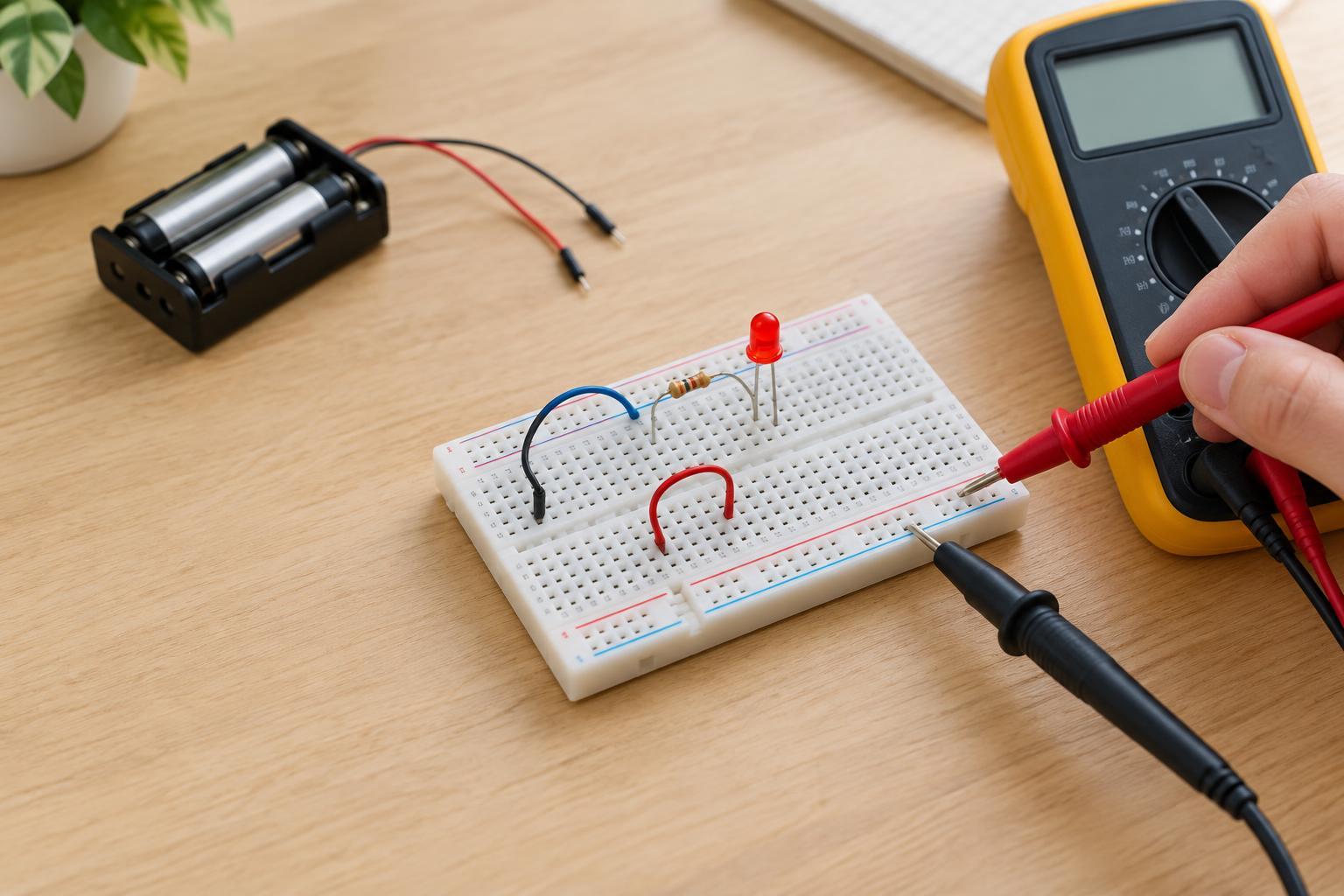
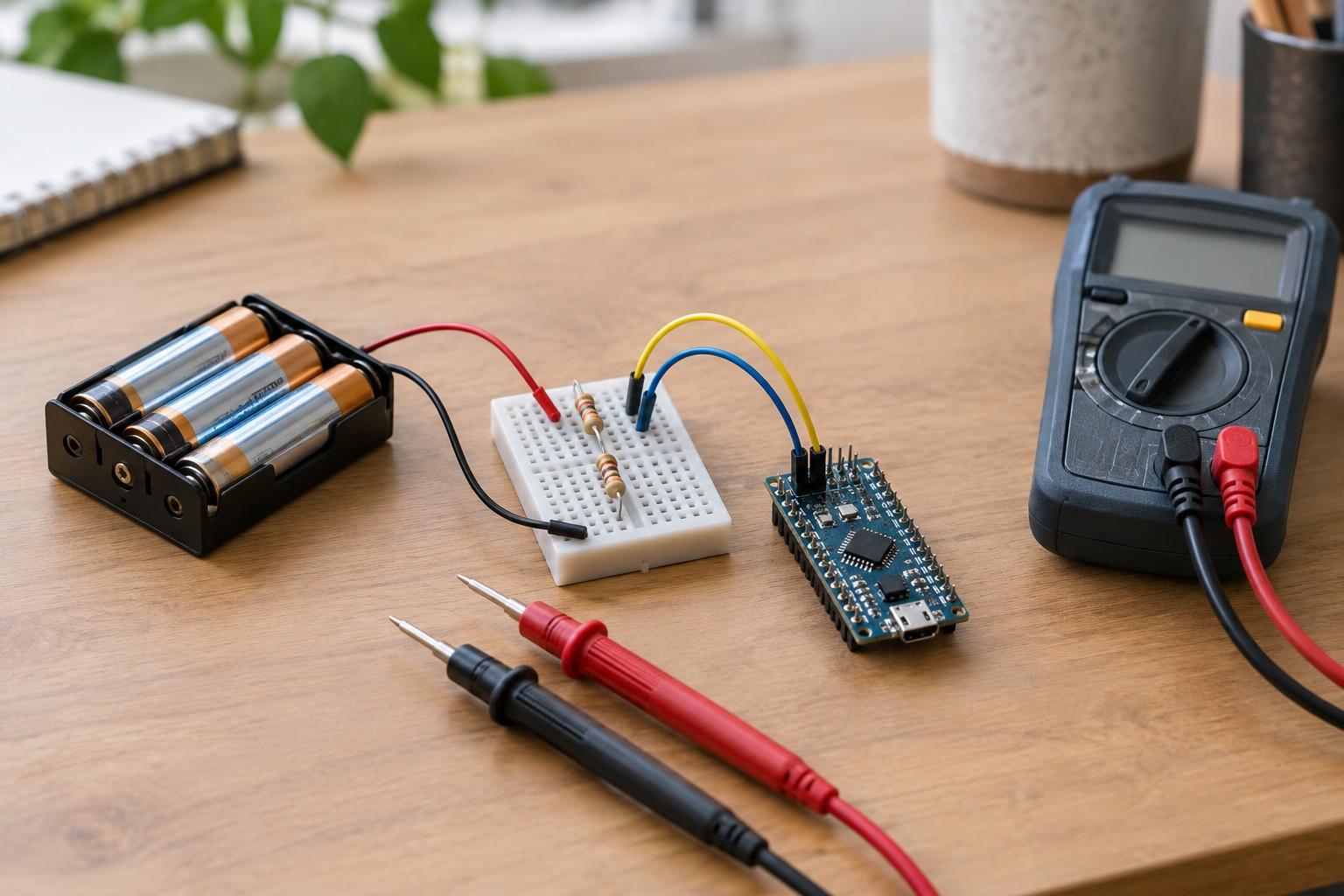
With the batteries still out, gently move the wires and confirm that no connection is exposed or bearing the weight of another part. Close and reopen the lid once to look for pinched insulation. Make sure screws, clips and the lid cannot contact conductive parts. If you have a multimeter and know how to use it, a continuity check between points that should remain separate can help catch an accidental short.
Install the specified batteries with the correct polarity, then test the project briefly while you can observe it. If it does not behave as expected, disconnect power and inspect the wiring rather than repeatedly trying it. During initial use, check that the case and batteries remain at a normal temperature. Label the case with the battery type and polarity if that information will be hard to see later. A good enclosure stays easy to open for inspection and battery replacement.