Start with a safe, known power source
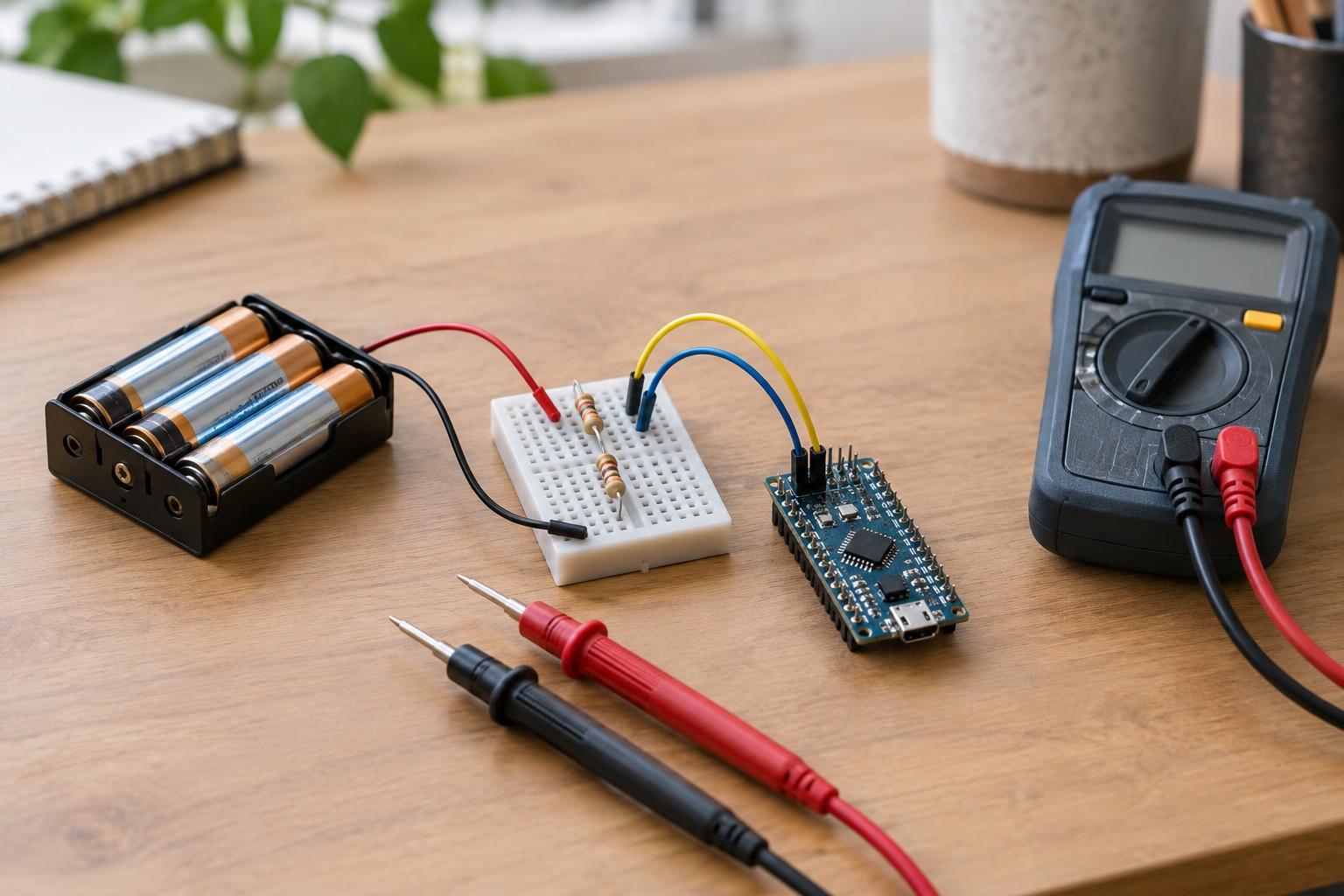
This checklist is for small breadboard circuits powered by a regulated 3–5 V supply, such as a suitable USB-powered module or low-voltage battery pack. It is not for mains wiring, exposed power supplies, bare lithium cells, or high-current loads such as motors driven directly from a breadboard. Disconnect power before moving wires or using a multimeter’s continuity setting. If a part becomes hot, smells unusual, or the supply shuts down, unplug the circuit and investigate before trying again.
Before connecting power, identify the supply’s positive and ground terminals from its labeling. Do not assume wire color proves polarity. On the breadboard, choose which rail will carry each connection and keep that choice consistent. A frequent mistake is connecting a module’s ground to a rail that looks like ground but is not actually connected to the supply. Trace the path from the supply ground to every component that needs it; the circuit usually cannot work without a shared ground.
Check how the breadboard is connected inside
Most solderless breadboards connect holes in short groups along each side of the center gap. The gap separates the two sides so an integrated circuit can straddle it without shorting opposing pins together. Power rails along the edges follow a different pattern, and some are split partway down their length. Breadboards vary, so use the printed markings as a guide rather than assuming every hole in a long rail is connected.
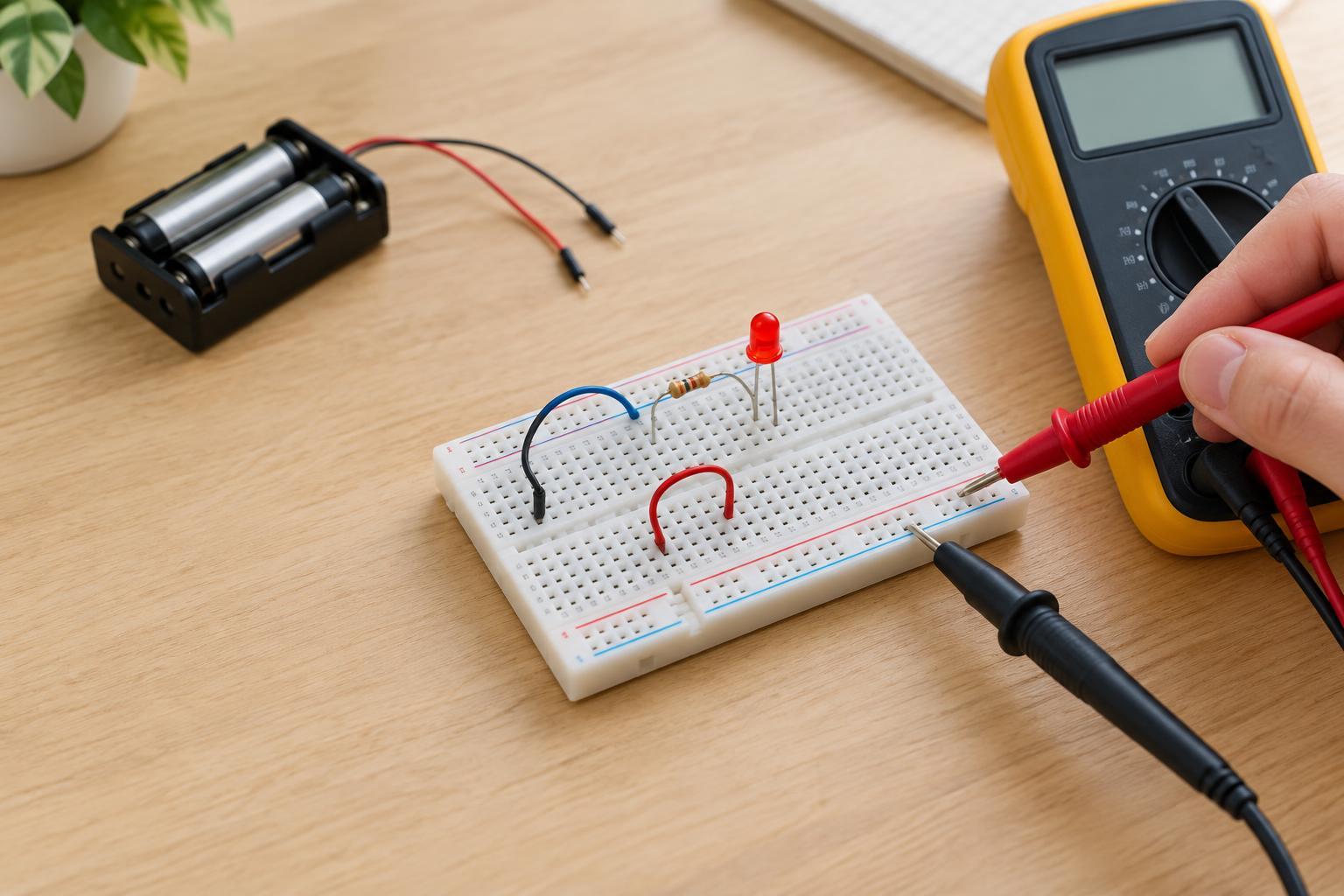
A lead placed one hole away from the intended group may look correct while leaving a component disconnected. With power removed and any stored charge allowed to dissipate, use a multimeter’s continuity setting to check whether two points you expect to share a connection actually do. A reading between the positive and ground rails may indicate an unintended short; remove or isolate components as needed to find the path. Never use continuity mode on a powered circuit.
Look for reversed parts and missing current limits
Parts with polarity need more than a connection to the right row. An LED must face the intended direction and normally needs a suitable series resistor to limit current. A diode also has a direction, while an electrolytic capacitor has marked positive and negative terminals. Check each part’s markings against the circuit diagram and its own documentation; do not rely on the way a similar-looking part was installed elsewhere.
Pushbuttons and integrated circuits create different traps. Depending on its internal contacts, a four-pin pushbutton may connect two pins on the same side even when it is not pressed. Rotating it can change which breadboard rows it joins. An integrated circuit inserted entirely on one side of the center gap may connect pins that should be separate. Check pin numbering from the part’s documentation and verify the notch or pin-one mark before powering it.
Verify signal connections and voltage compatibility
A module’s pins may be labeled VCC, GND and OUT, but those labels do not tell you whether its signal pin tolerates 5 V. Some 3.3 V devices should not receive a 5 V input, even if another part of the project uses 5 V power. Check the voltage requirements of every module and controller before joining their signal pins. If the requirements are unclear, leave the connection out rather than testing by trial and error.
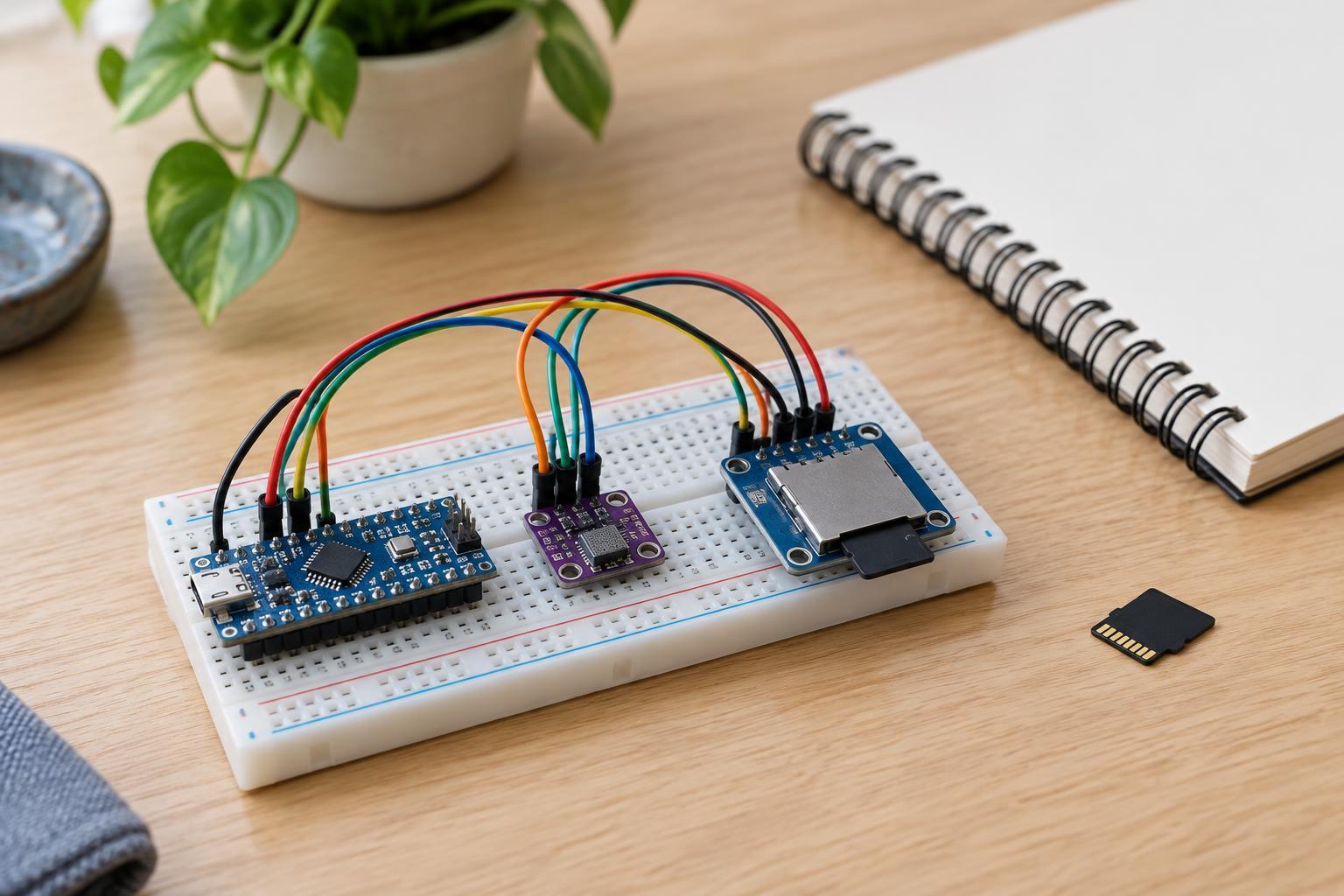
Also check where each signal goes. A sensor output connected to a power rail instead of an input may prevent the project from working and could damage a part. Follow one wire at a time from its labeled pin to its destination, using the pin names in the circuit diagram. Watch for jumper ends that are loose, bent, or inserted into a neighboring row. Neat wire routing makes these errors easier to see but does not replace checking the actual connections.
Use a repeatable power-off, then power-on check
Start with power off. Compare the physical circuit with the diagram: supply polarity, rail bridges, common ground, component orientation and each signal connection. Check suspected open connections or shorts with continuity mode only while the circuit is unpowered. If you make a correction, inspect the surrounding rows again; moving one jumper can disturb another.
When the power-off checks pass, apply power and measure the supply voltage with a multimeter set to DC volts, placing the probes across the intended positive and ground points. Then check whether that voltage reaches the parts that need it. Keep the meter in voltage mode for these measurements: placing a meter set to current mode directly across the supply can create a short. If the voltage collapses or a part warms unexpectedly, disconnect power and return to the wiring checks. Changing one thing at a time helps you find the fault without losing track of what fixed it.