What a digital humidity sensor measures
Most small digital humidity sensors report relative humidity, usually alongside temperature. Relative humidity describes how close the air is to holding as much water vapor as it can at its current temperature. It is not a direct measure of how much water is in the air. When the temperature changes, the relative humidity reading can change even if little moisture has been added or removed.
This makes temperature part of any humidity measurement. A sensor warmed by a nearby processor, regulator, display, or direct sunlight may report a lower relative humidity than a sensor in the surrounding air. The number can be internally consistent yet unrepresentative of the place you meant to measure. Before choosing a location, decide whether the project needs room conditions, conditions inside an enclosure, or conditions near a particular object.
Reading the measurement range correctly
A stated measurement range tells you which values a sensor can report or is designed to operate across; it does not promise equal accuracy everywhere in that range. Specifications may separately describe accuracy, resolution, operating temperature, response time, and recommended conditions for long-term use. Check the documentation for the exact part rather than assuming that every sensor with a similar-looking module has the same limits.
Resolution is the size of the reported step, not proof that the reading is correct to that step. A display showing tenths of a percent may still have a larger measurement uncertainty. For many maker projects, trends are more useful than tiny changes: whether a space is becoming more humid, whether ventilation changes the reading, or whether two locations differ consistently.
Give a newly powered or relocated sensor time to settle before interpreting its reading. Temperature changes, a closed enclosure, and slow air exchange can all delay a useful result. If readings remain pinned at an extreme or jump abruptly, check power, wiring, and software handling before treating them as a real change in the air.
Why condensation needs special care
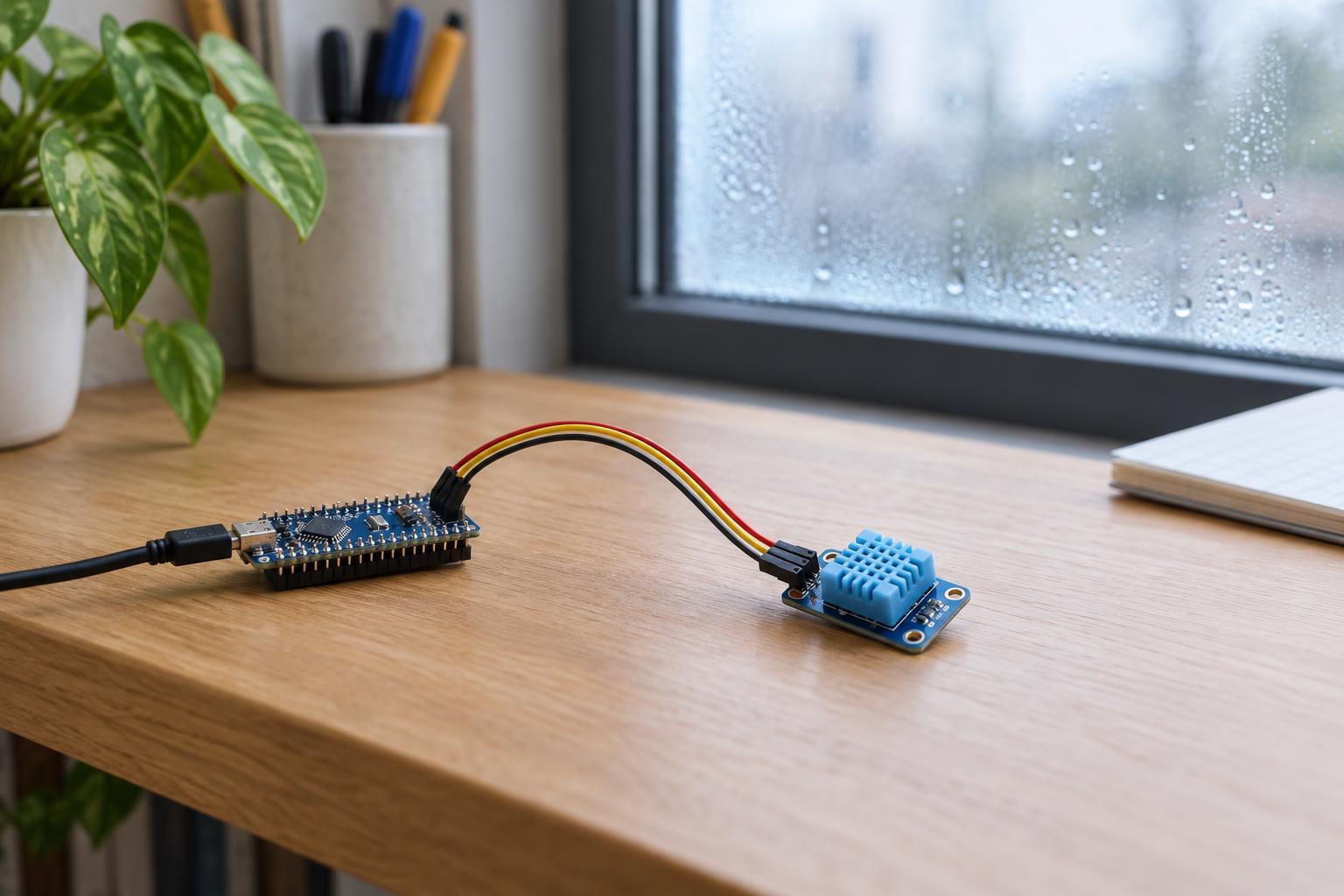
High relative humidity and liquid water are not the same condition. Condensation can form when a surface becomes cool enough for water vapor in nearby air to collect on it. A sensor may therefore encounter droplets even when the wider space does not seem constantly damp. Moving a cold device into warm, humid air is one situation in which this can happen.
Many humidity-sensing elements are intended to sample air, not to be splashed or left wet. Condensation can temporarily distort readings, slow recovery, or affect a device in ways that depend on its construction. A protective cover may reduce exposure to droplets, but it can also slow the sensor’s response; it does not automatically make an ordinary module suitable for a wet environment.
If a sensor appears wet, disconnect its low-voltage power and let it dry under conditions allowed by its manufacturer before testing it again. Do not use the reading as a dependable indication of air humidity while liquid water may be present. For a location where condensation is expected, choose a sensor assembly explicitly suited to that environment rather than relying on a bare breakout board.
Placement matters as much as the sensor
Place the sensing opening where air can reach it, away from heat-producing electronics when you want ambient readings. Avoid mounting it directly against a warm wall, inside a tightly sealed project box, or in the path of a heater or vent unless that specific microclimate is the target. A breathable enclosure can protect the circuit from handling while still allowing air exchange, though it may make readings respond more slowly.
For outdoor or semi-outdoor measurements, think about both sunlight and water. A shaded, ventilated position is generally more representative of surrounding air than a sunlit surface. The assembly also needs appropriate protection from rain, splashes, and dripping condensation without blocking airflow to the sensing element. Check whether the complete device, not just its sensor chip, is suitable for the intended location.
In a low-voltage project, keep connections secure and within the sensor’s specified supply and signal limits. Keep sensor wiring away from mains wiring, and do not open or modify mains-powered equipment to find a mounting point. After installation, compare readings at the same location over time. If you compare two sensors, let them sit side by side long enough to reach similar temperatures before deciding that one is faulty.