Start with the output, not the quantity being measured
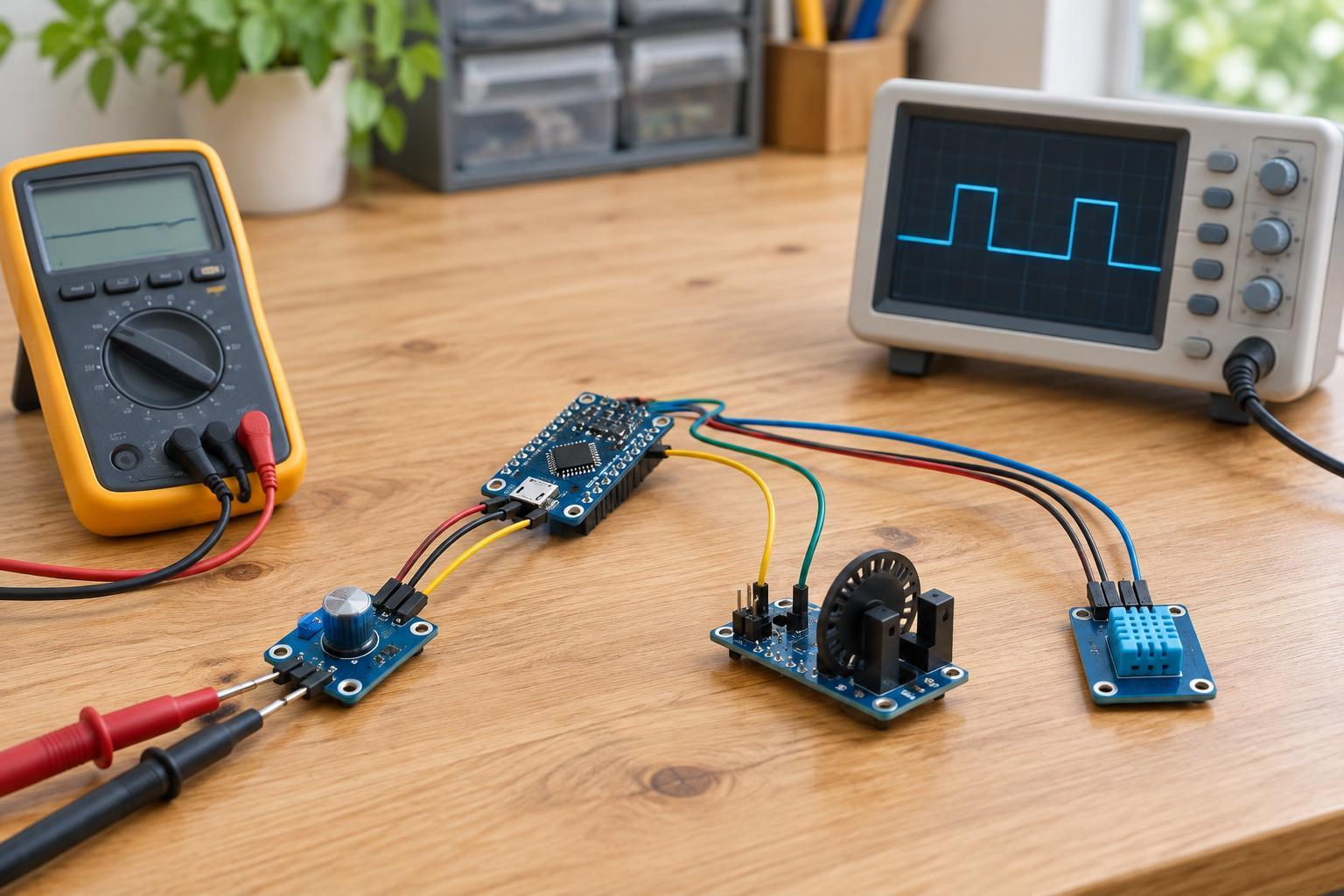
A sensor detects a physical condition, such as light, temperature, position, or motion. Its output is the electrical signal that lets another device use that information. Two sensors measuring the same thing can have very different outputs. One might change its voltage continuously, another might generate pulses, and a third might send a numerical reading over a communication bus.
“Analog” usually describes an output that varies across a range of values. “Digital” can mean a simple high-or-low signal, a stream of pulses, or structured data sent between devices. These distinctions matter when choosing a microcontroller pin, writing software, and diagnosing an unexpected reading. Before connecting a sensor, identify its supply voltage, ground, output type, and permitted signal levels from its documentation.
Voltage outputs: measure a level
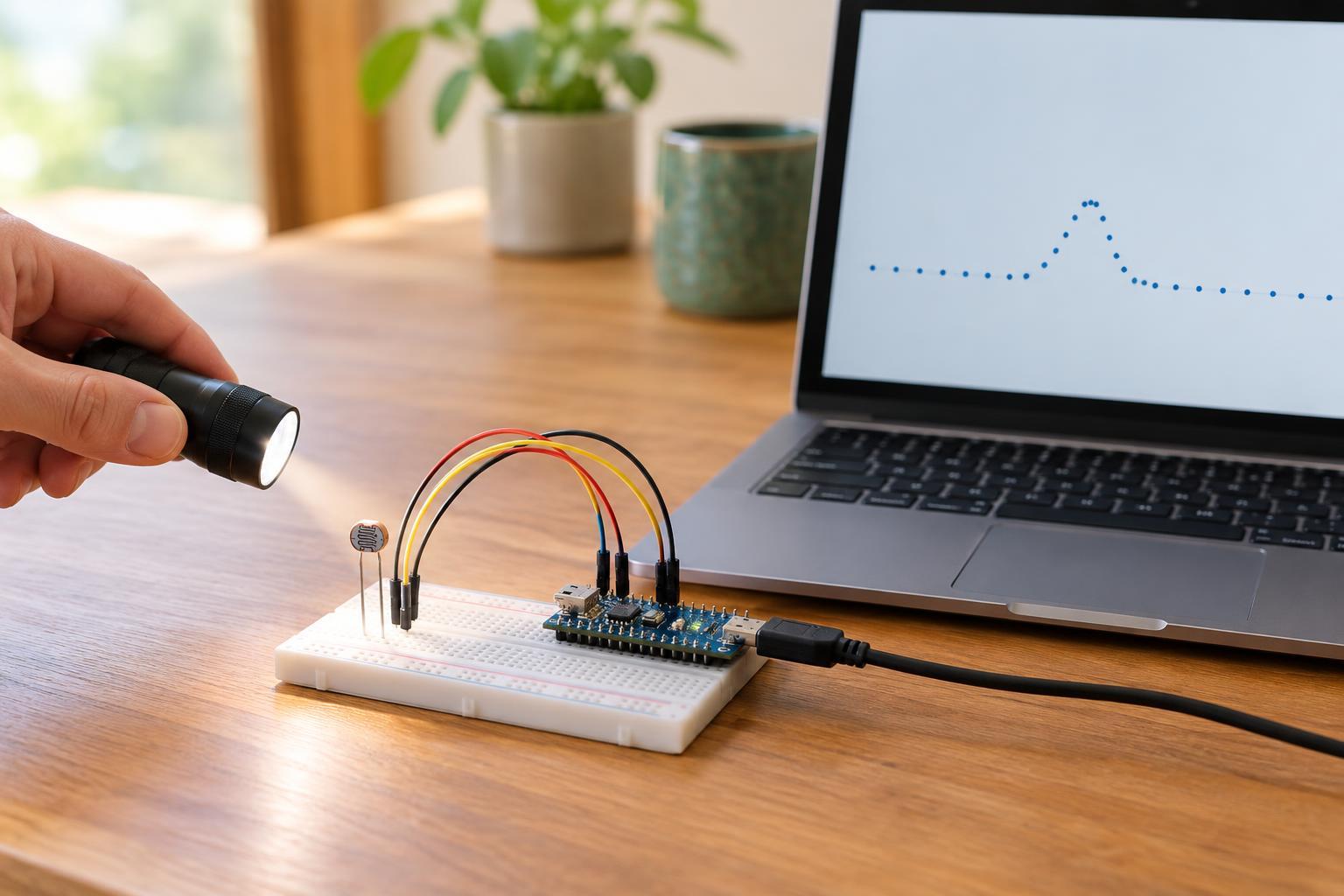
An analog voltage-output sensor changes its output level as the measured condition changes. A microcontroller typically reads that voltage with an analog-to-digital converter, or ADC. The ADC produces a number representing the input voltage relative to its reference. To turn that number into a meaningful measurement, you also need to know the sensor’s relationship between voltage and the physical quantity. That relationship may be linear, curved, or dependent on the supply voltage.
For example, a ratiometric sensor’s output can rise and fall with its supply voltage, even when the measured condition stays the same. Using the same supply as the ADC reference can help in some designs, but it is not a universal fix. Noise, a loose ground connection, or a voltage outside the ADC’s input range can also cause misleading readings. Never assume that a sensor powered from one voltage produces an output safe for a lower-voltage input.
Pulse outputs: count events or measure time
Some sensors communicate through transitions between low and high voltage. Each pulse may represent an event, such as a rotation passing a detector, or the pulse frequency may represent a changing measurement. In other designs, information is encoded in how long a pulse stays high or low. These are digital signals because the receiver detects states and their timing rather than measuring a continuously varying level.
Reading pulses requires the right question: should the controller count edges within a time window, measure time between edges, or measure pulse width? A counter can miss fast pulses if software is busy doing something else; a hardware timer or interrupt may be more suitable. Slow mechanical contacts may produce several transitions from one action, so they can require debouncing. Check the sensor’s output circuit, too: an open-drain output needs a suitable pull-up resistor to produce a high level.
Serial data: receive a message
A serial-output sensor sends readings as bits according to a communication protocol. Common low-voltage interfaces include I²C, SPI, and UART. Rather than estimating a voltage or counting pulses, the controller follows the protocol and interprets the received data. A reading may arrive as several bytes that must be combined, scaled, or checked for status flags before it has a useful meaning.
Serial does not automatically mean plug-and-play. The controller and sensor must agree on the interface settings and signal levels. I²C devices need appropriate pull-ups and compatible addresses; SPI connections need the correct clock settings and chip-select wiring; UART devices need matching communication settings. Even when data arrives reliably, software still has to interpret units and byte order correctly. A sensor may also process its measurements internally, so its digital output is not necessarily a more direct view of the physical condition than an analog voltage.
Choose and troubleshoot within safe limits
Choose an output type that fits the job and the inputs available. Voltage outputs can be convenient when an ADC is available and you want to observe gradual changes. Pulses suit event counting and timing. Serial data can simplify access to measurements that the sensor has already processed, but it adds protocol requirements. No type is inherently best: the useful choice depends on wiring length, timing needs, available pins, and how much interpretation you want the controller to perform.
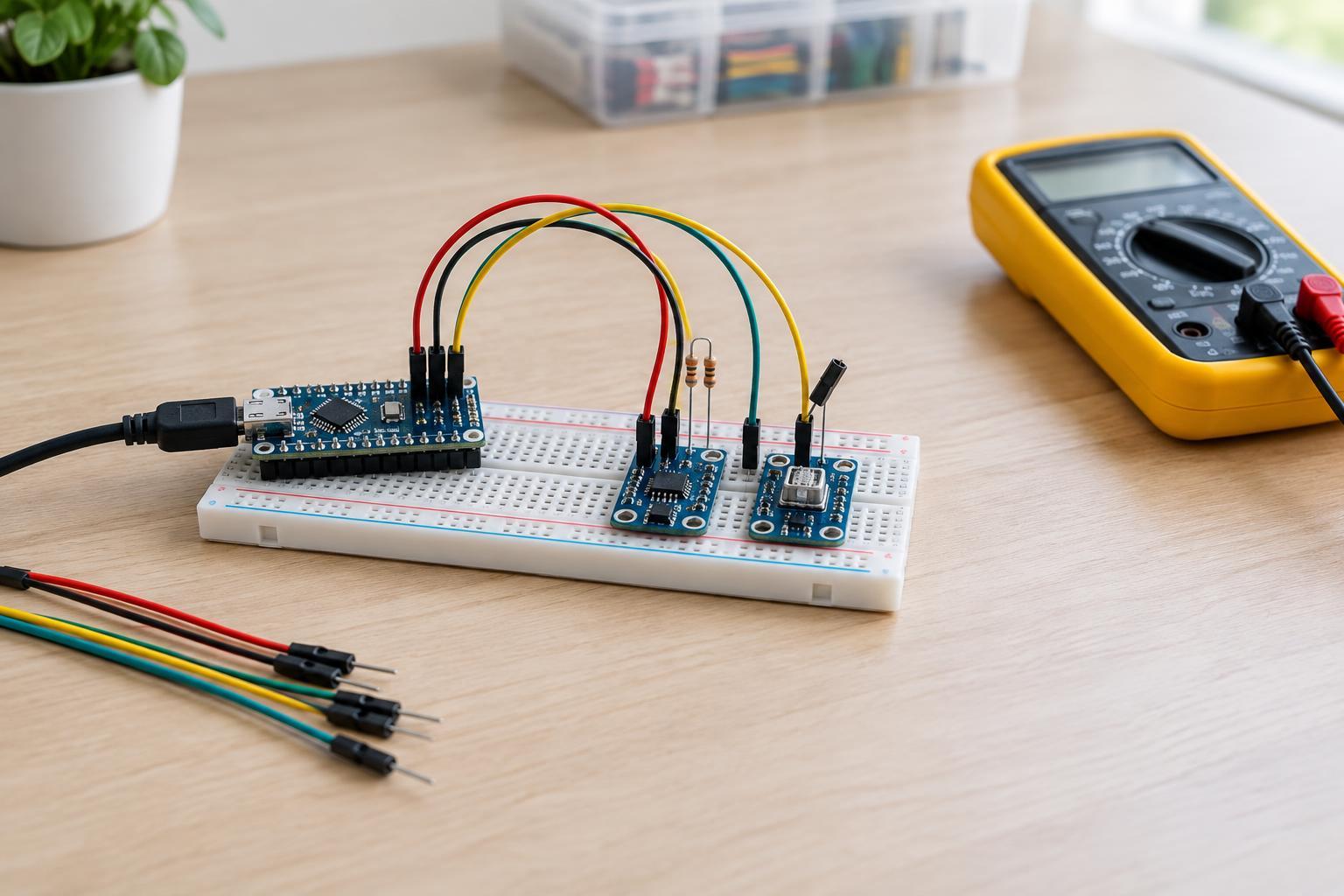
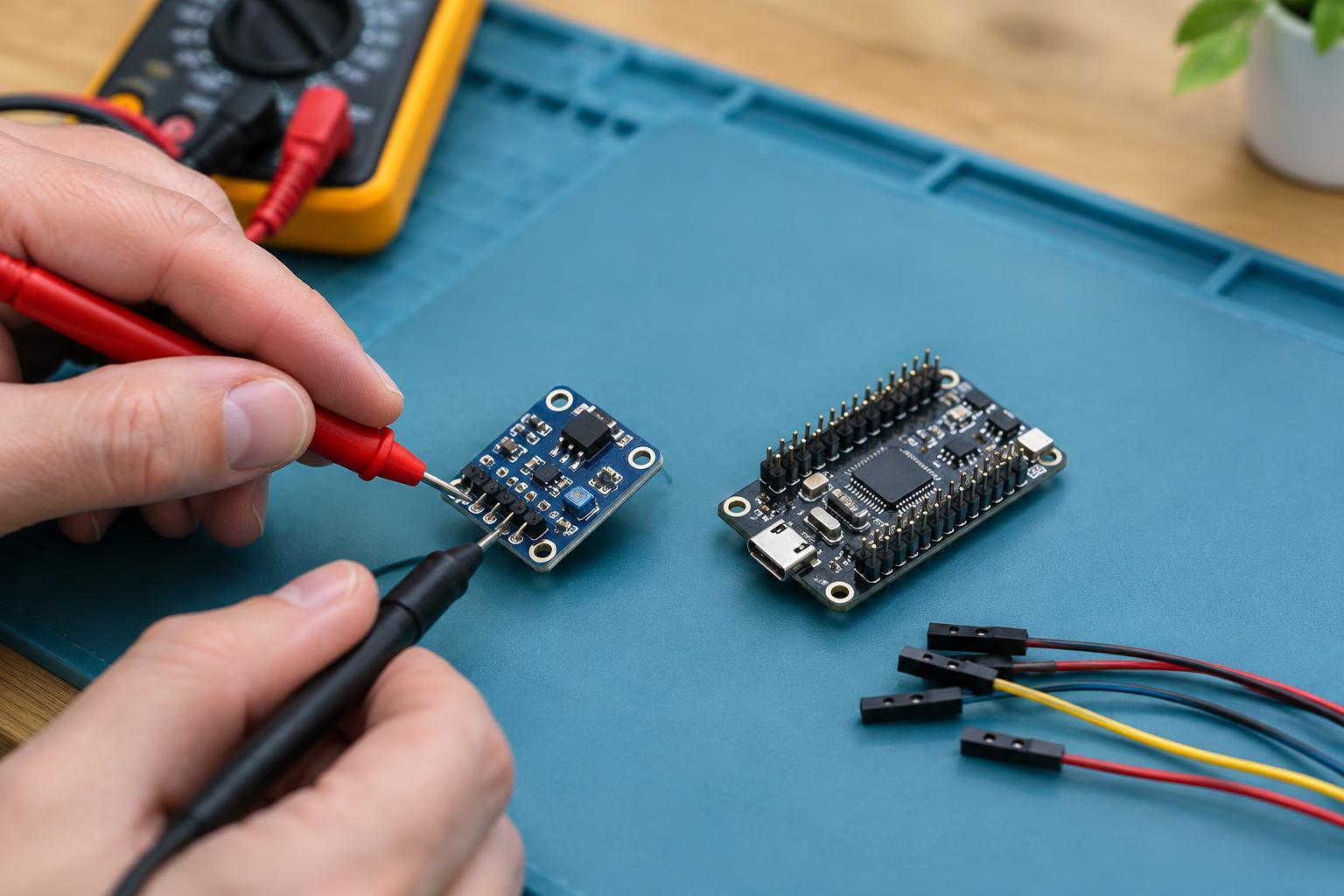
For a low-voltage bench project, begin with power disconnected. Verify the pinout and voltage compatibility, connect a common ground where the interface requires one, then power up and inspect the simplest signal first. For voltage, compare the measured level with the expected range. For pulses, check whether transitions occur and whether their rate changes as expected. For serial data, confirm that the device responds before converting its bytes into a displayed measurement. Stop if a component overheats or the wiring is uncertain. Keep these experiments on properly powered low-voltage circuits; do not connect a maker-board input directly to mains wiring or unknown high-voltage equipment.