Set a safe boundary before you begin
This workflow is for accessible circuits powered only by a small 3–5 V battery supply, such as a simple breadboard project or battery-powered sensor module. It is not a procedure for mains-powered equipment, sealed consumer devices, high-current battery packs, or circuits connected to a charger. If you cannot identify and disconnect every power source, stop rather than probe the circuit.
Remove or switch off the battery before moving wires or components. Work on a dry, nonconductive surface and keep loose metal objects away from the battery terminals. A low voltage can still drive enough current through a short circuit to heat a wire or damage a cell. Do not open, puncture, charge, or attempt to repair a battery. If a cell is swollen, leaking, unusually hot, or visibly damaged, stop using it and follow local guidance for safe disposal.
Inspect: look for simple faults first
With power disconnected, compare the circuit to its diagram or to a photo of its last working arrangement. Trace the positive supply and ground paths separately. Check battery orientation, switch position, connector seating, and whether breadboard jumpers occupy the intended rows. Look for bare wires touching, bent component leads, scorch marks, corrosion, or parts installed backward. LEDs and many sensor modules have polarity markings; use their labels or documentation rather than guessing.
Write down the symptom before changing anything: for example, “the LED never lights” or “the sensor reading changes only when the cable moves.” Also note anything that still works. This gives you a baseline and helps prevent a promising clue from getting lost during repeated adjustments. Do not treat an unlit indicator as proof that the circuit is unpowered.
Isolate: make the problem smaller
Separate the circuit into a few blocks: battery and switch, wiring and connections, controller if present, and output or sensor. Start with the block most closely tied to the symptom. If an LED output does not work but the controller still responds, inspect the LED path before rewiring the entire project. If nothing responds, examine the shared power path first.
Change one thing at a time, then record the result. You might reseat one jumper, substitute one known-good cable, or remove an optional module to see whether the remaining circuit behaves normally. Disconnect power before each change. Avoid swapping several parts at once: even if the circuit starts working, you will not know which change fixed it. When removing a module, check that doing so will not leave loose supply wires able to touch.
Test: choose a measurement that answers a question
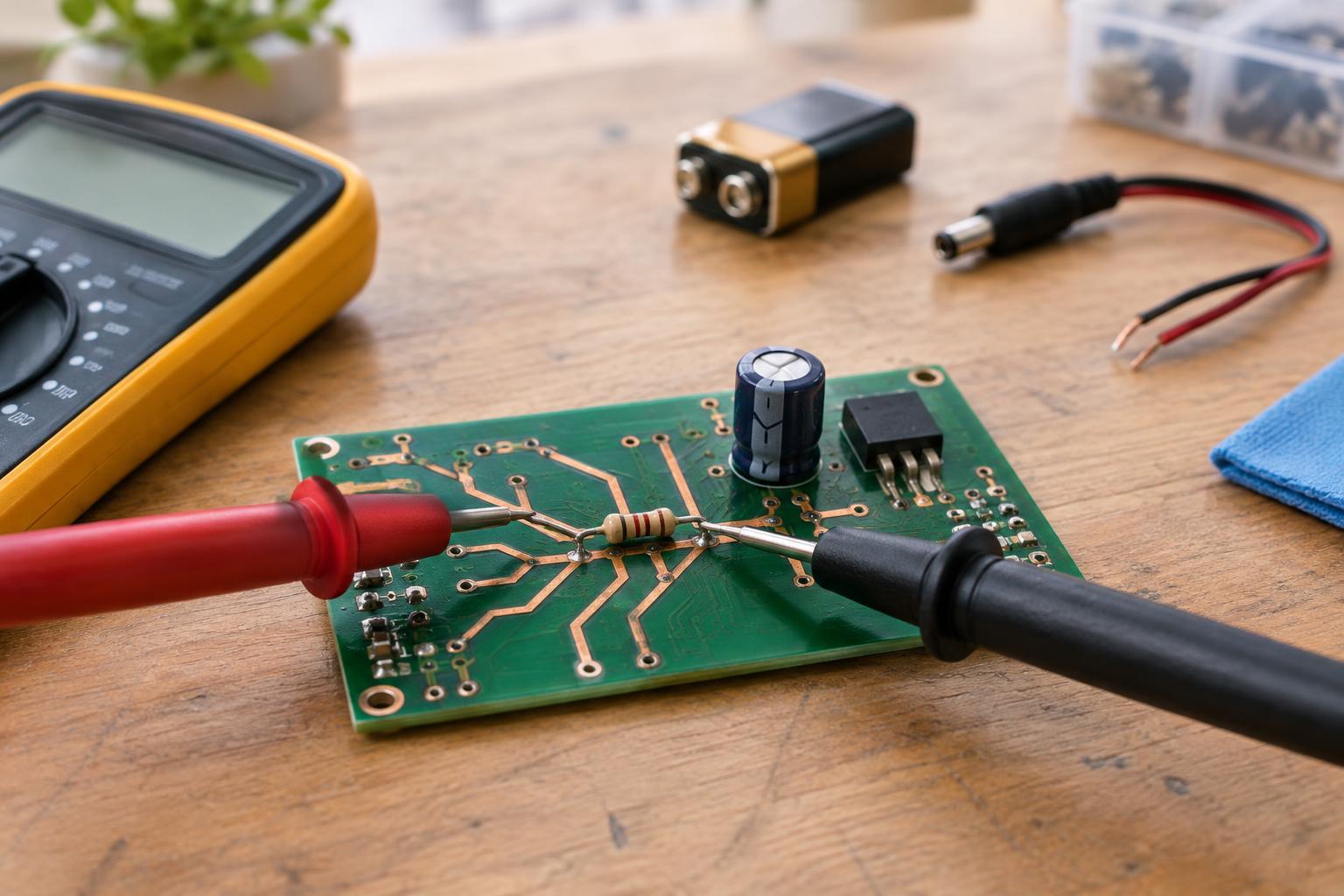
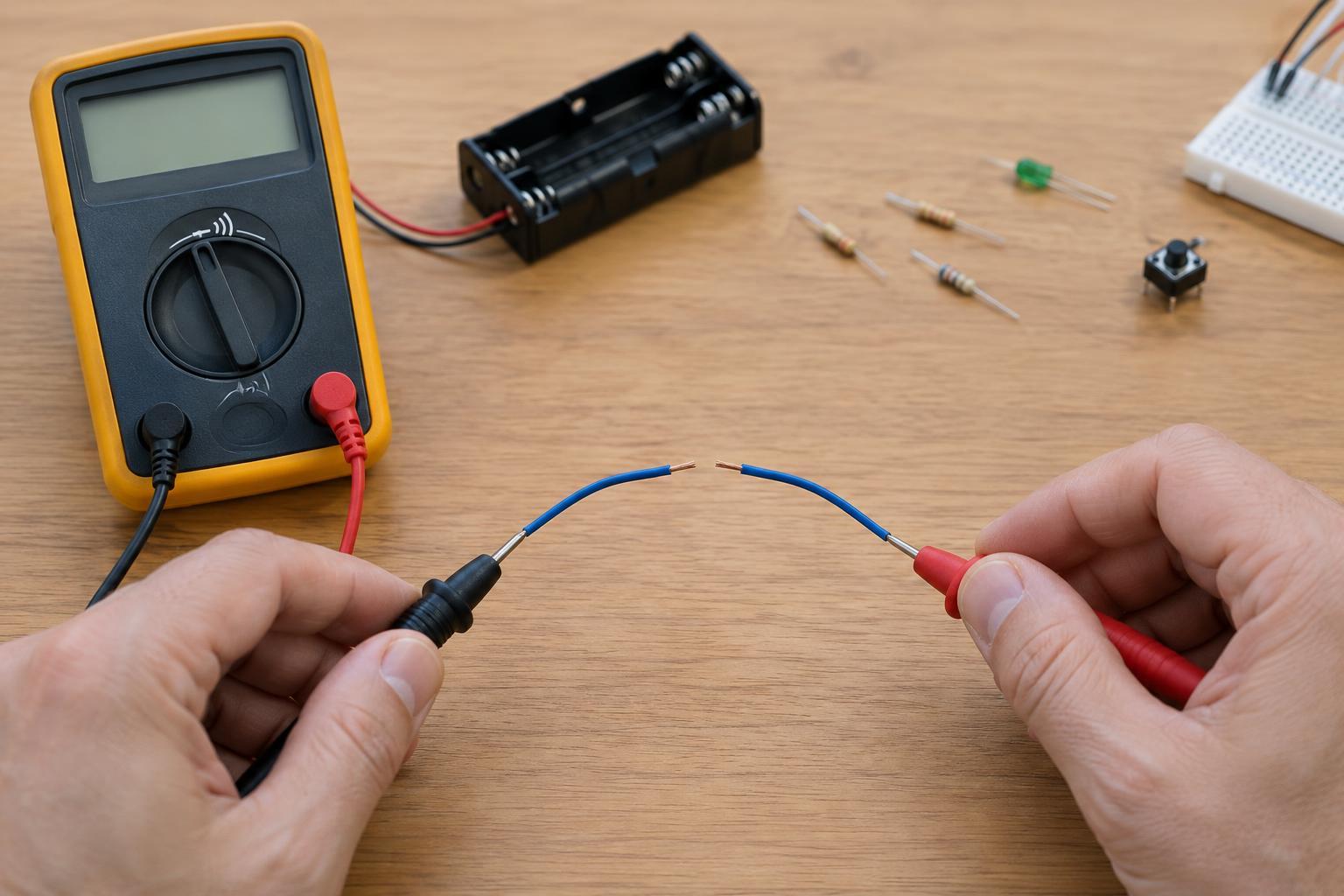
For an unpowered circuit, a multimeter’s continuity setting can help check whether a wire or switch forms the expected connection. Disconnect the battery first, and do not interpret a continuity beep across an assembled board as proof of a short: other components may provide a path. Compare the result with the circuit diagram and, where possible, test a wire or switch separately.
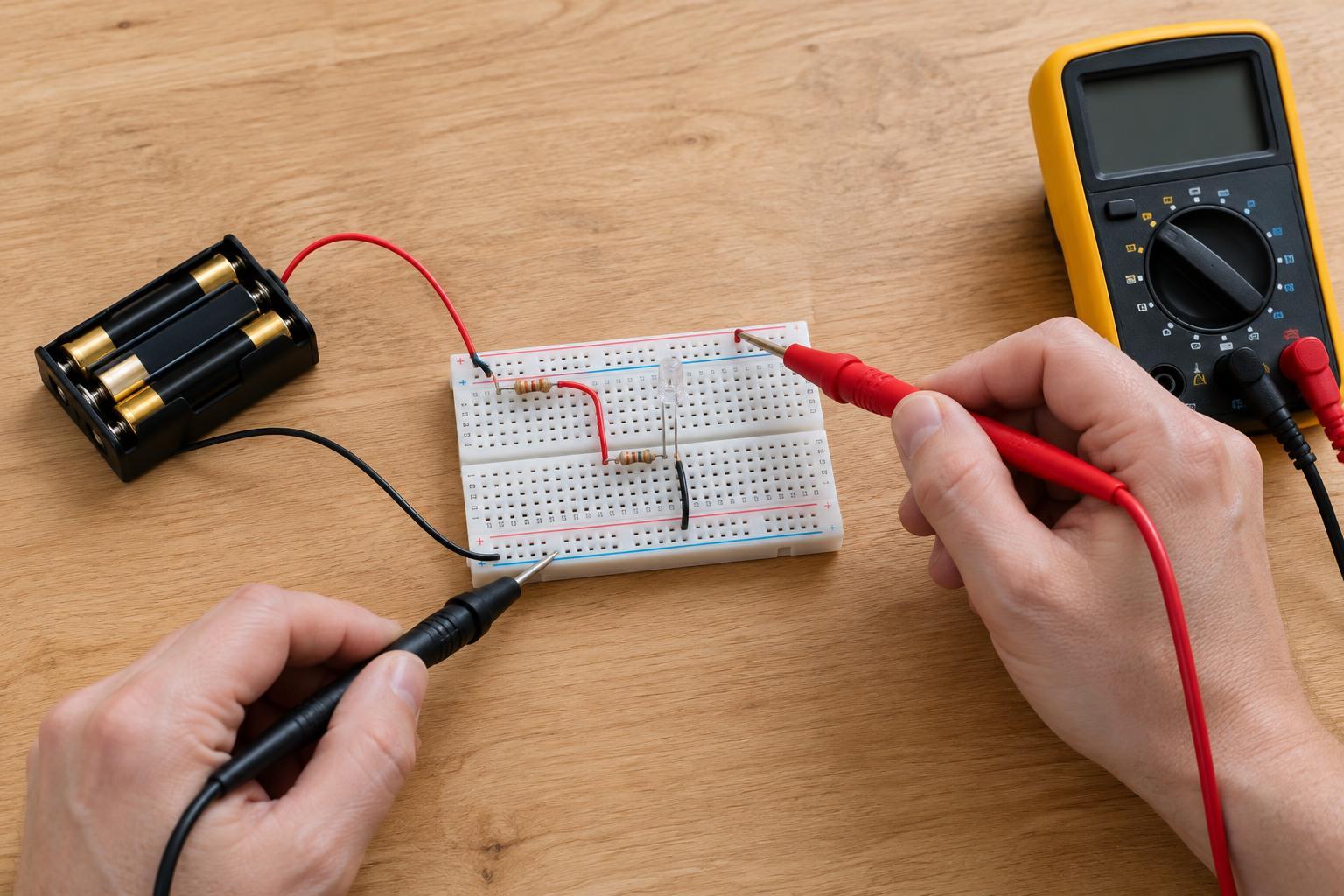
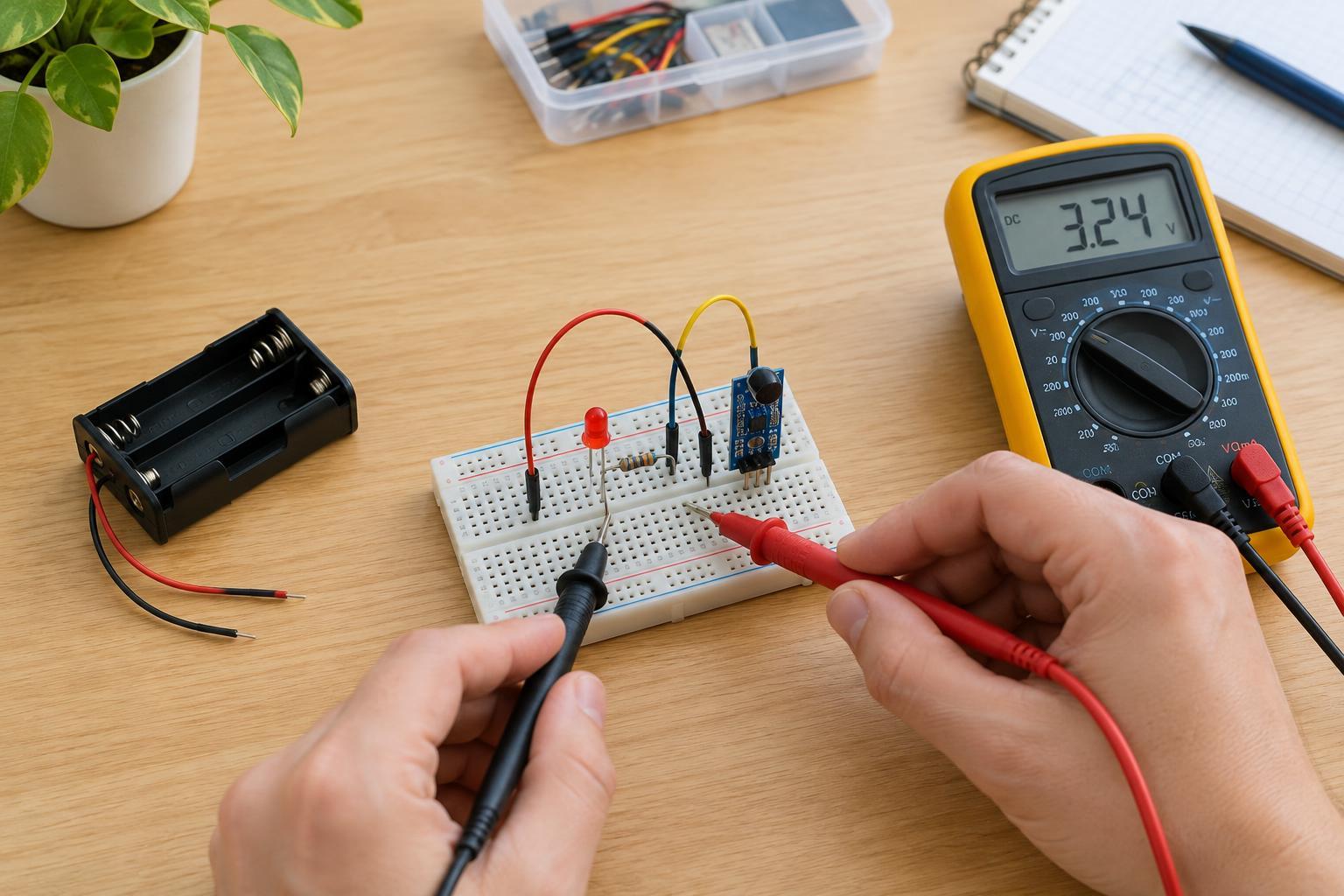
For a powered check, set the meter to DC voltage and confirm that its leads are in the voltage and common sockets. Measure across the battery terminals, then between the circuit’s supply and ground points, without allowing the probe tips to touch each other. A reading at the battery but not at the board suggests a problem along the supply path. A voltage reading alone does not prove a battery can power the circuit under load, but it helps narrow the next check. Turn power off before repositioning parts. Skip current measurements unless you already know how to place the meter in series and choose the correct input and range; putting a meter set to measure current directly across a battery can create a short.
Retest: confirm the fix and leave the circuit safe
After correcting one suspected fault, reconnect power and repeat the same simple check that first showed the problem. Then check any related functions you may have disturbed. If the symptom remains, undo speculative changes where practical and return to the last known configuration. A short log of symptoms, measurements, and changes is more useful than repeatedly rebuilding from memory.
Finish by disconnecting the battery and inspecting for loose leads, warm parts, or wires that could shift into contact. If a component heats unexpectedly, a battery becomes warm, or the circuit behaves unpredictably after a wiring change, disconnect power promptly and investigate only after it has cooled. Troubleshooting is not about forcing a circuit to run; it is a controlled way to learn which connection or block needs attention.