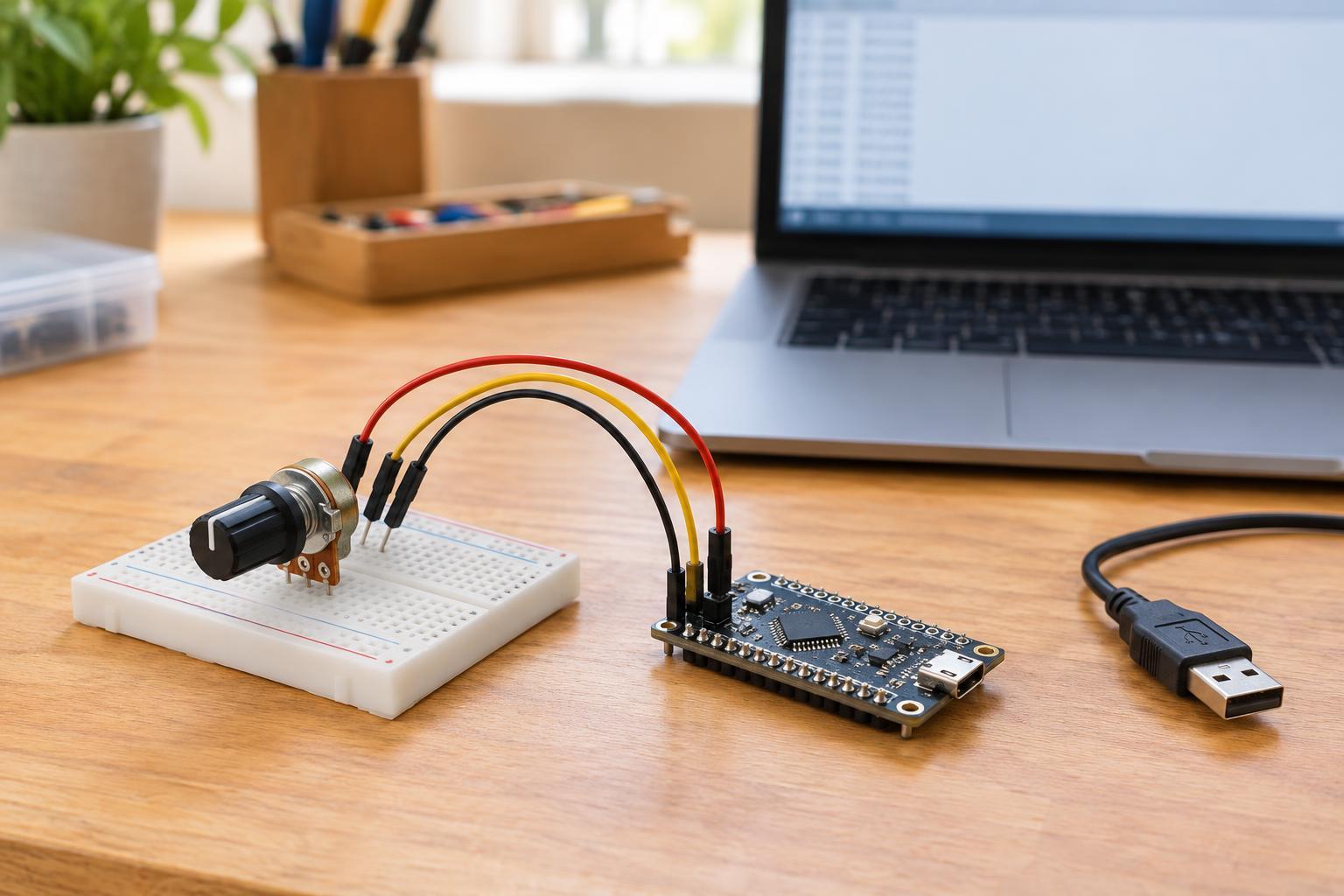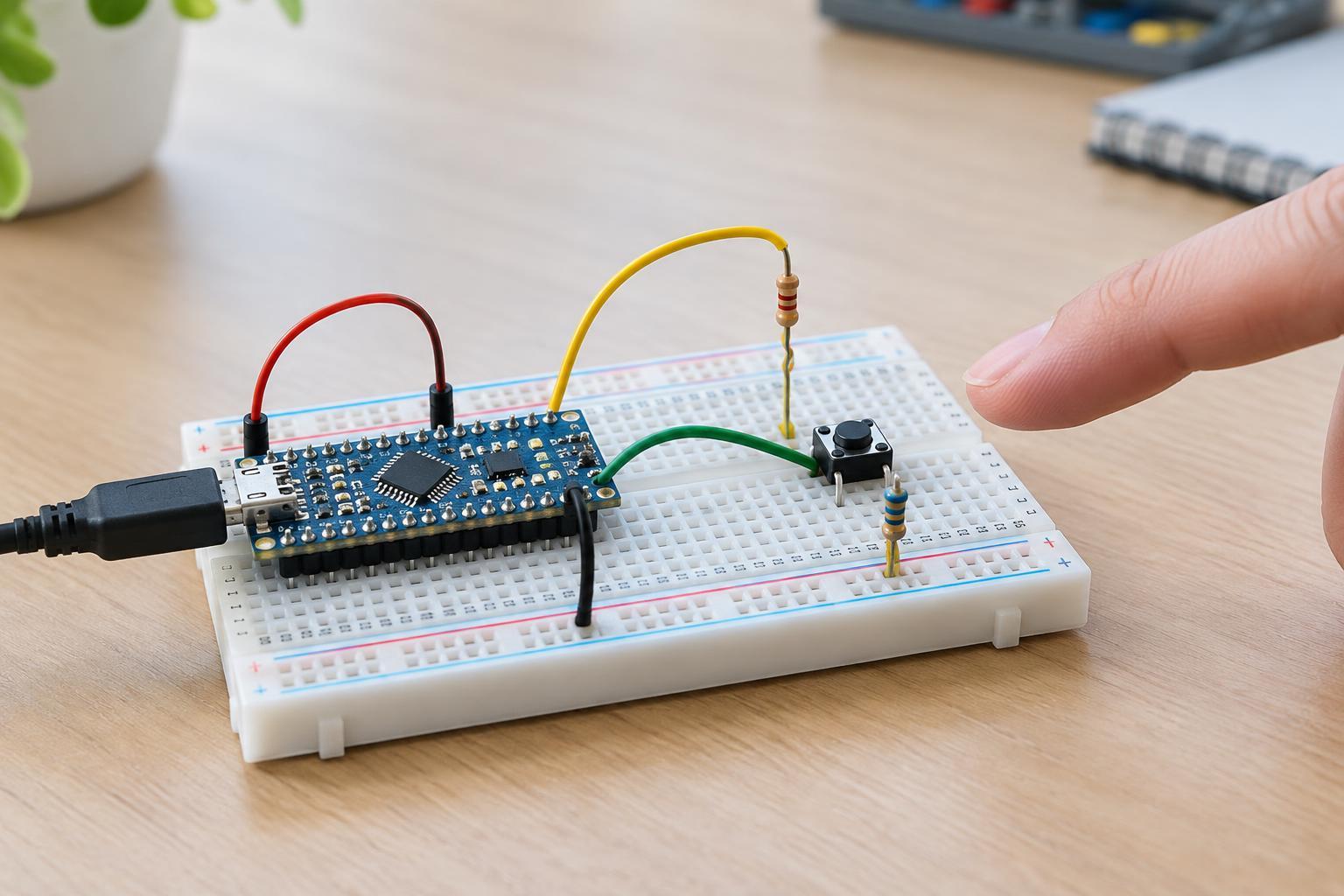
Start with a small, safe test setup
An I2C scanner is useful, but an empty scan does not prove that a sensor is broken. It only shows that the controller did not receive an expected response under the current conditions. This guide is for low-voltage maker circuits powered from an appropriate 3–5 V supply, not for mains-powered equipment or exposed power-supply internals. If a board's pinout or voltage requirements are unclear, find its documentation before connecting it.
Disconnect power before changing wires. For the first test, use one controller and one sensor module, with short connections and no other devices on the bus. If the circuit includes a motor or another load that can disturb the supply, leave it out temporarily. A simple setup makes each observation easier to interpret and reduces the chance that a second fault will hide the first.
Verify power, ground, and the two signal wires
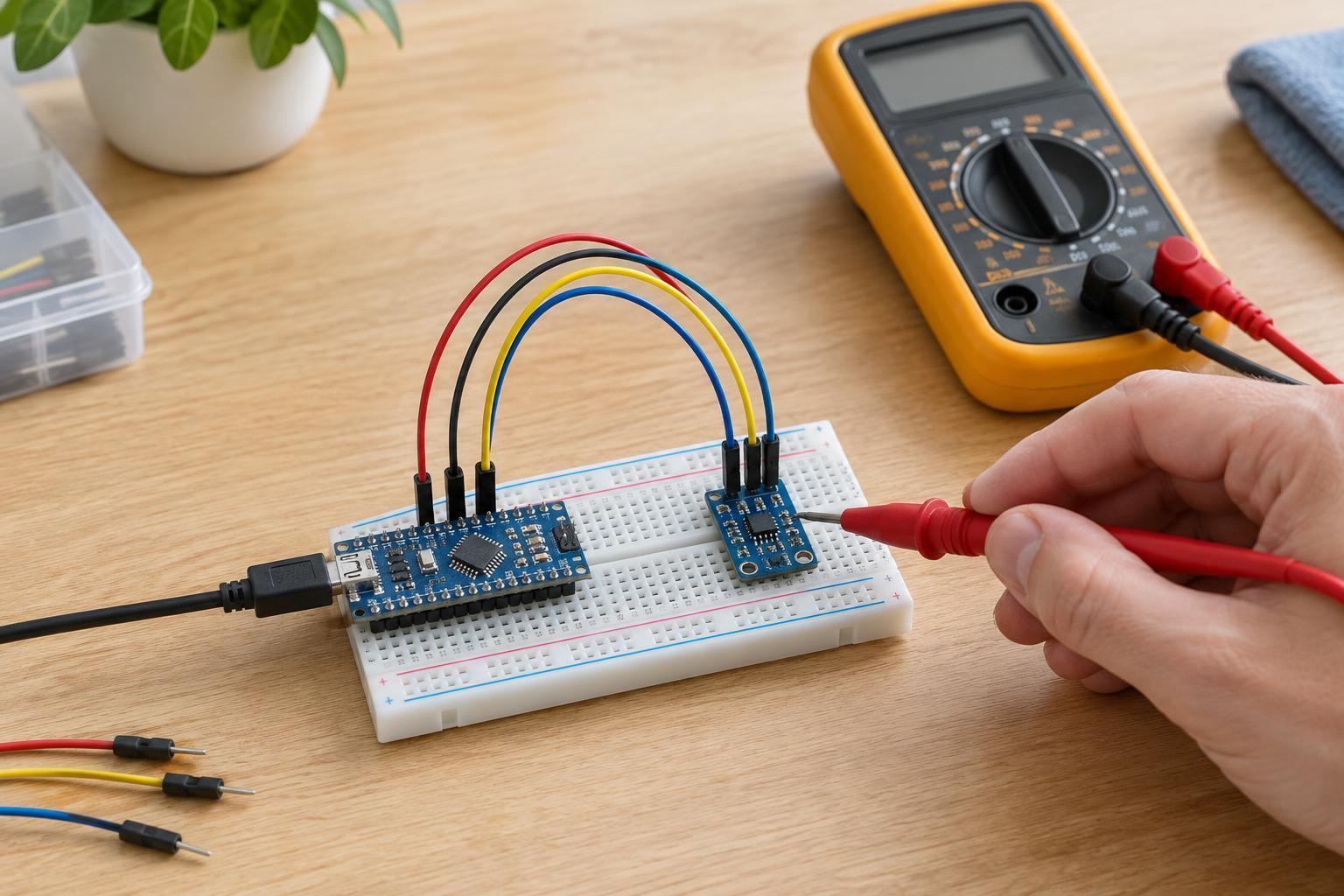
Identify the module's actual supply, ground, SDA, and SCL pins rather than relying on their position on a header. Connect SDA to the controller's SDA pin and SCL to its SCL pin; they are not interchangeable. Check that ground is shared between the controller and module. Some controllers offer several sets of labeled pins or require particular pins for the I2C peripheral, so confirm the pin assignment for the board and software you are using.
With the circuit powered, measure the voltage at the sensor module's supply and ground pins using a meter set to DC voltage. A reading at the source does not guarantee that power reaches the module through a loose breadboard contact or damaged jumper. If the reading is absent or unexpectedly low, turn power off and inspect the power path before investigating software. Keep meter probes from bridging adjacent header pins.
Check voltage compatibility and pull-ups
I2C signal wires normally need pull-up resistors to a suitable logic voltage. Some breakout boards include them; others do not. Too many pull-ups in parallel can also make the bus harder for a device to pull low. Check the controller and module documentation before adding resistors or changing connections. In particular, do not assume a sensor or controller input tolerates 5 V simply because another part of the project runs at 5 V. A module with a regulator may still have signal pins with different voltage limits.
If you have a meter, the idle SDA and SCL lines will commonly read near their pull-up voltage when the bus is powered and nothing is communicating. A line that stays near ground can point to a wiring error, a device holding it low, or another bus fault. A steady voltage reading cannot confirm that data is being exchanged correctly: a meter generally cannot show the individual I2C pulses. Switch power off before removing a device or altering pull-ups, then retest.
Separate address problems from connection problems
Run a basic I2C address scanner configured for the correct controller pins or bus instance. If it finds an address, compare that result with the address expected by the sensor program. Some modules offer an address-select pin, solder jumper, or alternative address setting. Also check whether an example program prints an address in hexadecimal while another setting uses decimal; the same number can look different in those two formats.
An address appearing in a scan is encouraging, but it does not guarantee that the full sensor program will work. The program may expect a different chip variant, initialization sequence, or bus configuration. Conversely, if no address appears, repeatedly changing the address in the application will not fix a missing supply or swapped wires. Return to the physical connections before making more software changes.
Rebuild the circuit one change at a time
If the single-module test works, reconnect other I2C devices one at a time and scan after each addition. Two devices configured for the same fixed address may conflict. Longer wires, poor contacts, or added pull-ups can also change a bus that worked with one short connection. Keep a note of the last arrangement that worked so you can reverse a change without guessing.
If the sensor still does not respond in the minimal setup, try a known-good cable or breadboard row, then recheck the module's exact pinout and required supply voltage. Where available, a known-good compatible module or controller can help isolate which side of the connection is at fault. Avoid replacing parts at random: a recorded sequence of power, wiring, scan, and configuration checks is more useful than an unexplained success after several simultaneous changes.